

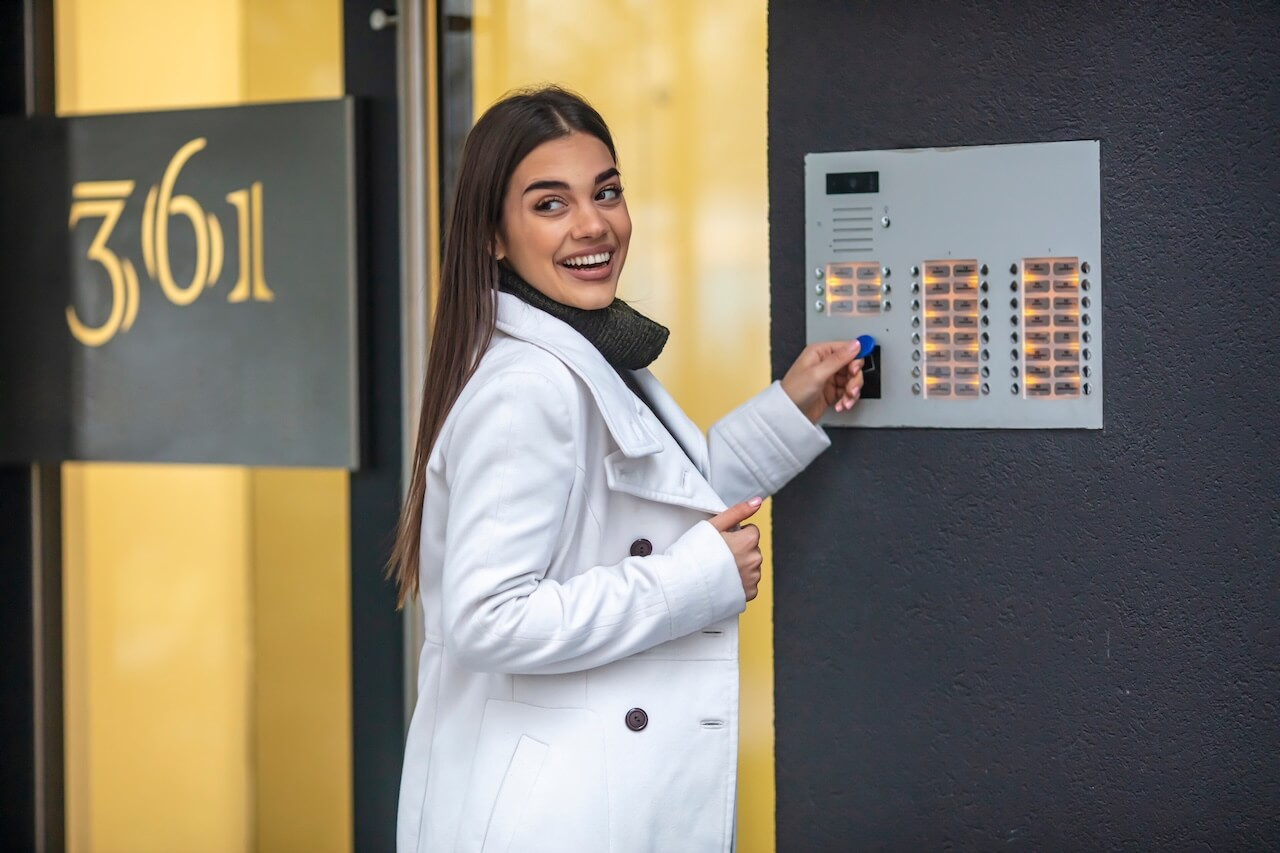
A key fob system for business is an access control setup that replaces keys with programmable fobs, cards, or phone credentials. Installers commonly quote $500 to $1,200 per door for fob or card systems, plus $5 to $10 per fob, with costs rising when doors need new wiring or locks.
Physical keys create the same problems for small businesses again and again. Keys leave with former employees, copies get made without anyone knowing, and every lost key raises the question of whether to call a locksmith. A key fob system for business replaces that guesswork with credentials you can issue, restrict, and revoke from a dashboard.
This guide is written for business owners and office managers securing 1 to 4 doors for teams of roughly 5 to 50 people: law firms, medical and dental practices, agencies, accounting offices, and retail shops. It covers what these systems include, what they cost, how cloud and standalone setups differ, and how to plan an installation. For multi-tenant office towers and corporate campuses, see our guide to commercial key fob door entry systems.
How We Researched This
This guide draws on standard access control buying criteria (door hardware, readers, controllers, credentials, and software), common deployment patterns in small offices, clinics, and retail spaces, and typical installer quoting structures. Cost figures come from published installer and locksmith pricing, cited inline. Actual costs, compatibility, and features vary by property and vendor, so confirm credential formats, integration needs, and offline behavior with an installer before purchasing.
Key Takeaways
- A key fob system is a full access control setup: credentials, readers, a door controller, electrified locks, and management software.
- Published installer pricing for fob or card systems runs $500 to $1,200 per door, plus $5 to $10 per fob. Doors that need new wiring or lock hardware cost more.
- Cloud-managed systems let owners revoke a lost fob remotely and review entry logs. Standalone fob locks cost less upfront but require changes at each door.
- Many small businesses run a hybrid setup: fobs for some staff, phone credentials for others, and PINs for vendors.
- Review electrified locks on exit doors with the local Authority Having Jurisdiction (AHJ) or fire marshal before installation.
Table of Contents
- What Is a Small Business Key Fob System?
- How Much Does a Key Fob System for Business Cost?
- Cloud-Managed vs. Standalone Controllers
- Where Key Fobs Work Best for Small Teams
- Key Fobs vs. Mobile Access vs. Keypads: Choosing the Right Credential
- Door Release Hardware and Life-Safety
- Planning a Small Business Installation: 4-Step Checklist
- Why Choose Swiftlane
- Frequently Asked Questions
What Is a Small Business Key Fob System?
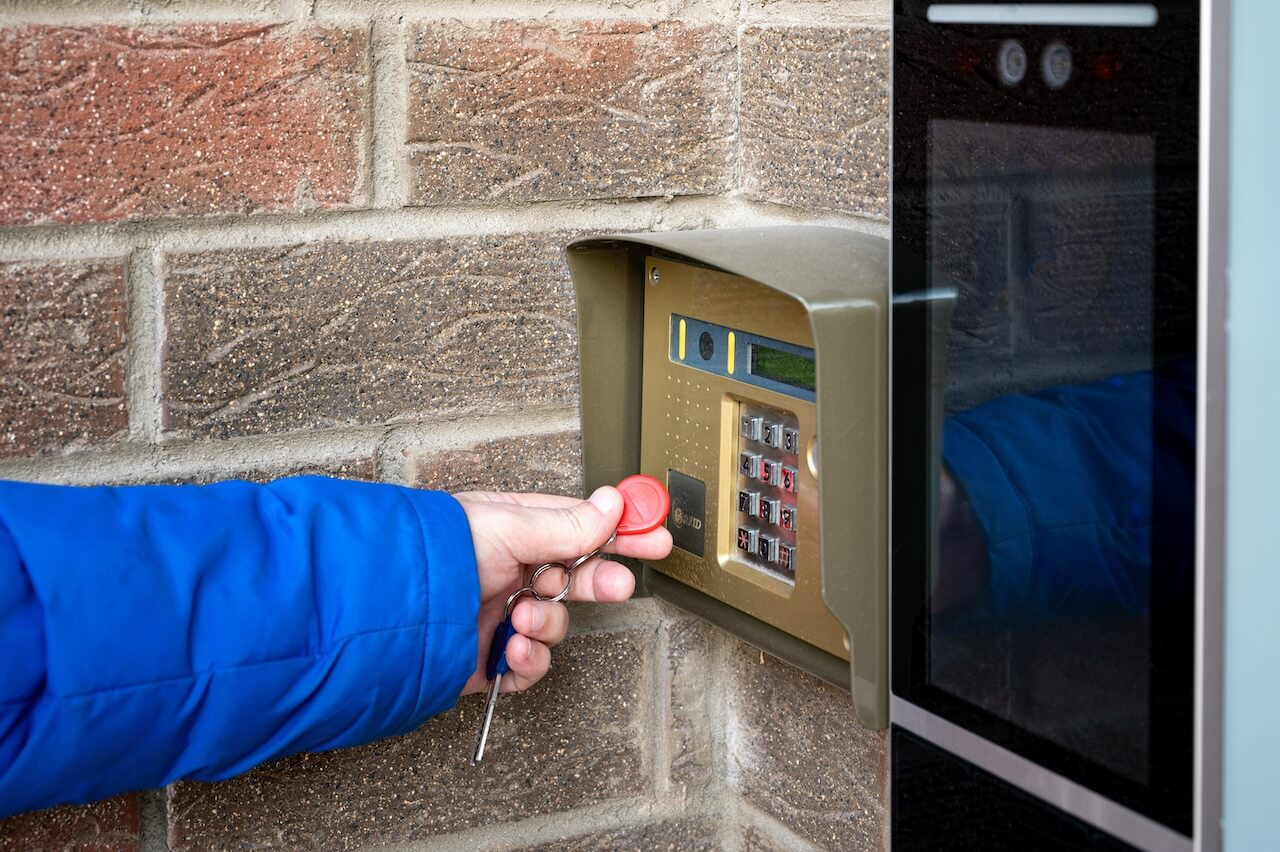
A small business key fob system is an electronic access control setup that replaces keys with programmable credentials at perimeter and suite doors. When an employee presents a fob, the system checks whether that credential is allowed at that door and at that time, then unlocks the door or denies entry.
Every system has five components working together:
- Credentials: Fobs, cards, or phone credentials each user carries.
- Readers: Mounted at the door frame to detect the credential.
- Door controller: Checks each credential against access rules and signals the lock.
- Electrified lock hardware: An electric strike, magnetic lock, or electrified lever that releases on command.
- Management software: Where an owner or office manager adds users, sets schedules, and reviews entry logs.
The access flow is simple: credential presented → controller validates → lock releases → event logged. That log is the key difference from brass keys. Every entry creates a record of who entered, which door, and when.
“Keyless entry” usually refers to the door hardware alone. A key fob system is access control, meaning it also governs who can enter, when, and what gets recorded. For a broader look at how fobs, cards, and keyrings work across building types, see our key fob systems guide.
The cost of staying with brass keys
Physical keys look free until one goes missing. Angi’s locksmith pricing puts a single-lock rekey job at $50 to $130, and a small business job covering 6 to 12 locks at $300 to $800. That bill can come back every time an employee leaves without returning a key. With a fob system, you deactivate a lost or unreturned credential in the dashboard, and the replacement cost is the fob itself.
How Much Does a Key Fob System for Business Cost?
Published installer pricing gives a useful starting range. Ackerman Security puts key fob or access card systems at $500 to $1,200 per door, including hardware and wiring, plus $5 to $10 per fob or card. HRCT, an IT and security integrator, prices its basic tier for small businesses with one or two entry points at about $1,500 to $2,500 per door, and its cloud-managed tier at about $2,000 to $3,000 per door.
The gap between those ranges mostly comes down to two things:
- What’s included in the quote
- Whether each door already has working electrified hardware
Ongoing Software Fees
Recurring costs depend on how the vendor bills. Ackerman reports licensing fees of $30 to $50 per month, while HRCT reports cloud platforms at roughly $15 to $25 per door per month.
A flat monthly fee favors businesses with more doors. Per-door pricing favors a single entrance. Ask every vendor which model applies, and whether software is included in the hardware quote or billed separately.
The five cost drivers:
- Readers: Basic fob readers cost less than multi-technology readers that also accept phone credentials. The extra upfront cost can make a later move to mobile access cheaper.
- Door controller: A compact single-door or 2- to 4-door controller serves most small businesses. Cloud-managed systems do not require an on-site server.
- Electrified lock hardware: Reusing a working electric strike is the cheapest path. Cutting frames for new strikes or fitting magnetic locks on glass doors adds hardware and labor.
- Software: Flat-fee vs. per-door billing, as covered above.
- Installation labor: Cable runs, conduit frame prep, and power supply wiring. Older buildings and finished walls typically cost more to wire.
Small Business Installation Complexity Tiers
| Complexity Tier | Typical Setup | Primary Cost Drivers | Budgeting Guidance |
| Low: Single-Door Retrofit | 1 door with a working electric strike | Reader, controller, software | Lowest cost; no new lock hardware |
| Moderate: Standard Electrification | 1 to 2 doors with mechanical locks | New strikes, cabling, power supply | Labor drives cost; get per-door quotes |
| High: Multi-Door and Glass Storefronts | 3 to 4 doors, including glass | Maglocks, exit sensors, fire alarm tie-in | Highest cost; confirm AHJ requirements first |
Multifamily buildings and systems integrated with intercoms and video usually cost more than these small-business ranges. For a full breakdown of long-term ownership costs, including fob replacement and staff time, see our key fob entry system cost guide. To model a specific door count, try Swiftlane’s Estimate Generator.
Cloud-Managed vs. Standalone Controllers
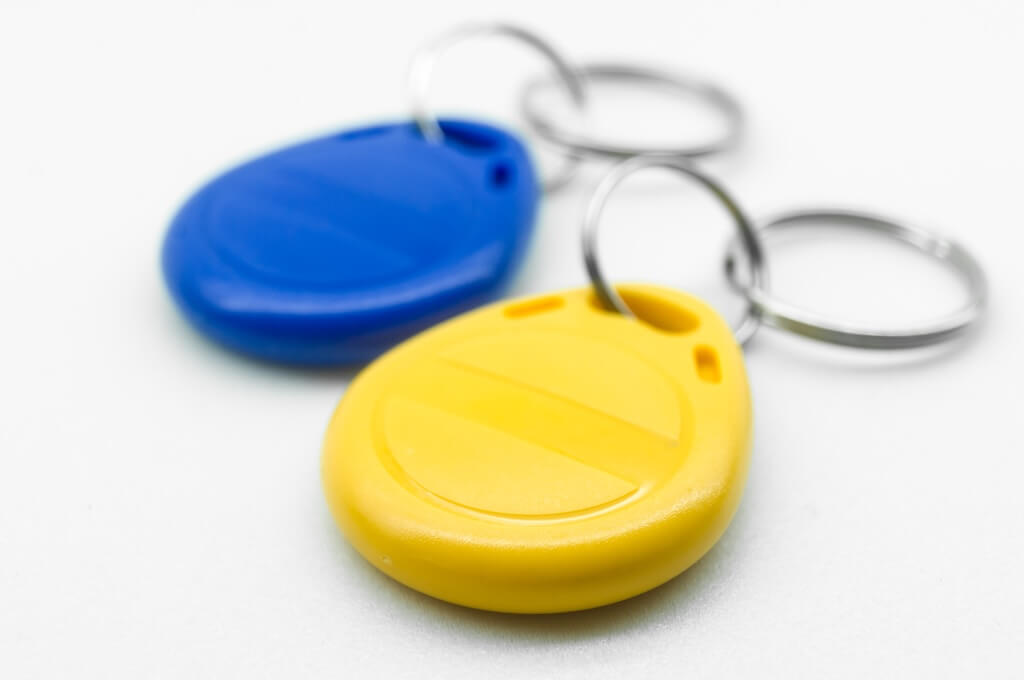
Small businesses usually choose between three setups. The right one depends on how often staff changes and how many people manage access.
Standalone Fob Locks
Credentials are stored in the lock or reader and programmed at the door, usually with a master fob or keypad. There’s no network connection.
- Pros: Lowest upfront cost and simple to install
- Cons: A lost fob can’t be revoked remotely, and there’s no real-time entry log. Every change means walking to each door, which gets tedious past a handful of employees.
On-Premises Systems
Access rules and logs live on a local server or controller. These systems work without internet but need on-site management, manual software updates, and someone who knows how to run them. They’re harder to justify for 1-4 doors.
Cloud-Managed Systems
Access rules and logs sit on a hosted platform, managed from a web dashboard or mobile app.
- Instant revocation: Deactivate a lost fob from anywhere, in seconds, at every door.
- Entry logs: Review who entered, which door, and when, without being on-site.
- Scheduling: Set business-hours unlock schedules and after-hours access by role.
- Delegated admin: An office manager can handle day-to-day changes without IT involvement.
Most cloud controllers also store access rules locally, so authorized credentials typically keep working during a temporary internet outage. Confirm offline behavior with any vendor before buying.
For most small businesses, cloud-managed is the default recommendation. Remote revocation alone covers the biggest risk in any key or fob system: credentials that stay active after someone leaves.
Where Key Fobs Work Best for Small Teams
1. Professional Offices and Suites (Law, Accounting, Agencies)
- Scheduled unlock: Keep the front door unlocked for clients during business hours and automatically lock it after close.
- After-hours access: Grant staff evening or weekend entry by role, with every entry logged.
- Clean offboarding: When someone leaves, their fob stops working immediately, with no locksmith call.
Businesses leasing a suite in a larger building may also need to coordinate with the landlord’s system. For the property manager side of office access, see our guide to key fob systems for offices.
2. Medical, Dental, and Healthcare Practices
- Restricted rooms: Limit server closets and rooms housing patient data systems to authorized staff.
- Audit trail: Entry logs show who accessed restricted areas and when.
- Compliance support: The HIPAA Security Rule’s facility access controls standard (45 CFR 164.310(a)(1)) calls for policies that limit physical access to electronic information systems and the facilities housing them. An access control system can support those safeguards, but compliance depends on the practice’s overall policies and procedures.
3. Retail Shops and Service Businesses
- Back-of-house control: Restrict stockrooms, cash offices, and back doors to managers or specific roles.
- Vendor windows: Give cleaning crews and suppliers access only during scheduled hours.
- Temporary credentials: Issue PINs or time-limited fobs for seasonal staff, then let them expire automatically.
Key Fobs vs. Mobile Access vs. Keypads: Choosing the Right Credential
Most modern readers accept more than one credential type, so this choice is about the team, not the technology.
Small Business Credential Comparison
| Credential | Security Level | Admin Burden | Best For | Key Limitation |
| Smart fob (13.56 MHz) | High when configured with modern encryption | Low | Daily staff, clinic teams | Replacement cost when lost |
| Mobile credential | High; protected by phone-level authentication | Low | Office staff, hybrid teams | Needs a charged phone with Bluetooth on |
| PIN code | Moderate | Minimal | Couriers, cleaners, temporary visitors | Codes can be shared |
| Legacy prox fob (125 kHz) | Low; typically unencrypted | Moderate | Existing legacy readers only | Easily copied with cheap duplicators |
For a deeper look at fob frequencies and cloning risk, see our guide to RFID key fob systems.
When fobs are the better choice
- Staff don’t carry smartphones on the job, or prefer not to install work apps on personal phones.
- Turnover is high, and you need a fast, simple credential to issue and collect.
- A credential that works when a phone battery dies matters.
When mobile access is the better choice
- The team is desk-based and always has a phone on hand.
- The goal is to stop buying and tracking physical fobs.
- Remote unlock is needed, for example, to let in a delivery without being on site.
When a PIN makes sense
PINs suit short-term access for couriers, cleaning crews, and contractors. Cloud systems can assign each person a unique, time-limited code, which limits the risk of sharing.
The hybrid approach
Many small businesses combine all three: fobs for some staff, phone credentials for others, and PINs for vendors. With a multi-technology reader, everything runs through the same dashboard, and a forgotten fob or dead phone doesn’t mean a lockout. For a property manager’s view of the same tradeoff, see our key fob vs. mobile access comparison.
Door Release Hardware and Life-Safety
Review any electrified lock on an exit door with the local Authority Having Jurisdiction (AHJ) or fire marshal before installation. Local code adoptions and amendments govern every project, so requirements can differ from the model codes described here.
The strictest requirements apply when a lock releases when it detects someone approaching the door, a setup common with magnetic locks. For these doors, the sensor-release provisions in the International Building Code (IBC) and NFPA 101 Life Safety Code call for:
- An auxiliary push button: Located within 5 feet of the door, marked “PUSH TO EXIT,” and cutting power to the lock directly, independent of other electronics.
- A minimum unlock time: The lock stays released for at least 30 seconds after the button is pressed.
- Automatic release: The lock unlocks on fire alarm or sprinkler activation and on power loss.
Door hardware specialist iDigHardware summarizes these requirements. Doors where the lock releases through door-mounted hardware, such as a lever or panic bar, fall under different provisions.
For a comparison of electric strikes, magnetic locks, and electrified levers, see our guide to door access control. For low-voltage wiring and installation steps, see key fob door lock installation.
Planning a Small Business Installation: 4-Step Checklist
A key fob system isn’t plug-and-play, but for 1 to 4 doors the process is manageable. Here’s how to prepare before an installer arrives.
Step 1: Audit doors and frames
Note each door’s frame type (aluminum storefront, hollow metal, wood, or glass) and whether it already has an electric strike. Frame type determines which lock hardware will work and drives much of the labor cost.
Step 2: Map cable paths and power
Identify where the controller and power supply will live, usually a utility or IT closet, and whether a standard outlet is nearby. Long cable runs or finished walls add time.
Step 3: Confirm network connectivity
Cloud-managed controllers need a network connection, typically a wired or PoE drop. Check with whoever manages the office network before install day.
Step 4: Set up users and schedules
Define access groups (staff, managers, vendors), business-hours unlock schedules, and after-hours rules. Having this ready speeds up handover.
Questions to ask before signing
- Does the system support the credentials needed today, and phone credentials later?
- Can you revoke a lost fob instantly from anywhere?
- Can an office manager handle routine changes without IT?
- Is software included in the quote or billed separately, and is it per door or flat?
- Is there a qualified installer locally, and what does the hardware warranty cover?
- What happens to access data after switching vendors?
After installation
Build a simple process for staff to report lost fobs right away so they can be deactivated. On busy doors, electric strikes and magnetic locks wear over time and may need periodic service. Cloud systems typically update firmware automatically, while on-premises systems need manual updates that are easy to forget.
Why Choose Swiftlane
Swiftlane is built for businesses that want one platform for doors, credentials, and visitors, managed from anywhere.
- Fobs, cards, and existing locks: Swiftlane supports proximity cards, encrypted card formats, and fobs, and works with existing electronic door locks, which can lower the cost of upgrading an already electrified door.
- Remote management: Add a new hire, revoke a lost fob, or unlock a door for a visitor from a browser or phone through the cloud-based dashboard.
- Visitor and vendor PINs: Single-use and scheduled PINs handle deliveries, cleaning crews, and contractors without handing out fobs.
- Video intercom: Verify visitors at the front door with video intercom managed in the same dashboard.
- Room to grow: Swiftlane works for single-building or multi-location deployments, so adding a door or a second office doesn’t mean replacing the system.
- Fob, mobile, or hybrid: Run fobs and phone credentials side by side and move to mobile at whatever pace suits the team.
Ready to Retire the Brass Keys?
A key fob system gives a small business what physical keys can’t: instant revocation, a record of every entry, and access that follows each person’s role. For a single suite door or a few perimeter entrances, the right setup depends on door hardware, team habits, and how much remote control you need.
Explore Swiftlane’s cloud-based access control, estimate project costs with the Estimate Generator, or get a quote for a specific setup.
Frequently Asked Questions
How much does a key fob system for business cost?
Published installer pricing puts key fob or access card systems at $500 to $1,200 per door, plus $5 to $10 per fob. Another integrator prices its small business tier at $1,500 to $2,500 per door. Software adds $30 to $50 per month flat, or $15 to $25 per door monthly.
Can a key fob system use my existing door locks?
Often, yes. If a door already has a working electric strike or electrified lock, a new reader and controller can usually connect to it. Doors with only mechanical locks need electrified hardware installed first. An installer can confirm compatibility during a site visit.
What happens if an employee loses a key fob?
With a cloud-managed system, an administrator deactivates the lost fob from the dashboard, and it stops working at every door immediately. A replacement fob can be issued the same day. Standalone fob locks usually require reprogramming at each door.
Is a key fob or keypad better for a small business?
Fobs are better for daily staff because each credential is tied to one person and every entry is logged. Keypads are simpler, but codes are easy to share. Many small businesses use fobs for employees and unique, time-limited PINs for vendors and visitors.
Do I need a server or IT staff to run a key fob system?
Not with a cloud-managed system. Access rules and logs are hosted online, so there is no on-site server to maintain, and an office manager can handle routine changes from a browser or phone. On-premises systems do require local hardware and ongoing management.
Can I add mobile access to a key fob system later?
Yes, if the readers support it. Multi-technology readers accept fobs, cards, and phone credentials, so a business can start with fobs and add mobile access later without replacing door hardware. Confirm reader compatibility before buying.
Have Questions?
Get in touch with our team to learn more about what Swiftlane can do for you.


