
Transform Your Property with Smart Locks
Swiftlane delivers seamless, building-wide keyless access—from the lobby to each unit. One app integrates video intercoms, keycards, garage entry, elevators, and smart locks. Enhance security, cut costs, and improve tenant retention.
- One app for all access points
- 24/7 remote unlock capabilities
- Cloud-based, real-time management
- Unmatched convenience for residents and staff
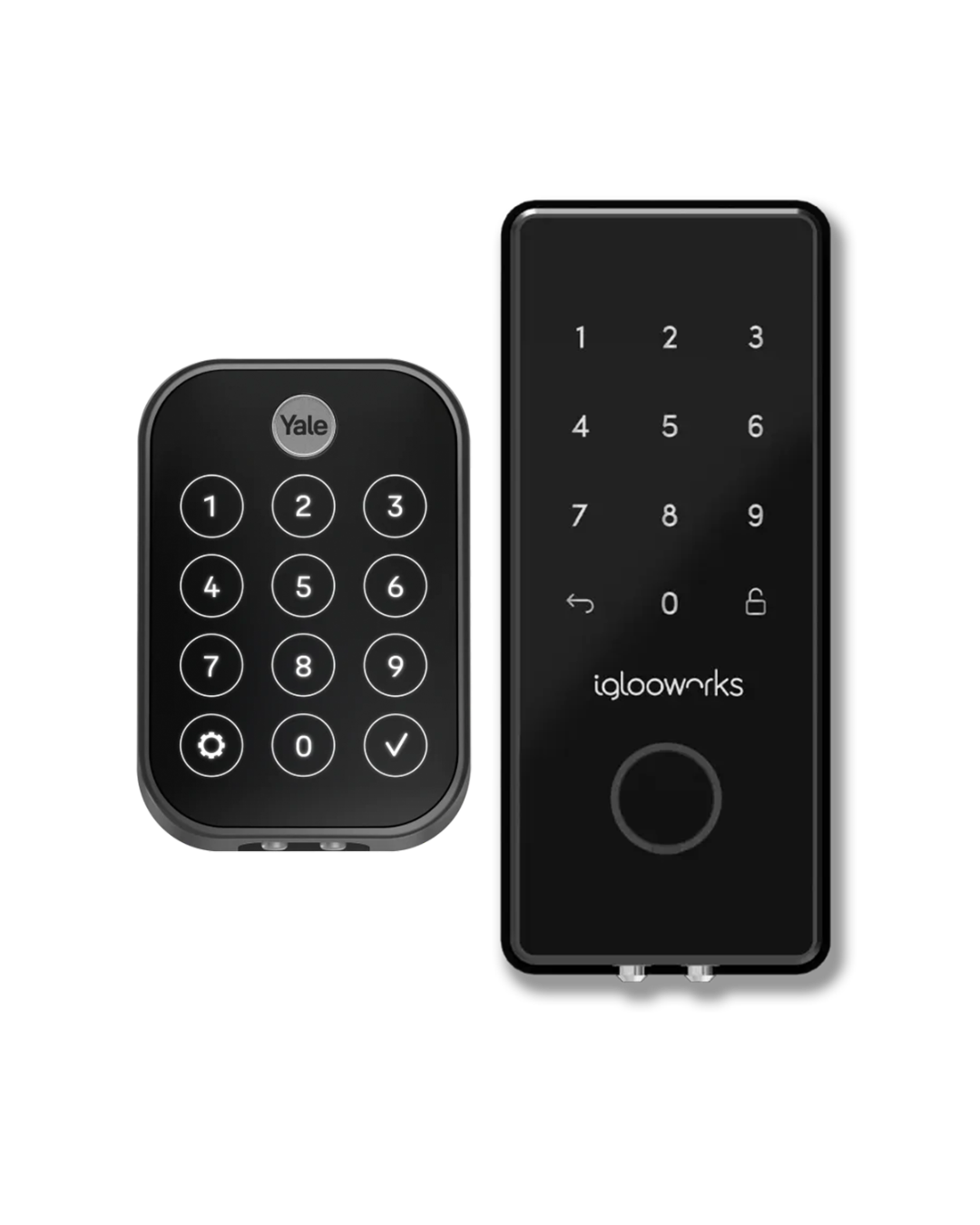
Yale– Our Partner in Wi-Fi Smart Locks
Trusted Yale hardware meets Swiftlane’s cloud-based control for a seamless locking experience. Great for properties that already have managed Wifi.
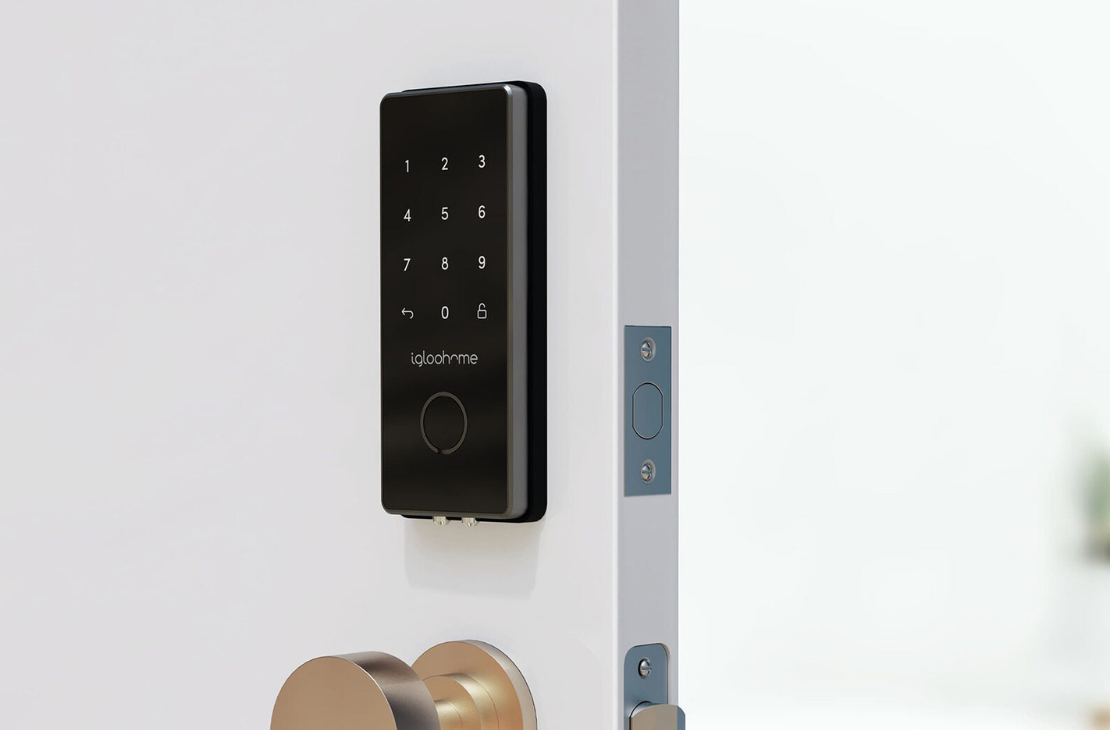
Igloo Home– Our Partner for Bluetooth Smart Locks
Ideal for buildings without managed Wi-Fi. Continuous lock updates are maintained via bluetooth connectivity.
Types of Door Locks We Support
Mortise
Deadbolt
Lever
Interconnected
One Smart Lock System. Every Feature Your Property Needs.
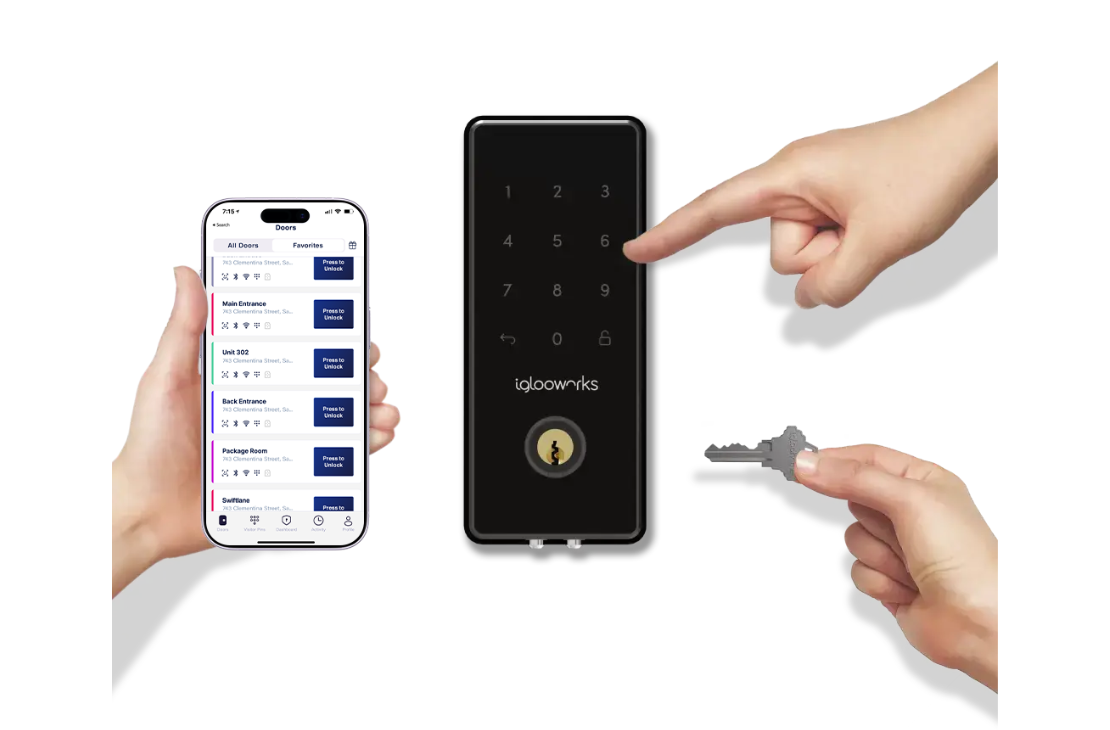
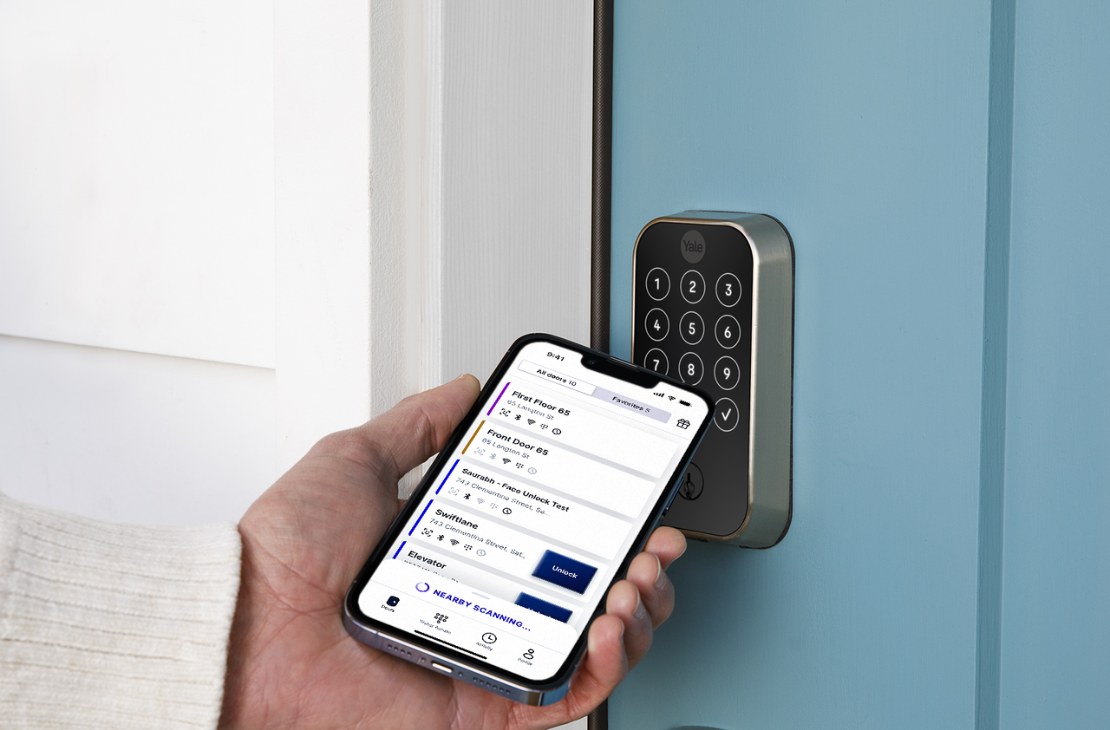
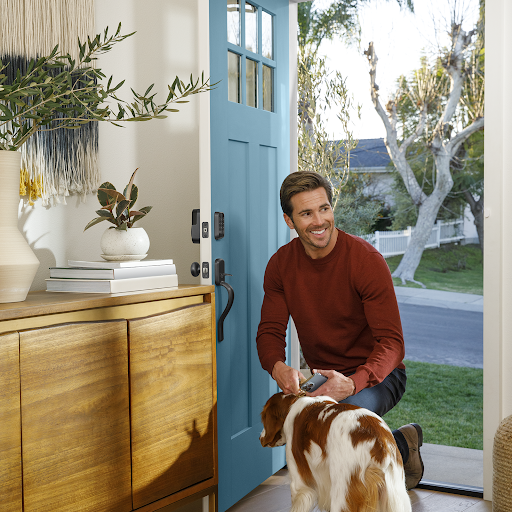
Say goodbye to misplaced keys. Smart locks let residents unlock doors via mobile app or PIN, ensuring stress-free unit access every time.
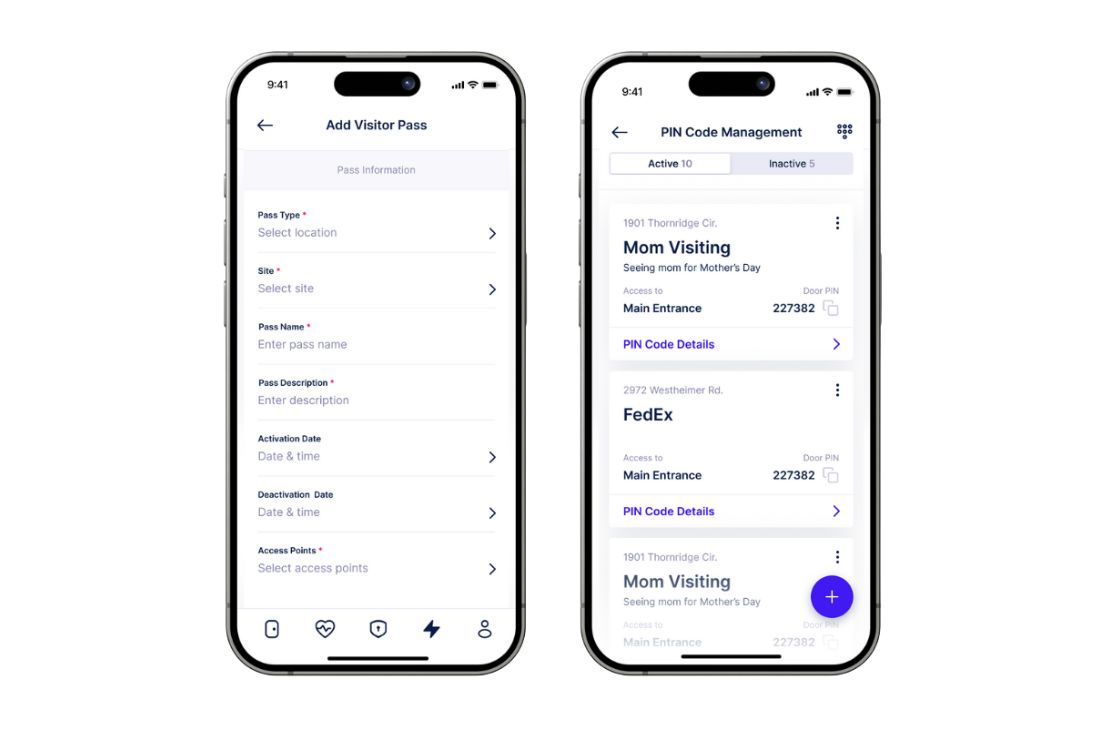
- No worrying about lost keys—just use your phone or PIN
- Share visitor codes to let in deliveries or guests when you're not home
- Receive alerts and stay updated on lock status
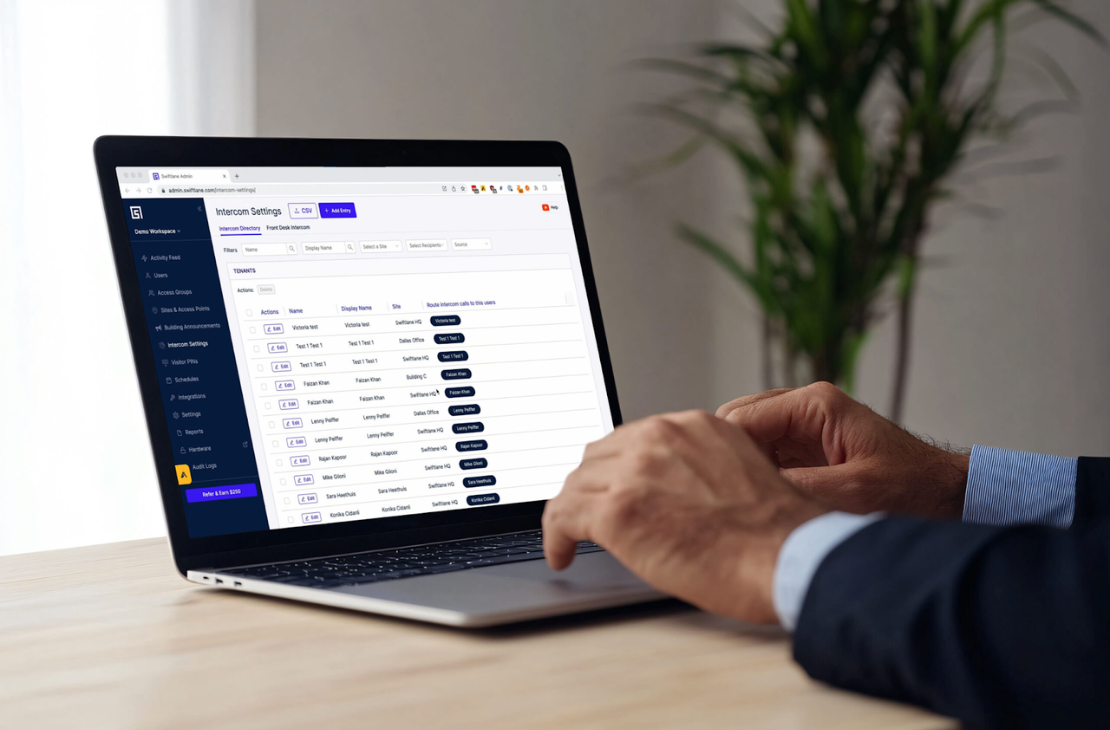
Smart Locks empower property managers with real-time updates and remote management capabilities— grant or revoke permissions instantly without scheduling messy rekeying arrangements or having to be onsite.
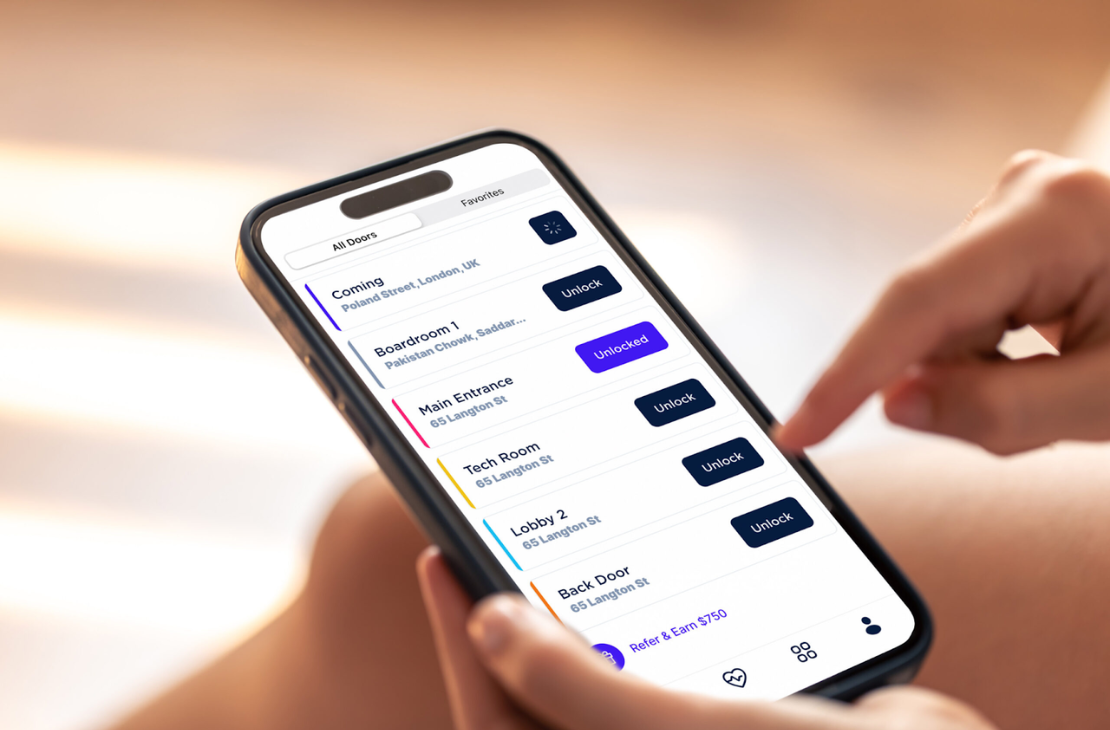
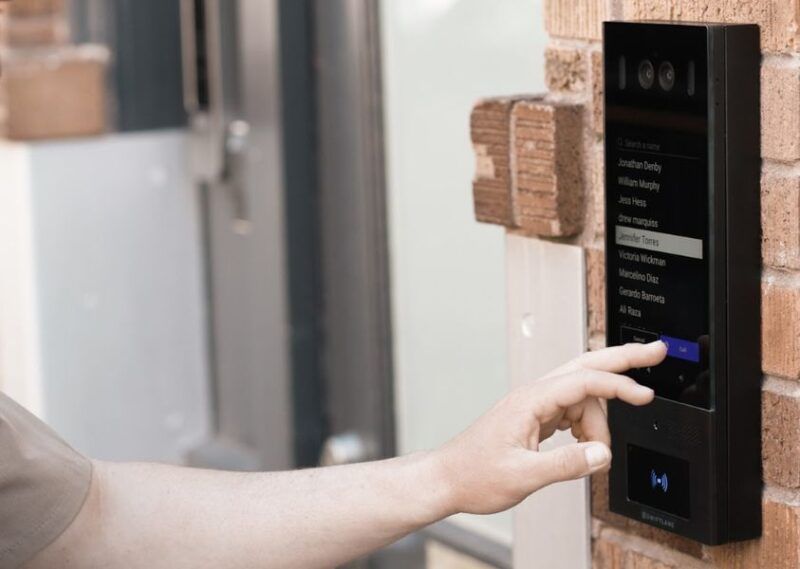
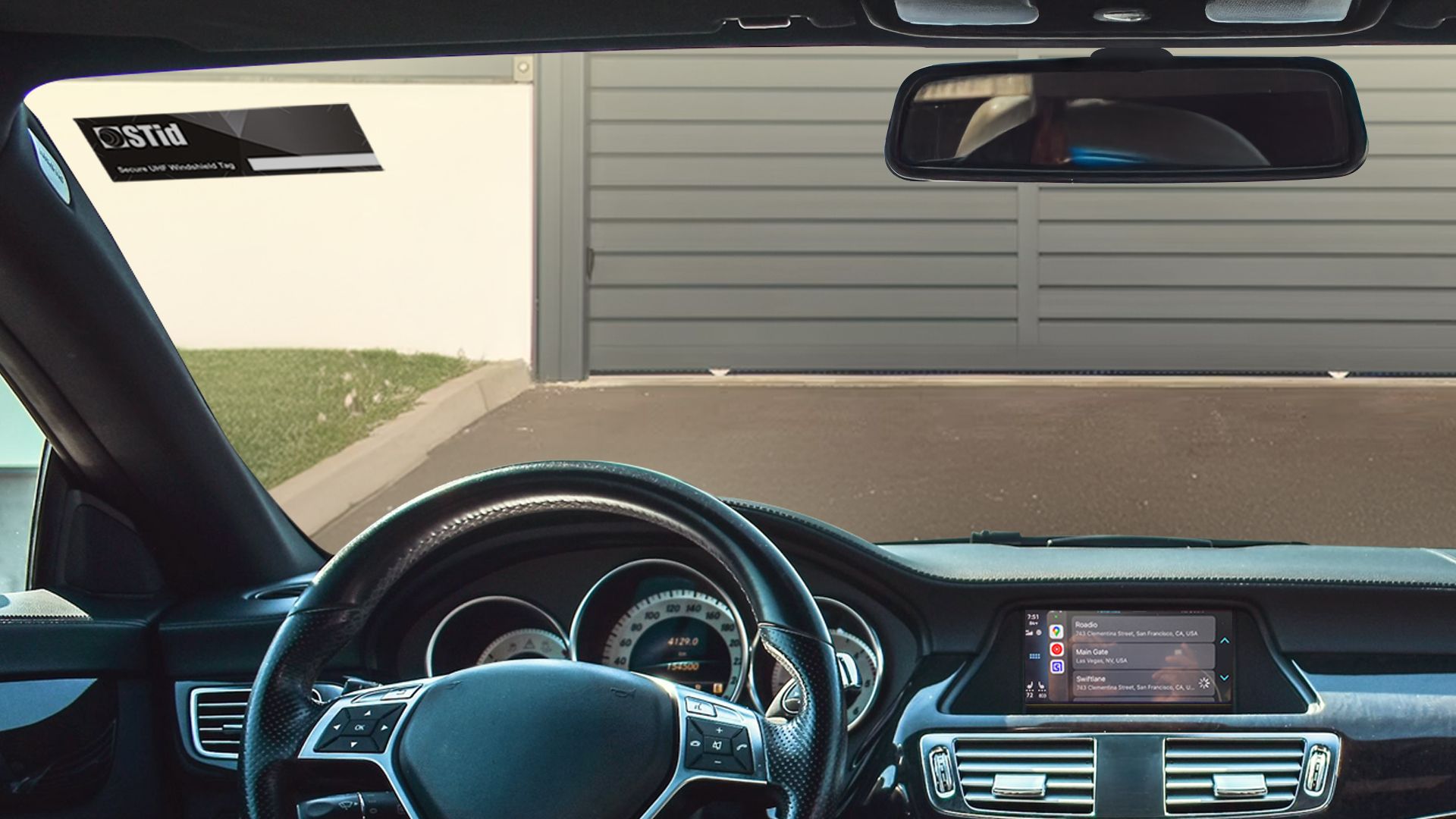
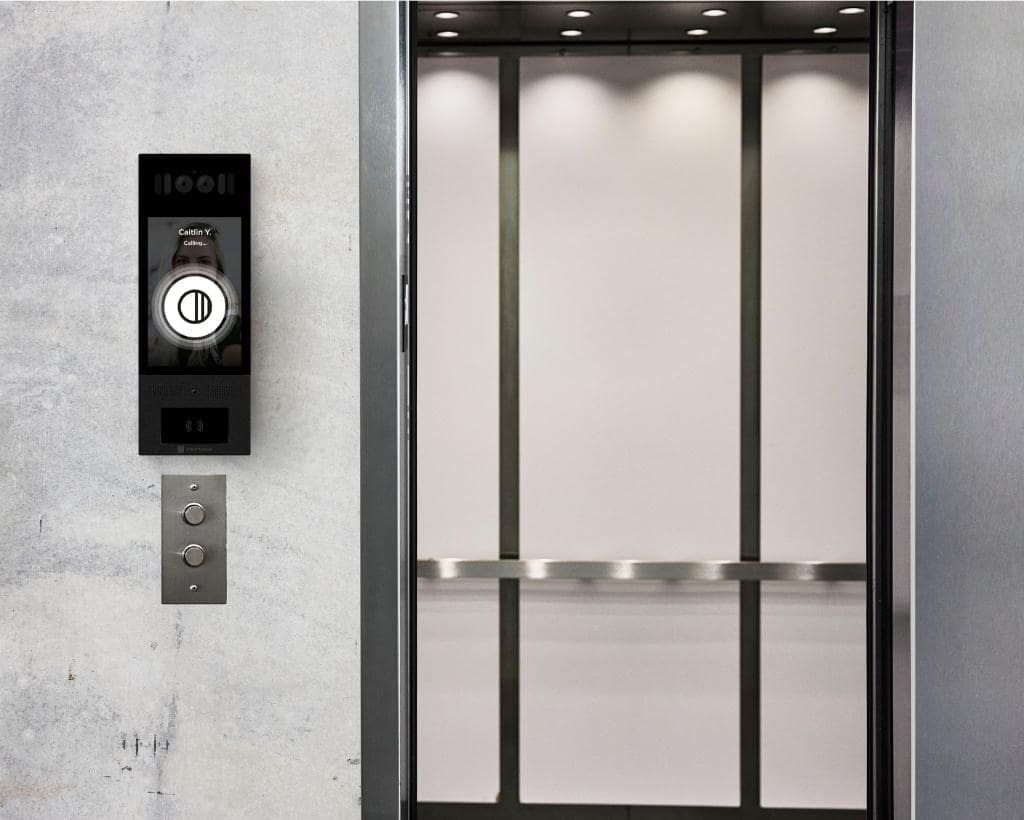
Swiftlane unifies video intercom, keycards, garage, elevator, and unit door access in one app—simplifying property-wide access management.
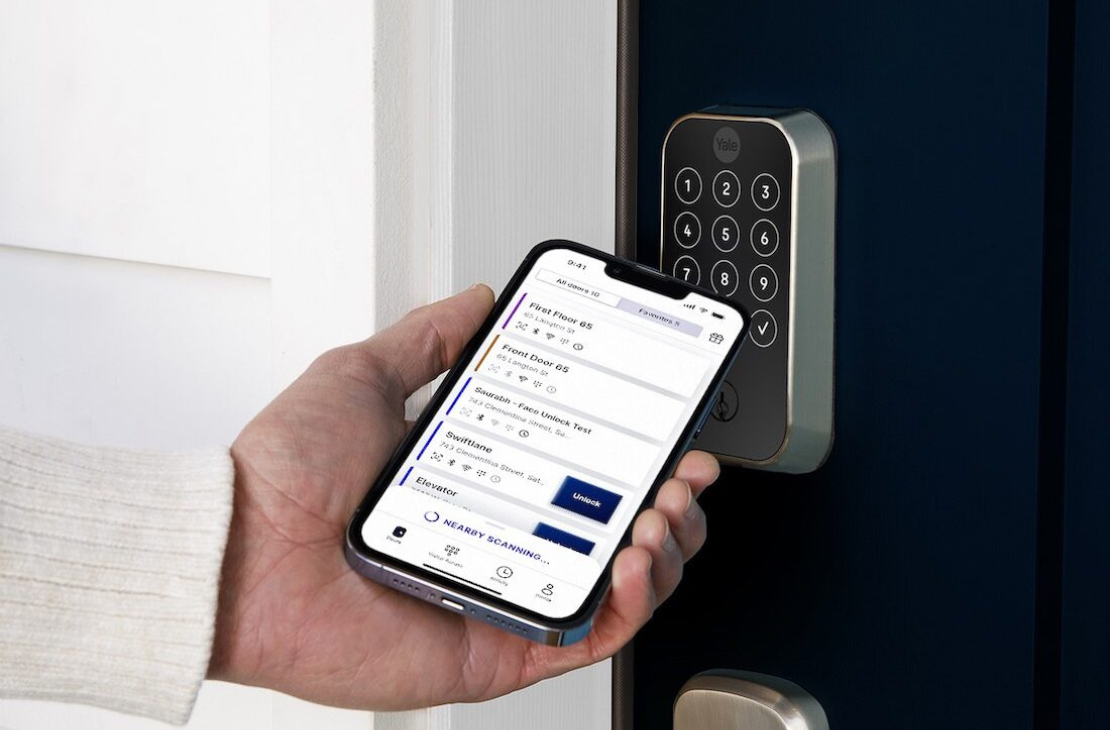
No managed WiFi necessary— the locks we provide operate via Bluetooth, providing secure and reliable access. A great option for properties without WiFi.

Why Swiftlane Smart Locks?
- 01.
No Keys Required
- 02.
Full Remote Control
- 03.
Fits any Building
- 04.
Cost-effective, Future Proof
- 05.
Fast, Convenient, Reliable
Core Features that Set us Apart
Keyless Conveience
Residents can unlock using the mobile app or a PIN—no keys to misplace
Unified Dashboard
Manage all building access points in a single cloud-based console—eliminating multiple logins
Hands- off Access Management
Instantly update access permissions remotely—no need for on-site visits
All-in-one Property Wide Access
Swiftlane keeps everything under one roof, eliminating app fatigue for residents and property managers alike
Smart Locks
Provide residents with secure, keyless entry via mobile phone or PIN—perfect for any unit type.
Swiftlane Smart Locks vs Traditional Locks
Swiftlane
- Mobile & PIN Access
- Property Management Integrations Available
- No Rekeying Costs with Every Move Out
- Real-time Access Permissions
- One App for Locks & Building Access
- Cloud-based Remote Management
- Unlock Doors Remotely
- Add and Remove Users Remotely
Traditional Locks
- Clunky Keys & Lockouts
- No Property Management Integrations
- Rekeying Costs During Move Outs
- Manual Re-keying & Key Sharing
- Separate Apps for Locks and Building Access
- Onsite Management of Keys
- No Remote Unlock
- Requires Manual Key Hand Outs to Residents
Three Major Wins for Residents
Never Locked Out
Receive low battery alerts, enjoy multiple access methods, and use a key override for guaranteed access
Seamless Visitor Access
Set temporary codes for guests, deliveries or service workers
Detailed Audit Logs
Stay up to date with audit logs to ensure you never miss a beat
Frequently Asked Questions
How does smart lock integration work with property management systems?
Smart lock integration connects your locks to a centralized platform that syncs with property management workflows, allowing you to grant, revoke, or schedule access remotely.
How do you manage smart locks across multiple units or buildings?
Swiftlane's cloud-based dashboard lets property managers control all smart locks across units, floors, and buildings from a single interface. You can assign access schedules, generate temporary PIN codes for vendors, view real-time audit logs, and revoke credentials remotely.
What types of doors do the smart locks fit?
Swiftlane supports mortise, deadbolt, lever, and interconnected locks, which covers the majority of door hardware types you'll find in multifamily buildings.
Do Swiftlane Smart Locks work with existing doors and hardware?
Yes, Swiftlane Smart Locks are designed to work with existing door hardware, so you don't need to replace your doors or frames during installation. This makes deployment faster and more cost-effective for properties upgrading from traditional locks.
What access methods do Swiftlane Smart Locks support?
Swiftlane Smart Locks support mobile app unlock, PIN codes, and key fobs.
Do the smart locks need Wi-Fi in every unit?
No. For buildings without managed building-wide Wi-Fi, Swiftlane uses Bluetooth-based locks (Igloo Home), which update via the resident's mobile app and the building's door controllers. For buildings with managed Wi-Fi infrastructure, Wi-Fi locks (Yale) offer direct cloud connectivity.
How do residents handle guest access with smart locks?
Residents issue time-limited PINs or mobile passes directly from the app for cleaners, dog walkers, pet sitters, deliveries, or guests.
What happens if the smart lock's battery dies or Wi-Fi drops?
Smart locks send low-battery alerts to residents and property managers well in advance, so replacements happen before lockouts occur. Each lock also supports a physical key override as a backup, which is standard for multifamily compliance and ADA considerations.
Request a Free Demo
Inerested in learning more about Swiftlane smart locks? Request a demo or quote to find a solution specially tailored to your unique property needs.
Loading the secure form…