

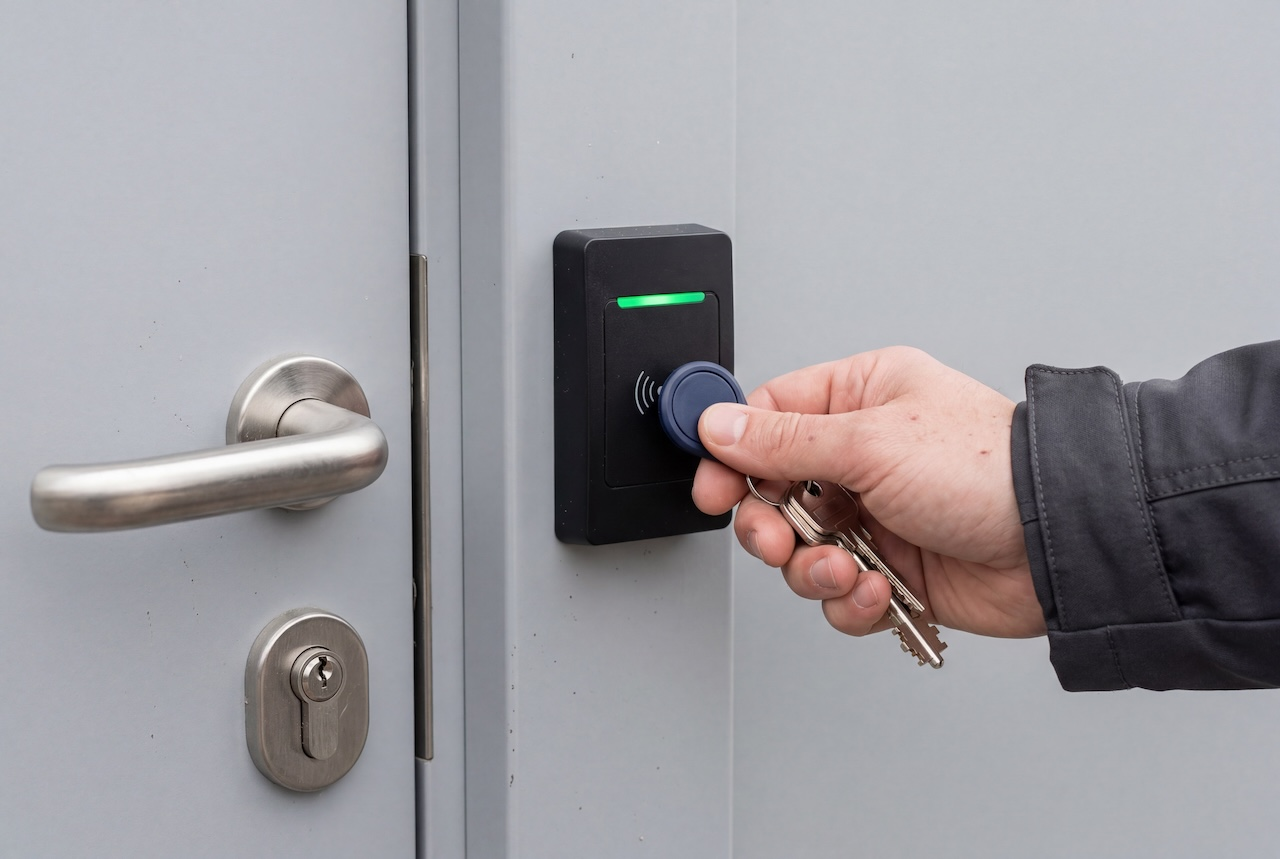
A commercial key fob door entry system is an access control network that grants physical access when a door-mounted reader reads a wireless key fob credential, a central controller verifies it against user permissions, and the system releases an electrified door lock or strike.
How We Evaluated This
This guidance draws on low-voltage access control engineering principles, the Security Industry Association’s OSDP standard, NFPA 70 Class 2 power requirements, and published commercial access control integration patterns across multi-tenant and corporate facilities. Technically reviewed for accuracy prior to publication.
Key Takeaways
- Not all key fobs are equally secure. 125kHz proximity fobs can be cloned in seconds; 13.56MHz encrypted smart fobs and mobile credentials close that gap only when properly configured.
- Modern systems increasingly wire readers to controllers with encrypted OSDP signaling instead of legacy Wiegand, which transmits credential data in plaintext.
- Door count, existing wiring, and lock hardware drive most of the total cost, more than the credential type itself.
- The strongest commercial systems combine fobs, mobile credentials, and PINs rather than locking into a single credential type.
Table of Contents:
- How Commercial Key Fob Door Entry Systems Work
- Wiring & Signaling: Why Modern Buildings Choose OSDP Over Wiegand
- Credential Types: 125 kHz Proximity vs. 13.56 MHz Encrypted Smart Fobs
- Commercial Hardware Architectures: Comparing System Classes
- Commercial Key Fob System Cost: Hardware, Labor & Licensing
- Matching Key Fob Systems to Commercial Building Environments
- 7 Critical Security Risks (and How to Fix Them)
- Locking Hardware, Relay Wiring & AHJ Code Compliance
- Buyer Evaluation Scorecard
- FAQs
How Commercial Key Fob Door Entry Systems Work
Every commercial key fob entry system relies on four primary hardware components working together as part of a building’s broader access control architecture:
- The Credential (Key Fob): A passive RFID transponder that transmits a facility code and cardholder ID to the reader.
- The Access Reader: A wall- or mullion-mounted sensor that reads the credential over 125kHz (legacy proximity) or 13.56MHz (encrypted smart) radio frequency.
- The Central Access Control Unit (ACU): A networked controller that checks the credential against an access database and verifies schedules and permissions.
- The Electrified Locking Hardware: A dry-contact relay that actuates a fail-secure electric strike, fail-safe magnetic lock, or electrified crash bar to release the door.
Wiring & Signaling: Why Modern Buildings Choose OSDP Over Wiegand
Legacy Wiegand: The Unencrypted Vulnerability
Wiegand is a point-to-point, unencrypted, one-way copper protocol that dates back to the 1970s, and it’s still the most common way readers talk to door controllers in older buildings. Because the data travels unencrypted, an inline interception device such as an ESPKey can be spliced onto the wiring behind a reader to capture credential data in plaintext and, in many cases, replay it to unlock the door.
SIA OSDP v2: Encrypted, Bidirectional Security
Open Supervised Device Protocol (OSDP), standardized by the Security Industry Association and published internationally as IEC 60839-11-5, replaces Wiegand’s one-way signal with bidirectional RS-485 communication.
OSDP’s Secure Channel feature specifies optional AES-128 encryption to protect reader-to-controller communication against line-sniffing and eavesdropping, but only when both the reader and the controller run compatible firmware with encryption keys properly provisioned on each end. OSDP also supports supervised heartbeat monitoring, so the controller can alert administrators the moment a reader disconnects, is cut, or is tampered with.
Credential Types: 125 kHz Proximity vs. 13.56 MHz Encrypted Smart Fobs
Not every credential offers the same level of security. Here’s how the major types of general key fob credentials compare, from legacy proximity formats to next-generation mobile options.
The 125 kHz Proximity Fob Flaw: Why Legacy Fobs Are Easily Cloned
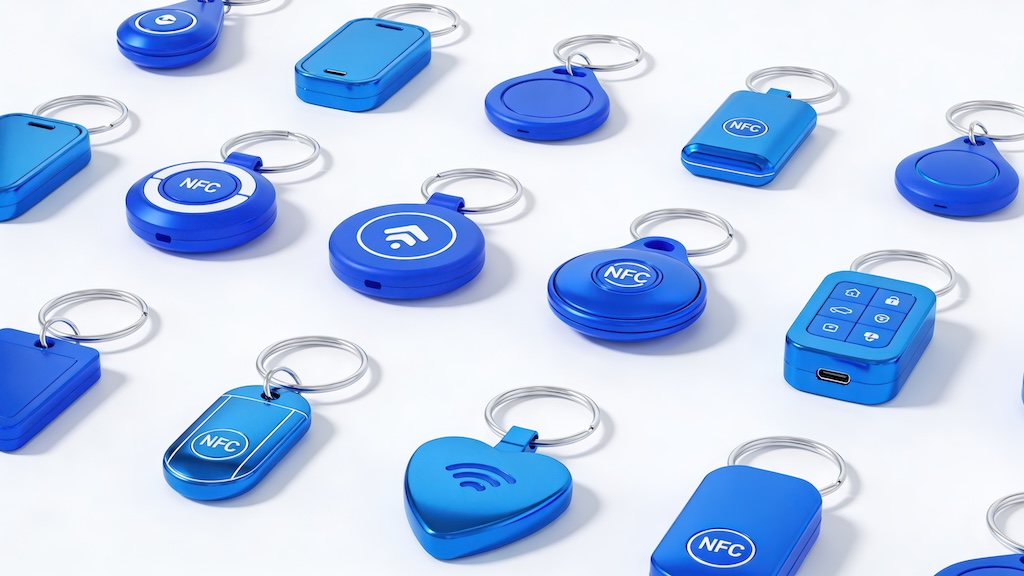
125kHz proximity fobs use a standard, unencrypted format (commonly 26-bit) that broadcasts a facility code and card number exactly as the reader uses them, with nothing to decode or verify. That’s what makes them so easy to copy.
IPVM’s testing found that inexpensive handheld RFID cloning devices, widely sold online for under $50, can read and duplicate a standard 125kHz fob in seconds without disassembling the reader or the card itself.
13.56 MHz Encrypted Smart Fobs (MIFARE DESFire EV2/EV3)
13.56MHz smart credentials, including MIFARE DESFire EV2 and EV3 chips, use cryptographic challenge-response authentication instead of broadcasting a static number. But that protection depends on how the credential is configured, not on the chip family alone.
DESFire supports both modern AES-128 encryption and legacy DES/3DES modes, and only a properly configured deployment with diversified master keys delivers the anti-cloning benefit the format is known for.
NFC and Bluetooth Low Energy (BLE) Mobile Credentials
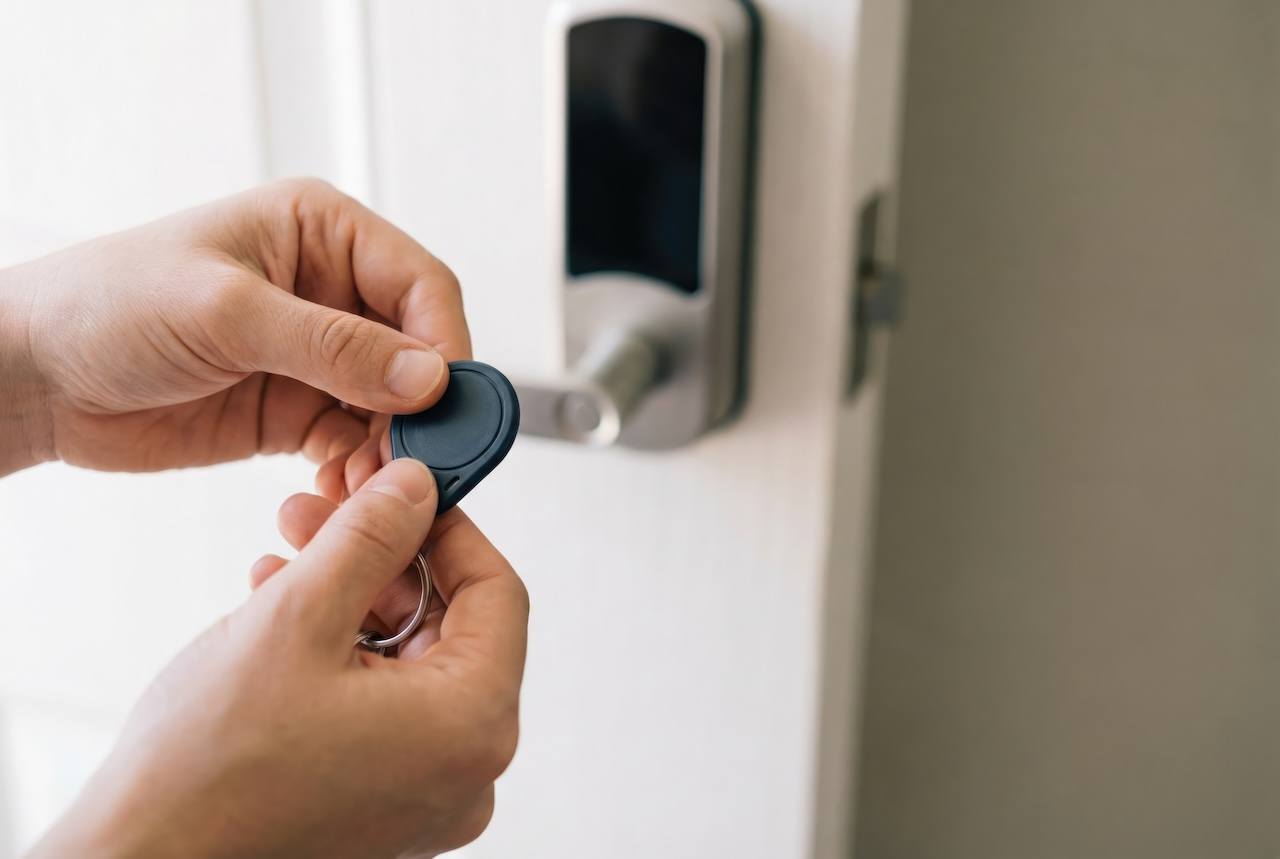
Smartphones can serve as digital credentials alongside physical fobs, using NFC for close-range taps or BLE for hands-free unlock at greater distances. This removes the overhead of managing physical credentials for most staff, while fobs remain useful as backup access for contractors, visitors, or employees without a compatible smartphone.
Commercial Hardware Architectures: Comparing System Classes
These four architectures represent a spectrum from a single locked-down door to a fully networked, multi-property system, and most commercial buildings land somewhere between the second and third rows.
| System Class | Primary Credential Types | Reader-Controller Signaling | Management Architecture | Best Suited Building Profile |
| Standalone Key Fob Locks | Fob, keycard, local PIN | Onboard lock battery relay | Local programming per door, no network | Single interior door, server closet, private executive suite |
| On-Premises Networked System | Fob, RFID badge, prox | Wiegand or RS-485 OSDP | Local dedicated server or client PC | High-security or offline, air-gapped facilities |
| Cloud-Managed Access Control | Smart fob, mobile (BLE/NFC), PIN, facial recognition | SIA OSDP v2 | Centralized cloud dashboard and mobile management | Multi-tenant commercial properties, corporate HQs, multi-location portfolios |
| Integrated Video Intercom & Fob Reader | Mobile, smart fob, touchscreen directory, visitor PIN | Cat6 PoE+ and OSDP relay | Unified cloud access and visitor log | Main building lobbies, commercial tenant entrances, perimeter gates |
Where facial recognition appears as a credential option in multi-modal cloud systems, deployments need to account for state biometric privacy laws. In Illinois, the Biometric Information Privacy Act requires written notice and consent before capturing a facial scan.
Texas imposes a similar requirement under its Capture or Use of Biometric Identifier statute, and Washington regulates biometric enrollment under RCW 19.375. Property teams considering facial recognition should confirm consent and retention practices against whichever of these applies.
Commercial Key Fob System Cost: Hardware, Labor & Licensing
When budgeting for a key fob entry system for commercial buildings, pricing depends on five main categories, and where a project falls within each one determines the total far more than the fob itself.
| Cost Category | Key Drivers | Budgeting Guidance |
| Door Controllers (ACU) | Door count, relay count, backup battery | Priced per 2- or 4-door panel |
| Access Readers | Form factor, frequency (125kHz vs. 13.56MHz vs. BLE) | Multi-tech readers cost more but future-proof the build |
| Locking Hardware & Frame Prep | Strikes vs. maglocks vs. mortise locks, frame changes | Biggest cost variable; existing strikes cut costs |
| Installation & Labor | Cable type, wall-fishing, ceiling access | Existing wiring cuts labor hours |
| Credentials & Licensing | Fob volume, cloud subscription tier | Cloud fees offset on-site server upkeep |
Reusing existing, functional electric strikes, backboxes, and conduit pathways significantly reduces low-voltage labor hours and avoids the cost of wall-fishing through finished masonry, one of the biggest swings in total installation cost between a retrofit and a raw buildout.
Over a multi-year horizon, cloud software subscriptions typically offset costs that would otherwise go toward on-site server maintenance, manual key tracking, and physical rekeying after a lost credential. The ongoing fee replaces those recurring costs rather than eliminating spending altogether.
Matching Key Fob Systems to Commercial Building Environments
Not every commercial building has the same access needs. Here’s how the right system changes depending on the property type.
1. Multi-Tenant Commercial Buildings & Office Parks
Shared perimeter entrances, parking garages, and multi-floor elevator access need role-based partitioning: each tenant gets access to their own floor or suite while every other area stays locked out. Elevator floor lockout relays and shared perimeter gate control are common additions in this category, since they extend the same permission logic beyond individual doors.
2. Corporate Headquarters & Enterprise Suites
High-throughput environments benefit from turnstile integration and automated onboarding through directory sync with identity providers like Okta, Entra ID, or Google Workspace. Real-time audit logging also supports compliance frameworks such as SOC 2 and ISO 27001. Visitor badge printing or temporary issuance is typically handled separately from full-time employee credentials, since visitors need shorter-lived, more limited access.
3. Restricted Back-of-House & Storage Facilities
Inventory rooms, server closets, and loading bays call for tighter controls than office space. Multi-factor access, a fob tap plus a PIN, is common for these higher-security rooms, and server rooms in particular often pair access control with environmental monitoring and commercial intrusion detection and alarm panel integrations.
7 Critical Security Risks (and How to Fix Them)
Even a well-installed key fob system can leave a building exposed if these common gaps go unaddressed. Here’s what to watch for and how to close each one.
- Deploying unencrypted 125kHz proximity fobs. Fix: upgrade to 13.56MHz encrypted smart fobs or mobile credentials, and confirm the deployment uses AES rather than legacy DES/3DES configurations, as covered under Credential Types above.
- Delayed offboarding workflows. Fix: integrate cloud access with corporate SSO so credentials are revoked the moment HR processes a termination, not days later. This matters most for contractors and seasonal staff, whose departures are less likely to trigger a manual offboarding checklist.
- Tailgating and piggybacking. Fix: optical turnstiles, anti-passback rules, or integrated video readers that let staff visually confirm who’s coming through. Anti-passback rules also catch a subtler version of the same problem: one credential badging in twice without badging out in between.
- Unreviewed access audit logs. Fix: automated exception alerts for after-hours door triggers or repeated denied-access attempts, so logs get flagged instead of sitting unread.
- Single-factor access on server rooms. Fix: dual-credential rules, fob plus PIN, or fob plus biometrics with the consent and retention practices noted under the Facial Recognition compliance guidance above.
- Shared physical credentials. Fix: move shared-use staff to non-transferable mobile credentials so every access event ties to one person.
- Flat, unsegmented permission groups. Fix: enforce role-based access control so one compromised credential doesn’t open every door in the building.
Locking Hardware, Relay Wiring & AHJ Code Compliance
The locking hardware behind a commercial key fob door lock system has its own set of code requirements, separate from the credential and controller. Here’s what governs how doors actually release.
Dry Contact Relays: Fail-Secure Strikes vs. Fail-Safe Maglocks
Electric strikes are fail-secure: they hold the door locked if power is lost, while a mechanical lever still allows people to exit. Magnetic locks are fail-safe: they release when power drops, so they need a battery backup to keep the door secured during an outage.
Life-Safety Code Coordination & AHJ Oversight
All locking hardware installations and emergency release circuits are subject to review and approval by the local Authority Having Jurisdiction (AHJ) or fire marshal before installation. Magnetic lock installations typically require multi-tiered release pathways, such as Request-to-Exit (REX) sensors, timed auxiliary push buttons, and fire alarm control panel (FACP) interlocks, but the specific combination required depends on the governing local code.
NFPA 70 Class 2 Low-Voltage Circuit Standards
Reader and lock cabling should comply with NFPA 70 Class 2 power-limited circuit requirements; calculate loop distance and consult manufacturer cut sheets to avoid voltage drop.
Buyer Evaluation Scorecard
Before signing a contract, run any system under consideration through these eight checkpoints.
- Credential Security: Does the system support encrypted 13.56MHz smart cards and mobile credentials, or is it locked to legacy 125kHz prox?
- Reader Signaling: Are readers wired via SIA OSDP v2 with Secure Channel encryption enabled, or unencrypted legacy Wiegand?
- Management Architecture: Is the dashboard cloud-native with remote browser access, or does it require an on-premises Windows server?
- Emergency Failover: Do controllers maintain local offline credential caching if the internet goes down?
- Directory Integrations: Does the system integrate with identity providers like Okta, Entra ID, or Google Workspace for automated provisioning?
- Multi-Modal Capability: Can readers handle mobile apps, key fobs, PIN codes, and video intercom calling on a single pane of glass?
- Locking Compatibility: Does the controller provide supervised dry contacts compatible with standard 12V/24V power supplies?
- Licensing Transparency: Does the vendor provide an itemized quote separating hardware from recurring cloud software?
FAQs
What is a commercial key fob door entry system?
A commercial key fob door entry system uses a wireless credential, read by a door-mounted reader, to verify permissions through a central controller and release an electrified lock or strike. It replaces physical keys with credentials you can track, schedule, and deactivate instantly.
How much does a commercial key fob entry system cost?
Cost depends mainly on door count, reader technology, existing wiring, and lock hardware, not the fob itself. Retrofitting older buildings and upgrading to encrypted credentials both add cost, while reusing existing strikes and wiring reduces it substantially.
Are key fobs or mobile credentials better for commercial buildings?
Neither is strictly better. Most commercial systems use both: mobile credentials for daily staff who already carry a smartphone, and fobs as backup for contractors, visitors, or employees without a compatible device.
Can commercial key fobs be copied or cloned?
Standard 125kHz proximity fobs can be cloned in seconds with inexpensive tools. 13.56MHz encrypted smart fobs resist cloning only when properly configured with modern encryption and diversified keys, not simply by using a newer chip.
Do key fob door systems work during a power outage?
It depends on the lock type. Fail-secure electric strikes stay locked without power while allowing exit. Fail-safe magnetic locks release when power drops, so they need battery backup to keep the door secured.
What happens when an employee loses a key fob?
The admin dashboard can deactivate the lost fob instantly, with no rekeying required. Delayed deactivation is one of the most common causes of unauthorized entry, so this should happen the same day.
Buildings comparing electrified locking options can also reference our door access control guide. Small offices setting up fob access without a full commercial buildout should start with key fob systems for businesses. Buildings pairing fob access with a lobby or tenant-facing intercom can also read about commercial office intercom systems.
For a walkthrough of commercial access control options, request a quote, or explore apartment intercom systems for multi-tenant properties.


