

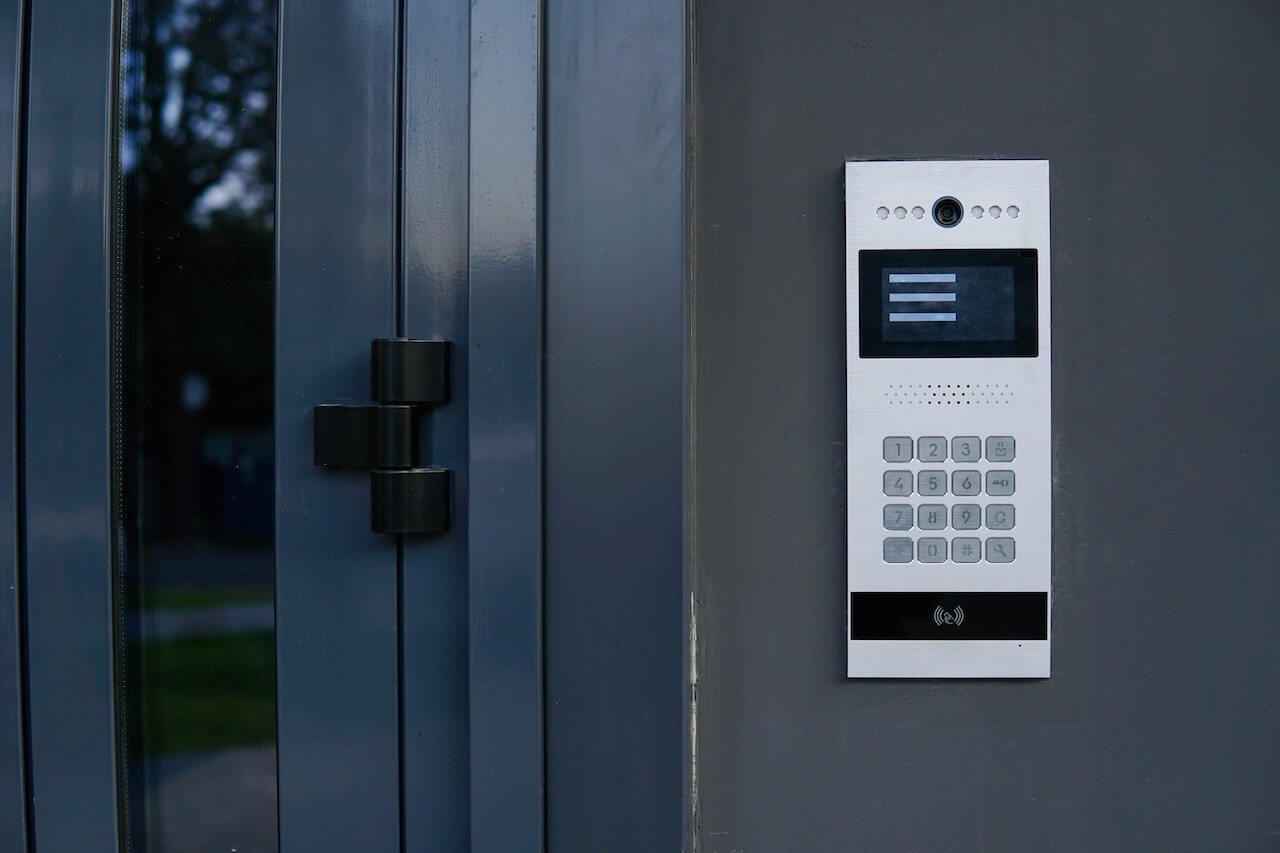
What Is an Intercom System?
An intercom, or intercommunication system, lets people communicate between two locations, most often between a visitor at a building’s entrance and a resident or staff member inside. Modern commercial systems add two-way video, integrate with an access control network, and can remotely trigger electrified door hardware to let an authorized visitor in.
How We Evaluated This
This guide focuses on the architecture behind commercial and multifamily intercom systems: how signals travel from an entrance station to an answering endpoint, how that signal triggers a door release, and how the major wiring topologies compare. It draws on structured comparisons of low-voltage access control wiring, the NFPA 70 Class 2 power-limited circuit standard, and integration patterns commonly seen across multi-tenant residential and commercial office deployments. Technically reviewed for accuracy prior to publication.
Key Takeaways
- Integrated Access: A modern commercial intercom is an access control endpoint that triggers electrified locking hardware, not a standalone communication buzzer.
- Signal Evolution: IP intercoms use structured Cat6 cabling and Power over Ethernet (IEEE 802.3af/at) to carry two-way HD video, audio, and door-release commands over a single data run.
- Dry Contact Relays: Remote door release relies on dry contact relays (Normally Open or Normally Closed) that break or complete a circuit to a fail-secure strike or a fail-safe maglock.
- Life-Safety Egress: Fail-safe (magnetic lock) configurations typically call for Request-to-Exit sensors and fire alarm interconnection, but exact hardware and wiring requirements are set by occupancy classification and local code adoption, and must be confirmed with the local Authority Having Jurisdiction (AHJ).
- Decoupled Answering: Cloud-managed systems increasingly replace dedicated in-unit interior stations with mobile apps, web browsers, and SIP endpoints, lowering cabling costs.
Table of Contents
- What Is an Intercom System?
- How Do Intercom Systems Work? The 4-Stage Signal Path
- Intercom System Architectures: Comparing the 3 Core Technologies
- Locking Hardware, Door Relays & Life-Safety Code Coordination
- Answering Hardware vs. Cloud/Mobile Call Routing
- Selecting the Right Intercom Architecture for Your Facility
- Frequently Asked Questions
As the world becomes increasingly connected, intercom systems have evolved to keep pace with modern living. With a wide range of capabilities and features, these systems have transformed how we communicate, secure our properties, and manage access to our homes and businesses. Whether you’re a homeowner looking to enhance security, a property manager aiming to streamline communication, or a business owner looking to improve efficiency, intercom systems are a powerful, versatile solution that can meet your unique needs.
How Do Intercom Systems Work? The 4-Stage Signal Path
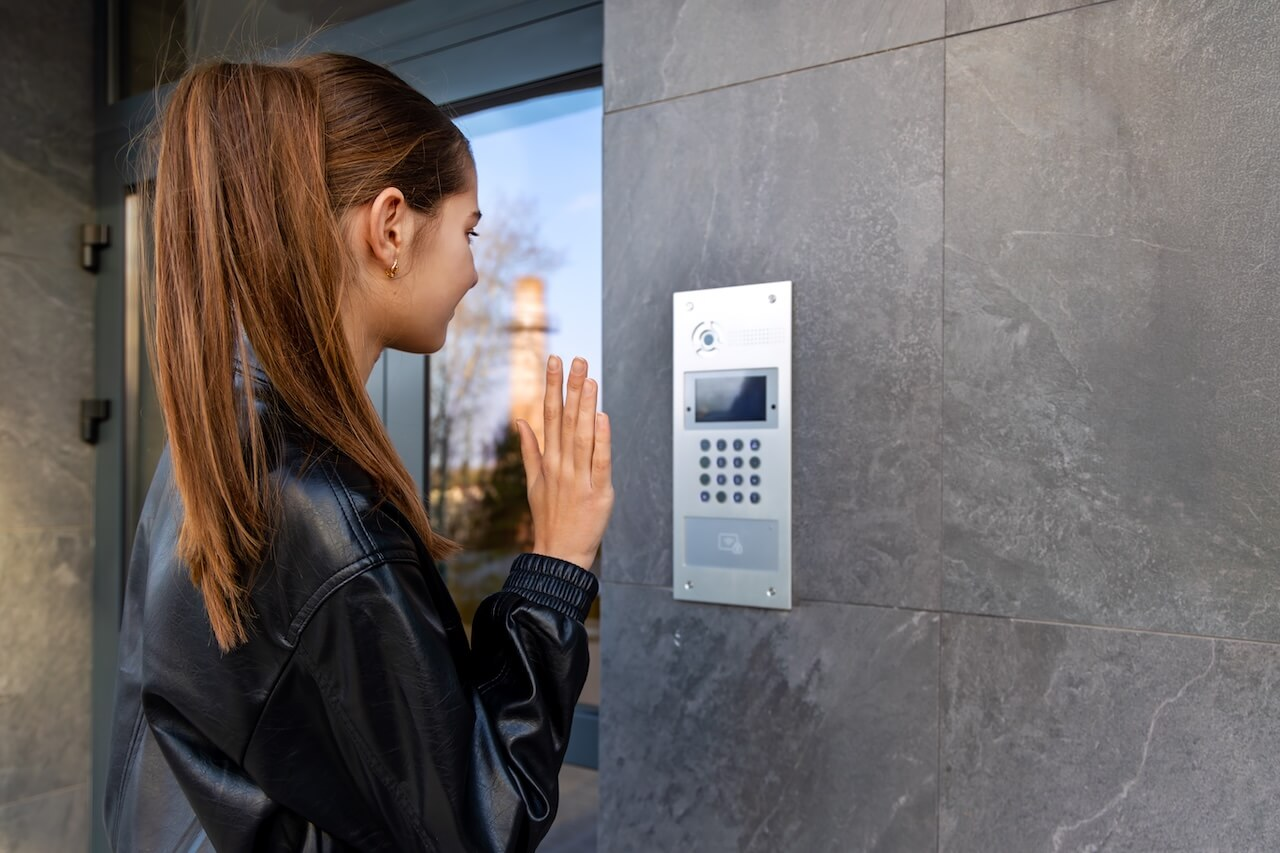
To understand how intercom systems work, break the process into four discrete stages: a request moves from a visitor at the door to an authorized unlock decision through capture, transmission, routing, and relay actuation.
Stage 1: Visitor Input & Capture
In practice, capturing usable audio and video at an exterior door is harder than it sounds. Outdoor lobbies and building entrances are acoustically noisy environments, with traffic, wind, and echo off hard surfaces, so higher-end stations use full-duplex audio circuitry with acoustic echo cancellation (AEC) rather than half-duplex, walkie-talkie style audio: full-duplex lets both parties talk and hear each other simultaneously, while AEC strips out the resident’s voice playing through the intercom speaker so the microphone doesn’t pick it up and loop it back to the resident as an echo.
Microphone beamforming further focuses pickup on whoever is standing directly in front of the unit rather than ambient noise around them. On the video side, building entrances routinely face severe backlighting: a visitor standing in front of bright daylight or headlights would appear as a silhouette on a standard sensor.
A wide dynamic range (WDR) sensor captures both the bright background and the shadowed foreground in the same frame, keeping a visitor’s face identifiable rather than washed out.
Stage 2: Transmission & Packetization
Within that IP/SIP category, two separate protocols do the work: SIP handles call setup, meaning the ringing, answering, and hangup signaling, while the actual audio and video data travels separately over RTP, or its encrypted version, SRTP. These two transmission methods also degrade differently under stress. An analog signal traveling over unshielded twisted pair loses quality gradually as run length increases, showing up as static, hum, or a weakening signal rather than a hard failure.
An IP/SIP video stream instead depends on consistent network performance: packet latency and jitter, meaning delay and inconsistent delay between packets, can cause choppy audio or frozen video frames even when the underlying cable run is short, since the bottleneck is network congestion rather than cable length. Video intercom calls also tend to prioritize low latency over high resolution, since a half-second delay in hearing a visitor is more disruptive to a door-release decision than a slightly softer image.
This is why commercial IP intercom deployments typically call for a wired connection rather than shared Wi-Fi for exterior stations, to keep the video and audio stream on a low-latency, low-jitter connection.
Stage 3: Directory Routing & Endpoint Processing
The system routes the call to the right answering point. Legacy setups trigger a hardwired interior master station directly. Modern IP systems route the SIP stream through a local controller or cloud edge server to a smartphone app, a front-desk browser, or a VoIP desk phone.
Stage 4: Relay Actuation & Door Release
When the answering party presses “Unlock,” an authenticated signal reaches the intercom’s onboard relay or an associated access control unit. The dry-contact relay changes state (Normally Open to Closed, or Normally Closed to Open), energizing or interrupting power to the electric strike or magnetic lock and releasing the door.
Intercom System Architectures: Comparing the 3 Core Technologies
Understanding the different types of intercom systems starts with how each one moves a signal from the door to an answering endpoint. The comparison below breaks down the three core architectures, including the wired vs. wireless tradeoffs that determine installation cost and scalability.
| Architecture Type | Primary Cabling Infrastructure | Answering Endpoint Options | Power Delivery | Best Suited Applications |
| Legacy Analog (2-Wire / 4-Wire) | Multi-pair copper home run from door to every unit | Dedicated physical in-unit buzzer/master station | Centralized 12V/24V DC auxiliary power | Older walk-ups, simple point-to-point entries |
| IP-Based Network Intercom (PoE) | Structured Cat6 Ethernet to local network switch | Mobile app, browser console, SIP desk phone, or IP tablet | IEEE 802.3af (PoE) / 802.3at (PoE+) | Commercial offices, multifamily buildings, mixed-use |
| Cellular / Wireless Bridge | 12V/24V power at door; LTE/5G wireless modem | Smartphone app, telephone call-forwarding | Local power supply or solar/battery | Perimeter vehicle gates, remote industrial sites, retrofits |
Analog Multi-Pair Systems: Point-to-Point Legacy Wiring
Analog systems run a dedicated home run of copper wiring from the entrance station to every individual unit. That wiring is reliable when it’s new, but it comes with real maintenance liabilities over time: wire degradation, crosstalk between pairs, physical master station failures, and no way to visually identify a visitor before answering.
IP Network Intercoms: Structured Cabling & Cloud Scalability
An IP intercom collapses power and data onto a single Cat6 run. Power over Ethernet supplies both the data connection and the operating power the device needs, which means adding or moving an endpoint doesn’t require a new home run of wiring. The power budget matters here: standard PoE (IEEE 802.3af) delivers up to 15.4W at the source, while PoE+ (802.3at) delivers up to 30W.
Exterior stations with heating elements for cold-climate durability, high-brightness touchscreens, or an onboard lock relay typically need the higher PoE+ budget rather than standard PoE. This also enables remote management, instant firmware updates, and cloud directory sync without a truck roll for every change.
Cellular & Wireless Bridges: Overcoming Infrastructure Barriers
Cellular and wireless bridges skip wired infrastructure entirely, using an LTE or 5G modem to connect the entrance station to the network. That makes them a fit for vehicle entry gates or historical retrofits where trenching conduit through asphalt or masonry isn’t practical or cost-effective.
Locking Hardware, Door Relays & Life-Safety Code Coordination
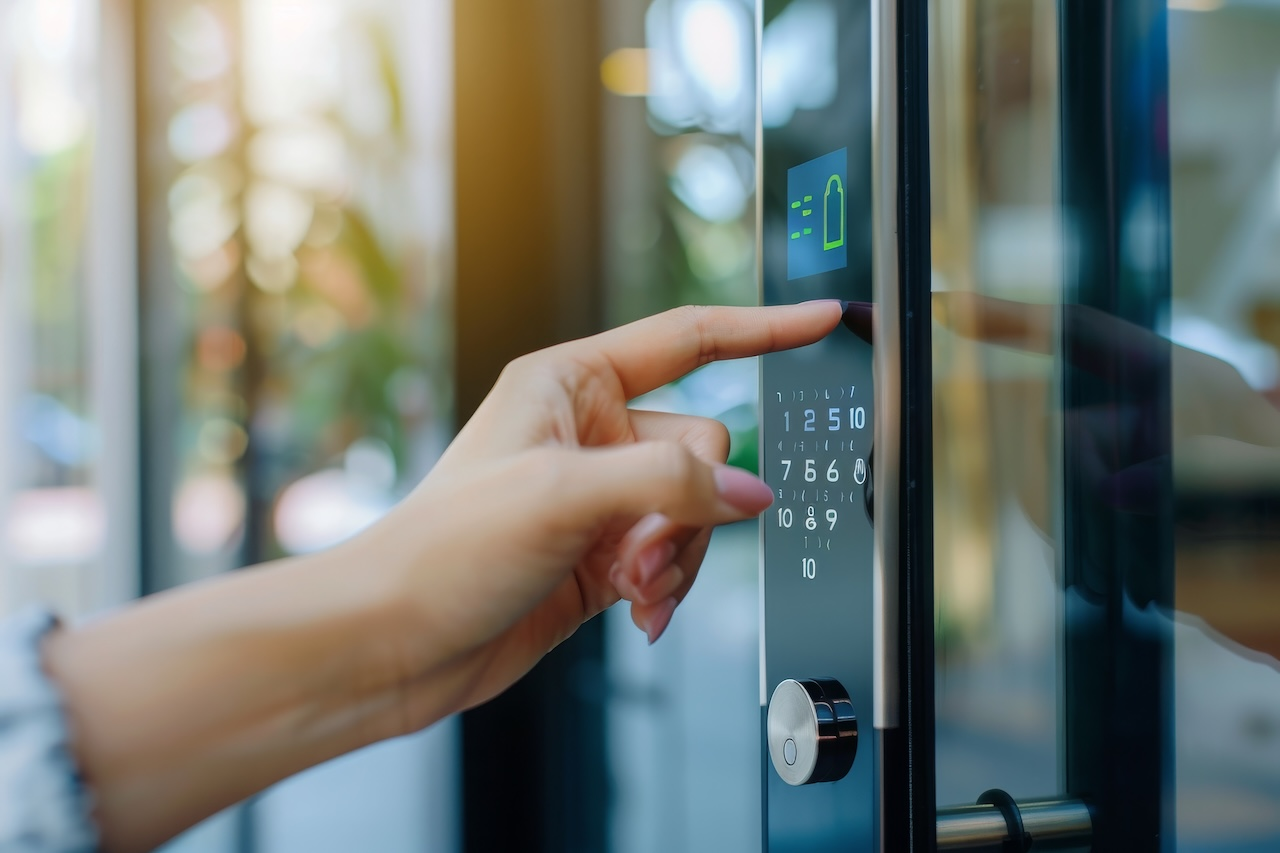
Dry Contact Relays: Normally Open (NO) vs. Normally Closed (NC)
Because a lock coil is an inductive load, cutting power to it generates a brief voltage spike, known as inductive kickback or back-EMF, that can damage nearby electronics if left unmanaged. Most lock and relay circuits include a reverse-biased flyback diode across DC lock coils, or a metal-oxide varistor (MOV) across AC lock coils, specifically to absorb that spike; without it, the arcing can pit or weld the relay’s contacts shut over repeated cycles. A dedicated, supervised access control power supply typically includes this suppression, along with battery backup, rather than relying on the intercom’s relay to handle it.
Fail-Secure (Electric Strikes) vs. Fail-Safe (Magnetic Locks)
- Electric strikes (fail-secure / normally open): The door remains locked during a power loss, preserving perimeter security. A mechanical door latch still allows free mechanical egress from the inside at all times.
- Magnetic locks (fail-safe / normally closed): The electromagnet requires continuous power to stay locked and releases automatically when power is cut.
Life-Safety Code Coordination & AHJ Oversight
Fail-safe (magnetic lock) configurations typically call for Request-to-Exit (REX) sensors, backup push buttons, and interconnection with the building’s fire alarm control panel (FACP) to drop power during an alarm, but exact hardware and wiring requirements depend on occupancy classification and local code adoption.
All door-release integrations, fire-alarm interlocks, and fail-safe/fail-secure locking configurations must be reviewed and approved by the local Authority Having Jurisdiction (AHJ) or fire marshal prior to installation.
NFPA 70 Class 2 Low-Voltage Power Standards
Access control wiring for door hardware typically falls under NFPA 70 Class 2 power-limited circuits. Total cable run distance affects voltage drop, so calculate the total distance and check manufacturer cut sheets before finalizing a wiring plan, rather than assuming any standard gauge will work for every run length.
Answering Hardware vs. Cloud/Mobile Call Routing
Dedicated In-Unit Substations: Operational Pros and Cons
A dedicated hardwired substation still makes sense in specific situations: senior living facilities where residents may not carry smartphones, or high-security facilities that require a physical station independent of network or cellular connectivity. The tradeoff is a hidden cost that shows up later: cabling each individual unit up front and then replacing proprietary hardware when it eventually fails, often at a price set by a single vendor.
Decoupled Cloud & Smartphone Routing
Cloud-based systems route video calls over WebRTC or SIP directly to mobile devices, tablets, and web browsers, rather than a dedicated wall unit. This also enables multi-endpoint redundancy: a call can ring the front desk first, fall to a secondary admin if unanswered, and fall back to a mobile app as a last resort, so a single missed call doesn’t mean a missed visitor.
Selecting the Right Intercom Architecture for Your Facility
Once the underlying architecture is settled, the right next step depends on the property type. The table below routes each common deployment scenario to the guide built specifically for it, rather than trying to cover every buyer question in a single article.
| Property Type | Focus Areas | Dedicated Guide(s) |
| Multi-Tenant Commercial Offices & Mixed-Use | Receptionist call routing, directory tenant search, badge access | Business Intercom Systems · Commercial Solution Overview · Office Buyer’s Guide |
| Multifamily Apartments, Condos & Buzzer Upgrades | Eliminating in-unit master stations, package delivery PINs, resident app calling | Apartment Intercom Systems · Multi-Tenant Intercom Guide |
| Gate & Perimeter Vehicle Access | Vehicle gate motor integration, cellular/LTE backup, telephone entry as legacy option | Gate Intercom Systems · Telephone Entry Systems |
| Touchscreen & Digital Directory Hardware | Outdoor optical bonding, IP65/IK10 durability, ADA reach ranges | Touchscreen Video Intercoms Guide |
| Procurement & Vendor RFP Questions | Evaluating commercial vendors, running RFP comparisons | Choosing the Right Intercom System |
Frequently Asked Questions
How does an intercom release a door lock?
When the answering party authorizes entry, the intercom sends a signal to a dry contact relay, either onboard the intercom itself or in a connected access control panel. That relay changes state, either energizing an electric strike (fail-secure) to release the latch or cutting power to a magnetic lock (fail-safe) to drop the door open.
What is the difference between an analog and an IP intercom?
An analog intercom carries audio and door-release signals as electrical voltage over dedicated copper wiring run to each unit. An IP intercom digitizes that same audio and video into data packets and sends them over a structured Ethernet network, which allows a single Cat6 cable to carry power, audio, video, and door-release data at once, and lets the system route calls to mobile apps or browsers instead of only a physical wall unit.
Can an intercom system operate without an internet connection?
It depends on the architecture. Legacy analog systems don’t require internet at all since they run on dedicated wiring or telephone lines. Modern IP systems typically need a network connection to route calls and sync directory data, though many include cellular backup or local fallback modes so the door can still be answered during an outage.
Do electrified door locks require building code approval?
Yes. Fail-safe and fail-secure locking configurations, fire alarm interconnections, and Request-to-Exit hardware are all subject to occupancy classification and local code adoption, and must be reviewed and approved by the local Authority Having Jurisdiction (AHJ) or fire marshal before installation.


