

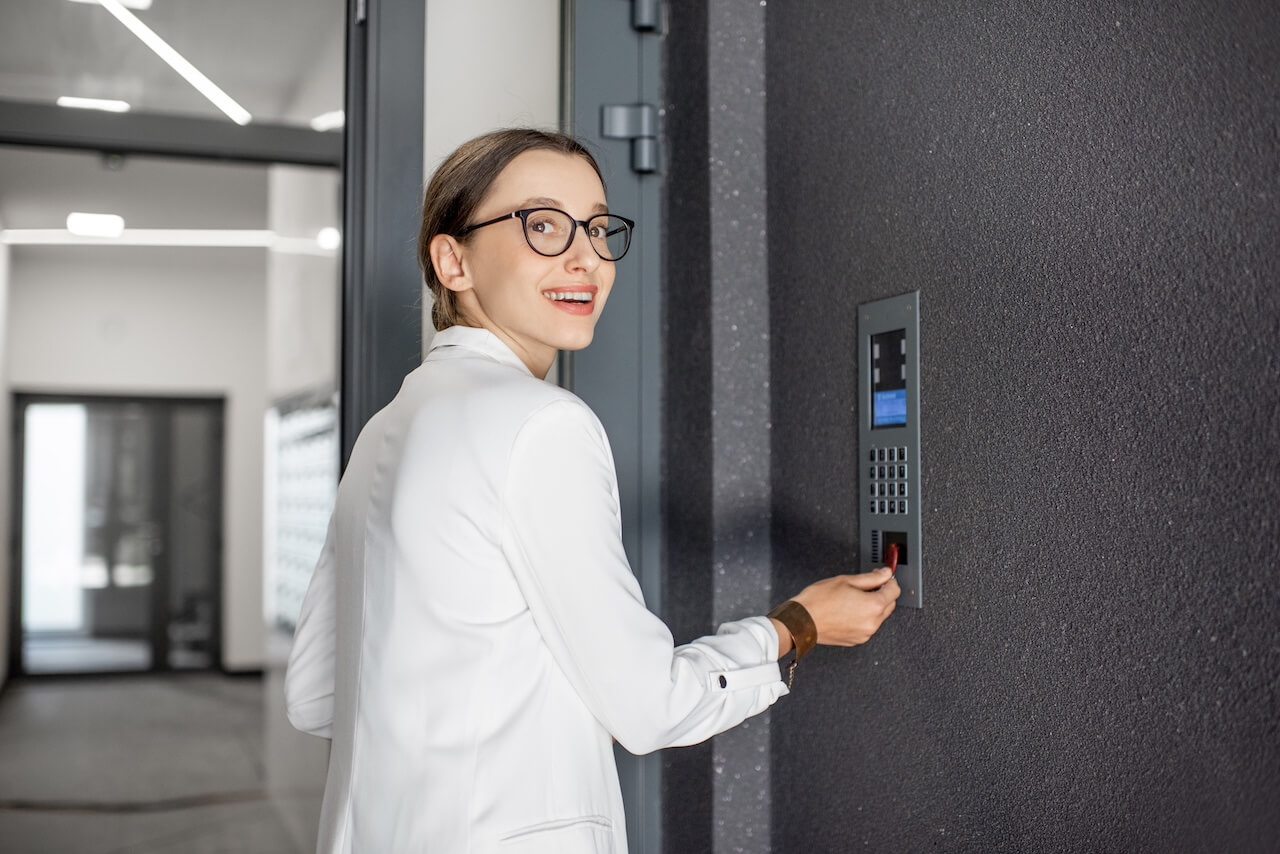
Fob access is a form of electronic access control that uses a wireless key fob to unlock a door. When the fob is presented to a reader, the system verifies its credential and signals the door lock to release, replacing physical keys with programmable, revocable access credentials.
A proximity reader at the door emits a signal, a credential like a fob or phone responds with its unique ID, and the system checks that ID against a database before granting or denying access. See the full step-by-step breakdown.
Key decision factors for 2026:
- Credential type: physical fob, key card, mobile app, or biometric
- Technology: RFID (125kHz vs 13.56MHz), NFC, or BLE
- Property type: apartment, commercial office, gated community, or mixed-use
- Cloud vs on-premises: affects cost, management, and remote access
- Integration needs: video intercom, visitor management, elevator control
How We Researched This
The Swiftlane team refreshed this guide, drawing on hands-on access control deployment experience and current search data. Research for this update included:
- A GSC query review of top-performing and highest-impression fob and access-control search terms, used to identify where the previous version of this page was under-serving buyer intent
- A live-page content audit, checking existing technical and cost claims against current standards and flagging anything unsourced for revision or removal
- A review of Swiftlane’s broader access-control content cluster, to keep this guide positioned as the parent overview and point readers to dedicated apartment and commercial guides for deeper, property-specific detail
We also reference established security and standards resources, including the Security Industry Association’s OSDP overview for wiring protocol guidance, and NIST’s access control glossary for baseline terminology.
Cost guidance in this article reflects quote-driver factors rather than fixed pricing, since actual costs vary by project scope; where specific figures are cited, they’re attributed to a named source.
Key Takeaways
- A fob system replaces metal keys with wireless credentials- a fob, card, or smartphone- that a reader verifies against an access database in milliseconds.
- Legacy 125kHz credentials are vulnerable to cloning. For new installations, encrypted 13.56MHz hardware and OSDP wiring are the recommended baseline.
- Mobile credentials are increasingly the default, with physical fobs retained as backup for residents or staff who prefer them.
- Cloud-managed systems make credential deactivation instant and auditable. The biggest security gap in most buildings is a fob that stays active after someone leaves.
- Cost depends more on door count and wiring complexity than building size; get a quote based on a walkthrough, not a flat estimate.
- Apartment, office, and commercial buildings each have different hardware and turnover needs. See our apartment and commercial guides for property-specific detail.
Table of Contents
- What Is a Key Fob Door Entry System?
- Fob Access Control: How It Works at a Building Door
- Door Fob Systems Hardware: What You Need
- Apartment/Multifamily Fob Access Fit
- Commercial/Office Fob Access Fit
- Key Fob Door Entry System Cost Drivers
- Are Key Fob Systems Secure?
- Real-World/Illustrative Examples
- Fobs vs Mobile Access vs PINs vs Face Recognition vs Video Intercom
- Top Fob System Vendors
- When Should a Building Replace Key Fobs with Mobile Access?
- Frequently Asked Questions
What Is a Key Fob Door Entry System?
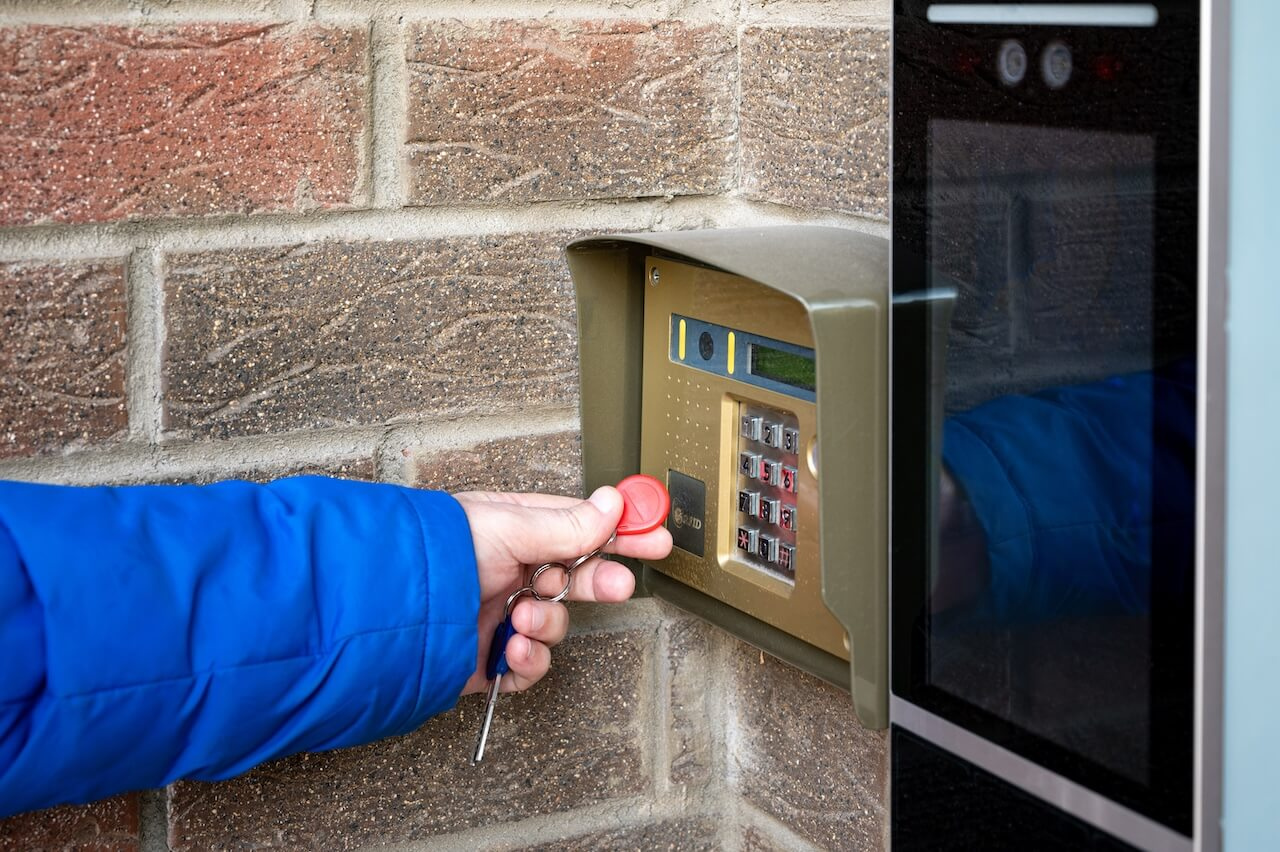
A key fob door entry system is a type of access control system that lets people open doors, gates, or elevators with a wireless credential, most often a key fob, key card, or smartphone, instead of a metal key. It’s also called a door fob system or fob access control system. All three describe the same setup: a reader mounted at the door, a credential the user carries, and a controller and database behind the scenes deciding who gets in and when.
It helps to separate the credential from the system. The fob itself is a small transmitter that stores an ID number. The system is everything else: the reader, the access controller, the management software, and the door hardware that turns that ID number into an actual unlock decision.
The word “fob” comes from an old term for a small keychain ornament. In building access, it’s now used loosely for any compact wireless credential, and “fob,” “key fob,” and “proximity fob” all mean the same thing. Fobs come in a few forms: standard passive fobs, encrypted fobs, key cards, and mobile credentials, which we’ll get into below.
Fob Access Control: How It Works at a Building Door
Most people think of fob access as “tap and enter,” but five distinct steps happen in under a second every time someone approaches a door.
- The reader broadcasts. The proximity reader continuously emits a low-power radio frequency field. This costs no energy from the credential itself.
- The credential wakes up. When a fob or card enters the reader’s field, the radio energy powers the credential’s chip. Passive fobs don’t need a battery.
- The credential responds. The chip transmits its unique ID number back to the reader.
- The controller checks the database. The access controller receives the ID and checks it against the authorized credential list, verifying door permissions and time-of-day schedules.
- Access is granted or denied. If authorized, the controller signals the lock or door strike to release. If not, nothing happens, and the controller logs the attempt.
What this looks like day to day depends on the building. In an apartment, fob access usually covers the main entrance, parking gate, and amenity spaces, with each resident’s credential tied to their unit and lease dates. In an office, it’s more often tiered by floor or department, with a contractor’s credential restricted to certain doors and business hours. In a commercial building, it typically layers exterior doors, suite entries, and restricted spaces like server rooms under different permission levels.
A few things happen automatically behind that tap that are worth understanding, since they’re most of the reason fob systems replace metal keys instead of just supplementing them:
- Every event is logged. Each credential use is timestamped and tied to a door, supporting incident investigations and meeting commercial insurer expectations.
- Permissions are role- and time-based. A cleaning crew’s fob can be restricted to early mornings; a gym-only resident gets the fitness center but not the package room.
- Deactivation is instant. When a tenant moves out, an employee leaves, or a fob is lost or stolen, management removes access immediately from the dashboard. No locksmith, no rekeying.
Door Fob Systems Hardware: What You Need
Every fob system relies on the same core components working together, whether it’s a single door or a fifteen-door commercial building.
Fob System Components
| Component | What It Does | When Needed | Buyer Note |
| Reader | Mounted at the door; emits a radio signal and reads incoming credentials | Every fob-controlled door | Ask which credential technologies it supports and whether it can add mobile/BLE later without a full swap |
| Credential (fob/card) | The physical or mobile ID the user carries | Every user needing physical access | Encrypted 13.56MHz (MIFARE DESFire, iCLASS SE) is the recommended baseline for new installs; legacy 125kHz is easier to clone |
| Access controller | The “brain” of the system; checks the credential ID and triggers the lock | Single-door or multi-door systems | Ask about offline behavior if the internet or cloud connection drops |
| Electric strike | Releases the door frame’s strike plate to let the door open | Doors where lock behavior needs to match specific egress or security requirements | Can be specified fail-safe (unlocks on power loss) or fail-secure (stays locked on power loss); confirm which with your installer and local fire marshal (AHJ) |
| Maglock | Uses an electromagnet to hold the door shut | Doors requiring guaranteed egress on power loss, often tied to the fire alarm panel | Fail-safe by design, always unlocks on power loss; cannot be specified fail-secure |
| Management software | Manages users, schedules, permissions, and audit logs of who accessed which door and when | Every modern system | Cloud-based software is easier to manage remotely across multiple properties; ask whether audit logs are included or a paid add-on |
| Power/network | Runs the reader, controller, and lock; connects to software | Every electrified system | Ask about wiring type (OSDP vs. Wiegand) and battery backup before quoting |
A note on credential technology. Not every fob or reader offers the same security level, and this is where most buying mistakes happen:
- 125kHz RFID (the technology behind HID Prox, EM4100, and similar legacy credentials) transmits an ID in plain text with no encryption. Legacy 125kHz proximity credentials are easier to clone than encrypted smart credentials because many transmit static, low-data identifiers; security researchers have demonstrated inexpensive cloning workflows for these older low-frequency cards. If your reader’s model name includes “Prox” or “125,” you’re likely running this.
- 13.56MHz RFID isn’t automatically more secure. Encrypted formats like MIFARE DESFire EV3 and HID iCLASS SE use AES-128 encryption and mutual authentication between reader and credential, and are the recommended standard for new installs. MIFARE Classic, despite also running at 13.56MHz, should not be treated as a modern encrypted credential: researchers publicly documented weaknesses in its proprietary CRYPTO1 cipher in 2008, and it offers little real advantage over 125kHz.
- Wiegand, the decades-old wiring protocol connecting most existing readers to controllers, sends credential data unencrypted over the wire, meaning it can be intercepted between the reader and controller even if the credential itself is encrypted. Modern access control installations should specify OSDP with Secure Channel where supported; SIA describes OSDP as a modern reader-to-controller standard designed to improve interoperability, cybersecurity, and device management compared with legacy Wiegand.
- NFC and BLE power most mobile credentials. NFC handles short-range tap access (the same tech behind phone tap-to-pay); BLE enables hands-free unlock from several feet away and is increasingly standard on newer cloud platforms.
Egress compliance is a code and life-safety question. Loop in your installer and local AHJ before finalizing a spec. Elevator integration works differently: instead of controlling a door, the access system sends a signal to the elevator controller restricting which floors a credential can call, so a resident’s fob might only reach their floor and shared amenity levels, while a staff credential reaches all of them.
This depends on the building’s elevator vendor supporting third-party access integration, which isn’t universal, so it’s worth confirming with your elevator vendor and installer together, not just your access control provider, before assuming it’s included.
Apartment/Multifamily Fob Access Fit
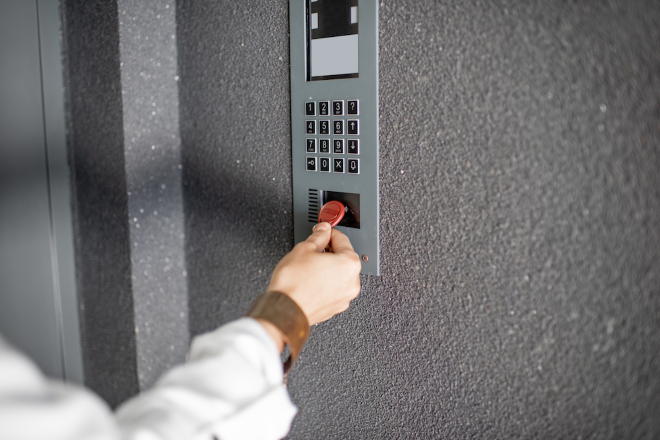
In apartment and multifamily buildings, fob access typically covers the main entrance, parking gate, package room, and shared amenity spaces like the gym or lounge. Each resident’s credential is usually tied to their unit and lease dates, so access naturally starts and stops with the lease rather than requiring a separate manual step.
The main operational challenge in this setting is turnover. With residents moving in and out regularly, deactivation needs to be reliable and immediate; a fob that’s still active after move-out is one of the most common security gaps in multifamily buildings. Cloud-managed systems handle this by removing access the moment a lease ends, rather than relying on a staff member to update a spreadsheet.
Visitor and vendor access is the other piece most fob systems don’t solve on their own. A fob credential works well for residents and staff. Still, guests, deliveries, and maintenance vendors typically need a separate path, usually a video intercom, a temporary PIN, or both, so that visitor activity still shows up in the same audit trail as resident access.
For a closer look at fob setups built specifically for apartments, including credential types, cost, and manufacturer comparisons, see our guide to apartment key fob systems.
Commercial/Office Fob Access Fit
In office and commercial buildings, fob access is usually tiered rather than uniform. A single credential might open the front entrance and the building’s shared spaces, but require separate authorization for a specific suite, a server room, or a back entrance used only by staff. Permissions are typically organized by role and schedule, so a full-time employee, a part-time contractor, and an after-hours cleaning crew can all carry different levels of access on the same type of credential.
Employee turnover and vendor access are the two operational pressures that matter most here. Offboarding needs to happen the moment someone leaves, not at the next IT cycle, and short-term vendors or contractors need access scoped to specific doors and dates without a building manager tracking it manually. Multi-site organizations add another layer: managing access consistently across several locations from one dashboard, rather than treating each building as its own system.
For a deeper look at commercial fob and key card setups, including office-specific scenarios and hardware considerations, see our guide to commercial key fob door entry systems.
Use-Case Fit
| Use Case | Doors/Areas | Main Buyer Problem | What to Cover |
| Apartment/multifamily | Front door, garage, package room, amenities, elevators | Resident turnover, visitor/vendor access, lost fobs | Cloud management, visitor PINs, intercom integration, audit logs |
| Office/commercial | Main entrance, suite doors, server room, back entrance | Employee roles, schedules, offboarding, vendors | Role-based access, audit logs, mobile/fob mix, multi-site support |
| Retail/warehouse | Sales floor vs. stockroom, loading dock | Separating public and staff-only areas | Time-based schedules restricted to shift hours |
| Amenity spaces | Gym, pool, lounge, coworking room | Restricting access by resident/employee status or time | Schedules, audit logs, mobile/fob credentials |
| Elevator/common areas | Elevators, garages, shared corridors | Limiting access by floor or area | Confirm requirements with installer/AHJ/elevator vendor |
Key Fob Door Entry System Cost Drivers
Cost for a fob door entry system depends less on the size of the building and more on how many doors need to be controlled, what kind of wiring and lock hardware is already in place, and whether you’re running a cloud-managed platform. Two buildings of similar size can land in very different price ranges depending on those factors, which is why a single flat number isn’t especially useful. What matters more is knowing what’s actually driving your quote.
Cost Drivers by Scenario
| Scenario | Likely Scope | What Changes the Quote | What to Ask |
| 1-door retrofit | Reader, lock, controller, software, credentials | Door/frame condition, wiring path, lock type | Can the existing door/frame support the hardware as-is? |
| 4-door office | Front door, suite door, server room, back entrance | Controller capacity, schedules, turnover rate | Can the system expand without replacing the controller? |
| 10-door commercial building | Exterior + interior restricted doors | Multi-door wiring, monitoring, software tier | Is pricing per door, per controller, per user, or bundled? |
| Multifamily common areas | Front door, package room, amenities, garage/elevator | Resident turnover, visitor access, intercom integration | How are replacements and temporary access priced? |
Ongoing costs, credential replacement, software fees, and turnover admin time; track more with turnover rate than building size. The most reliable number comes from a quote based on a walkthrough of your doors and wiring, since retrofitting without existing conduit adds cost.
Are Key Fob Systems Secure?
Fob systems beat unmanaged metal keys, but “secure” depends on credential technology and deactivation, not just the fob itself.
A fob doesn’t verify who’s holding it. If lost, stolen, or shared, the system can’t tell unless a second factor is involved. Mobile credentials help somewhat. They’re tied to a device and often sit behind a phone’s lock, but the risk shifts to the device: anyone with an unlocked phone can still use it.
Credential technology matters too. Legacy 125kHz fobs transmit an unencrypted ID, making them vulnerable to low-cost cloning tools. Encrypted 13.56MHz credentials close this gap and are the recommended baseline for new installs.
In practice, the biggest real-world gap is deactivation, not cloning. A fob still active after a tenant or employee leaves is a bigger risk, and the easiest one to fix. What matters most:
- Encrypted credentials for new installs
- Instant deactivation tied to move-out or offboarding
- Audit logs for who accessed what, and when
- Role- and time-based schedules
- Visitor PINs instead of shared credentials
- Camera or intercom pairing at higher-risk doors
Credential lifecycle management, not the fob itself, is usually where security actually breaks down. See how Swiftlane automates deactivation and access logging so it isn’t left to a manual checklist.
Real-World/Illustrative Examples
In multifamily and commercial access control projects, teams commonly evaluate the same handful of decisions: which credential technology to standardize on, how to handle reader-to-controller wiring, whether to keep fobs as backup once mobile access is added, and how visitor access will work.
The practical failure points to plan for are usually the same too: unencrypted legacy credentials, unsupervised reader wiring, and, most commonly, credentials that stay active after someone should have lost access. The highest-risk gap is usually credential lifecycle management: issuing, replacing, and revoking access on schedule.
Illustrative example: a 150-unit apartment building replacing legacy fobs
Consider a 150-unit property still running decades-old 125kHz fobs assigned at move-in with no formal deactivation process.
As part of a system replacement, the property team weighs a few decisions: standardizing on encrypted 13.56MHz credentials instead of 125kHz, since cloning risk on the old credentials is the main reason for the switch; requesting OSDP instead of Wiegand wiring so reader-to-controller communication is encrypted along with the credential itself; keeping physical fobs as backup for residents who don’t want a mobile app while making mobile the default for new leases; adding visitor PINs at the main entrance instead of issuing extra fobs to guests; and moving move-out deactivation into the property management software so access ends automatically at lease end.
None of these decisions are unique to this property. They’re the tradeoffs most multifamily buildings face when replacing an aging fob system.
Illustrative example: Commercial contractor access
Consider an office building granting a contractor time-limited access across a few floors for a two-week project. With mobile credentials, you can restrict access to specific hours on specific dates and revoke it immediately if the work finishes early, with the activity logged for the building’s records.
Fobs vs Mobile Access vs PINs vs Face Recognition vs Video Intercom
Most buildings end up using more than one credential type. The right mix depends on who’s accessing the building and how often.
Credential Comparison
| Credential | Best Fit | Pros | Tradeoffs |
| Key fob/card | Buildings replacing keys or older systems | Familiar, fast, widely supported | Lost, shared, or copied depending on tech; needs a replacement process |
| Mobile access | Modern multifamily, offices, multi-site properties | Remote issuance/revocation; fewer physical credentials | Depends on phone compatibility and user adoption |
| PIN/keypad | Visitors, vendors, temporary access | Easy to issue, no credential to hand out | Can be shared; needs expiration rules |
| Face recognition/biometric | Convenience-focused access where permitted | Hands-free; can’t be physically lost | Requires privacy notice and consent; check Illinois BIPA, Texas CUBI, and Washington RCW 19.375 where applicable |
| Video intercom + access | Visitor entry and front doors | Combines calls, video, and remote unlock | Doesn’t replace individual resident/employee credentials |
Mobile-first with fob backup is the common default for buildings in 2026, but PINs still cover visitor access better than any physical credential, and biometric access needs the most care around consent and disclosure.
Top Fob System Vendors
Buyers evaluating fob systems in 2026 have several established options, each with a different balance of hardware, software, and integration strength.
| Vendor | Cloud Management | Mobile Credentials | Video Intercom / Visitor Access | Best Fit | Limitation to Know |
| HID Global | Yes, integrator-dependent | Yes | No, hardware-only | Large commercial & government needing credential interoperability | Primarily hardware; needs a separate software/integration partner |
| Brivo | Yes | Yes | Limited (video surveillance, not intercom) | Multi-site commercial portfolios | Software-first; hardware and intercom capability more limited |
| Swiftlane | Yes | Yes | Yes, native intercom + facial recognition | Multifamily & small-to-mid commercial wanting intercom and access in one platform | Built around shared building infrastructure; less suited to very small properties without intercom needs |
| Kisi | Yes | Yes | No, pairs with third-party hardware | Offices and coworking spaces needing fast onboarding | Intercom and facial recognition aren’t native |
| Paxton | Yes, on-prem options too | Yes | No | Campuses and larger enterprises with many entry points | Sold through dealer network; longer procurement timelines |
| SALTO Systems | Yes | Yes | No | Hospitality and retrofits needing door-hardware compatibility | Video intercom and visitor management aren’t central |
When Should a Building Replace Key Fobs with Mobile Access?
Mobile access isn’t a full fob replacement for every building, but a few situations make the switch worth it:
- High resident or employee turnover. Fewer physical credentials to issue, collect, and replace.
- High lost-fob costs. Mobile credentials eliminate per-unit replacement fees entirely.
- Remote or multi-site management. Issuing and revoking access from a phone beats tracking hardware across locations.
- Heavy visitor or vendor traffic. Mobile pairs more naturally with temporary PINs and intercom-based visitor access than physical fobs do.
- Wanting video intercom integration. Mobile-first platforms tend to bundle credential access, intercom, and remote unlock in one dashboard; standalone fob systems typically don’t.
None of these rule out keeping fobs as a backup credential. Most buildings run both. The question is whether eliminating physical-credential overhead is worth it for your specific mix of users.
This lines up with broader market shifts: cloud management is now standard rather than an upgrade, multi-credential readers increasingly accept fobs, cards, and mobile on the same hardware, and video intercom integration is expected rather than optional at most properties. Smartphone adoption keeps climbing too. Smartphones now account for roughly 89% of mobile phones in use worldwide, which is part of why mobile-first deployments are becoming the default rather than the exception.
If you’re evaluating a system that can grow from fobs into mobile access, video intercom, and visitor management without switching platforms, see how Swiftlane’s unified access control system brings all three into one dashboard.
Frequently Asked Questions
What is fob access?
Fob access is a building entry method where a wireless credential, a fob, card, or smartphone, is presented to a reader instead of a metal key. The reader checks the credential against an access database and unlocks the door if it’s authorized.
What is a door fob system?
A door fob system is the full setup behind fob access: the reader, the controller, the management software, and the door hardware that work together to grant or deny entry at a specific door.
How does a key fob door entry system work?
A reader detects the credential, reads its ID, and sends it to a controller, which checks permissions and schedules before signaling the lock to release. The whole process takes under a second.
How much does a fob entry system cost?
Cost depends on door count, wiring, lock hardware, and whether you choose a cloud-managed platform, not just building size. See the cost drivers above for what typically changes a quote.
What hardware is needed for a fob access control system?
At minimum: a reader, an access controller, a lock or electric strike, credentials, and management software. Most systems also include audit logging and a power/network connection.
Are key fobs secure for apartment buildings?
Security depends more on deactivation practices than the fob itself. Encrypted credentials and instant deactivation at move-out close most of the practical security gaps.
Can key fobs be copied or shared?
It depends on the credential technology. Legacy 125kHz fobs are easier to copy than encrypted 13.56MHz credentials. Any physical fob can be shared with another person, since the system can’t verify who’s holding it.
What is the difference between access fobs and key cards?
They usually work the same way electronically and differ mainly in form factor: fobs are keyring tags, key cards are credit-card-sized and often double as photo ID badges.
What happens when a resident or employee loses a fob?
On a cloud-managed system, you can deactivate the lost credential immediately from the dashboard and issue a replacement without changing locks.
Should buildings replace key fobs with mobile access?
Not always. Consider it for buildings with high turnover, high lost-fob costs, remote management needs, or heavy visitor traffic. Many buildings keep fobs as a backup credential either way.
Fob systems offer practical advantages over traditional lock-and-key setups, from day-to-day convenience for occupants to significant operational savings for building managers.


