

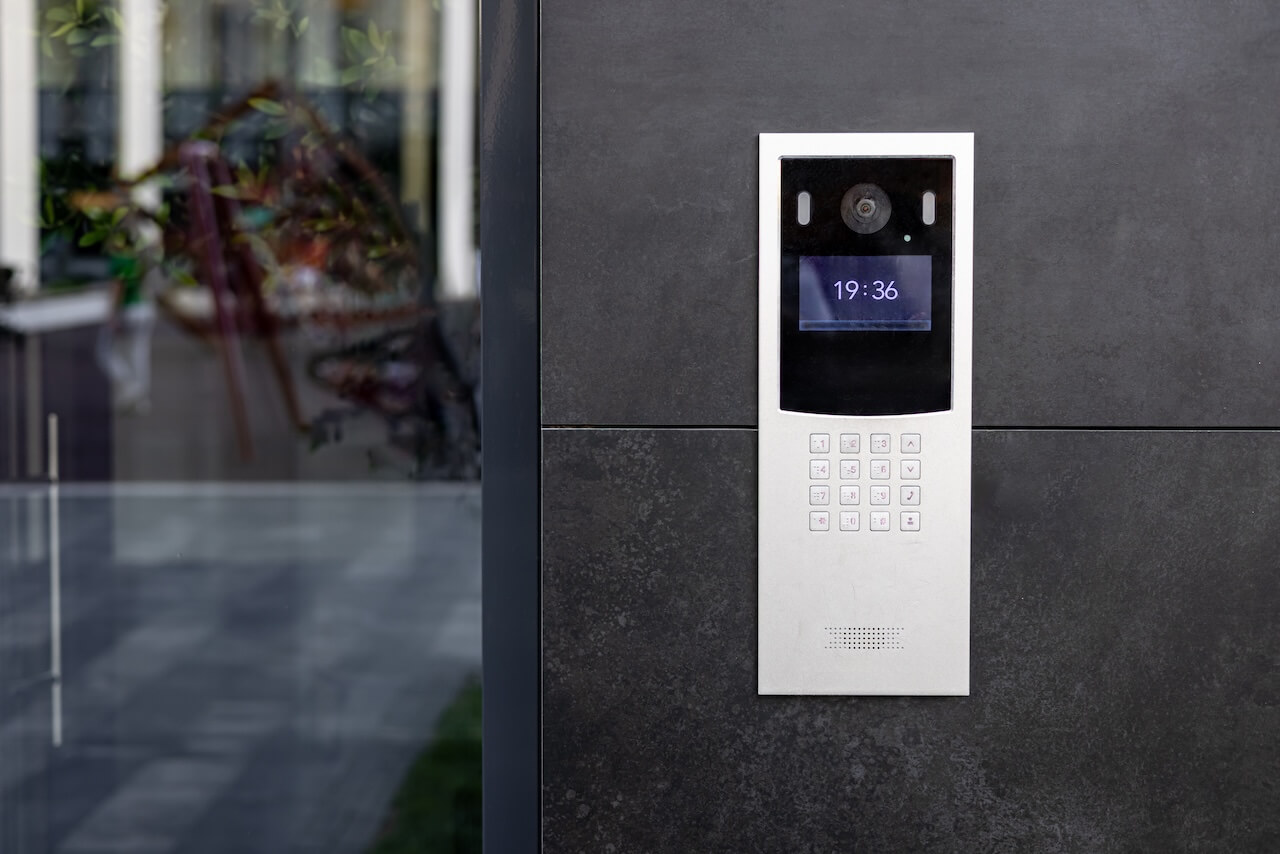
A SIP intercom system is an entry station that uses the Session Initiation Protocol (SIP) to place calls through a building’s SIP server or VoIP PBX, routing visitor audio and video to desk phones, softphones, or mobile clients over an IP network, with relay-based door release.
This guide is written for facilities and IT directors, low-voltage integrators, and PBX or telecom administrators evaluating SIP-based entry hardware for a building. It covers how the call-and-release sequence works end to end, the protocol-level tradeoffs against cloud-managed intercoms, and a criteria-based framework for evaluating a SIP intercom system before purchase. For a broader look at intercom systems generally, see the companion guide covering options beyond SIP.
The core tradeoff is control versus convenience. SIP intercoms integrate directly with existing VoIP infrastructure and avoid recurring platform fees, but they require in-house or contracted SIP and PBX administration to keep running.
Cloud-based intercoms shift that administrative burden to the vendor, at the cost of a subscription and less direct control over the call-routing stack. The right approach depends on whether a property already runs a standards-based PBX and how much IT bandwidth is available to maintain it.
Both approaches remain common in the field: SIP suits buildings with VoIP infrastructure already in place, while cloud-based systems have gained ground for new construction or full hardware replacements where there’s no existing PBX to leverage.
Key Takeaways
- SIP intercom systems route calls through a building’s existing VoIP PBX instead of a vendor’s proprietary cloud platform.
- Security depends on the encryption in use: TLS-encrypted signaling (SIPS) and SRTP-encrypted media protect calls that would otherwise be exposed to interception or toll fraud.
- SIP fits buildings that already run a standards-based PBX; cloud-based intercoms fit better for properties that want app-first workflows without in-house PBX administration.
Table of Contents:
- What Is a SIP Intercom System?
- How a SIP Intercom Works
- Benefits and Limitations
- How to Evaluate a SIP Intercom System
- Cloud-Based Intercoms vs SIP Intercoms
- SIP Door Intercom
- SIP Cabling and Network Requirements
- Best Alternative to SIP Intercom
- FAQs
What Is a SIP Intercom System?
“SIP intercom system” breaks down into two parts: the protocol and the hardware it runs on.
Architecturally, a SIP intercom separates call signaling, handled by SIP, from the media stream, handled by RTP, which is why this guide evaluates the two separately.
Session Initiation Protocol (SIP) is the signaling standard that sets up, manages, and ends real-time communication sessions, defined in the IETF’s RFC 3261. It’s the same protocol behind most VoIP desk phones and softphone apps, which is why SIP intercoms plug into existing phone infrastructure rather than needing a dedicated app or cloud platform.
A SIP-based intercom system is made up of two kinds of components:
- SIP endpoints: the door-facing intercom unit, plus whatever the resident or staff member answers on, such as a VoIP desk phone, a video-capable SIP phone, or a softphone app.
- The SIP server, or PBX (Private Branch Exchange): registers each endpoint, routes incoming calls to the right destination, and manages the call session from ring to hang-up. It can run on an on-premises server, a dedicated PBX, or a hosted cloud PBX.
Sometimes shortened to “SIP intercoms,” or referred to by the protocol alone as “intercom SIP,” these systems differ from proprietary cloud intercoms in one key way: the call logic lives on infrastructure the property controls, rather than on a vendor’s servers.
How a SIP Intercom Works
A SIP intercom call moves through four stages between a button press and an unlocked door.
- Registration: Each SIP endpoint, whether it’s the door station or a desk phone, registers itself with the SIP server or PBX using a SIP REGISTER request. Registration authenticates the endpoint with credentials and tells the server where to reach it, so the system knows where to route a call before one comes in.
- Invitation and Ringing: When a visitor presses the call button, the door station sends a SIP INVITE to the PBX, typically over port 5060 for unencrypted signaling or port 5061 for TLS-encrypted signaling (SIPS). The PBX looks up the registered destination and rings the matching desk phone, softphone, or mobile client.
- Media Session: Once the call is answered, audio and, on video-capable systems, video stream between the door station and the answering endpoint using the Real-time Transport Protocol (RTP), defined in RFC 3550. Where security matters, that media stream runs as SRTP, its encrypted variant defined in RFC 3711, which prevents interception of the call content in transit.
- Door Release: The person who answers triggers the release, either through an out-of-band relay command sent by an app or access panel, or by pressing DTMF digits that the door station decodes to fire an electric strike or maglock relay.
The PBX itself can live on-premises or in a hosted cloud environment. An on-premises PBX keeps registration, routing, and call logs under direct property or IT control, but requires server maintenance. A hosted PBX shifts that maintenance to a provider while still using standard SIP endpoints, sitting partway between a fully on-premises deployment and a proprietary cloud intercom platform.
Benefits and Limitations
Like any protocol built around existing infrastructure rather than a purpose-built platform, SIP intercoms trade some convenience for control. The tradeoff becomes clear once you lay the two sides side by side.
Benefits
- Rides existing VoIP infrastructure, so you don’t need to license a separate proprietary hardware ecosystem beyond what a building’s phone system already uses.
- No per-call or per-seat cloud subscription fee for core calling, since routing runs on infrastructure the property already owns or leases.
- Desk-phone-native answering lets staff and residents take visitor calls directly from an existing VoIP desk phone or softphone, without installing a separate app.
Limitations
- Registration, routing, and firmware maintenance fall on whoever administers the PBX, whether that’s in-house IT or a contracted integrator.
- Native mobile answering is typically weaker than purpose-built cloud intercom apps, since SIP softphones weren’t designed around the same mobile-first experience.
- Feature velocity trails cloud-based intercoms, which ship remote-access, visitor-management, and integration updates on a faster release cycle than most SIP hardware firmware.
How to Evaluate a SIP Intercom System
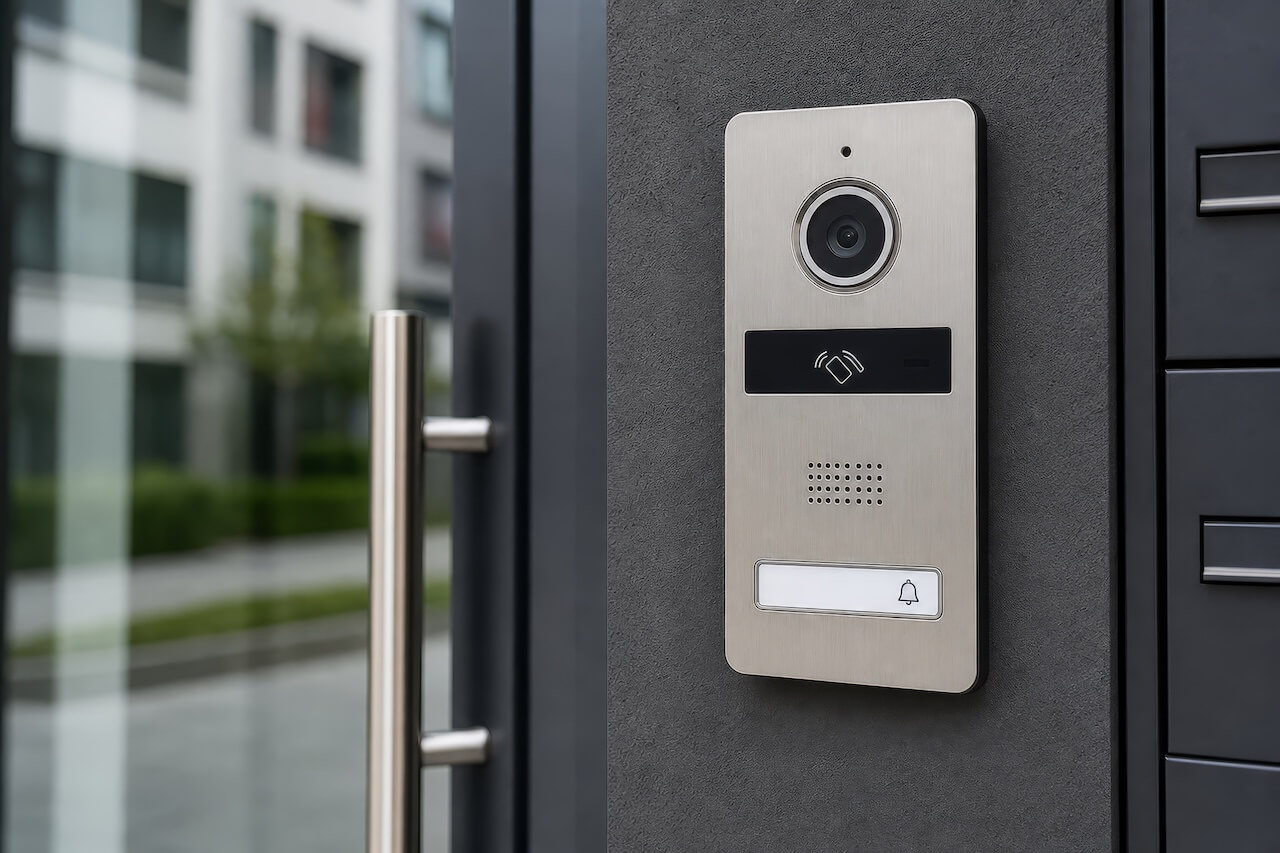
Evaluating a SIP intercom system comes down to checking it against a short list of protocol-level criteria, not comparing vendors’ feature lists. The six areas below cover what actually determines whether a given SIP intercom will work reliably on a property’s existing network.
Protocol and Codec Support
Confirm the device supports SIP 2.0 per RFC 3261 and modern audio codecs such as G.711 or G.722-class codecs for clear audio, plus proper DTMF relay via RFC 2833 or SIP INFO, for door code entry. Devices that only support older or proprietary codec sets may not interoperate cleanly with a given PBX, causing dropped audio or failed DTMF-triggered releases. Also verify video codec support, such as H.264, if a desk-phone video answering path is planned, since not every SIP endpoint decodes video the same way.
Media Security
Check whether the device supports TLS-encrypted signaling, known as SIPS and typically running on port 5061, and SRTP-encrypted media as defined in RFC 3711, rather than sending calls and audio in plaintext. Unencrypted SIP is vulnerable to eavesdropping and toll fraud, particularly on a device exposed to the open internet rather than a segmented internal network.
If a device ships with encryption disabled by default, confirm it can be turned on and enforced at the PBX level.
Registration and Network Behavior
Review how the endpoint handles registration renewal, NAT traversal (STUN or TURN), and reconnection after a network drop. A device that fails to re-register cleanly after a router reboot or ISP outage can leave an entry point silently offline until someone notices.
Ask how the device behaves behind a firewall or VLAN-segmented network, since access-control traffic is often isolated from general building network traffic.
Power and Infrastructure
Confirm the PoE class: most SIP door stations run on 802.3af or 802.3at power over Ethernet, but power draw varies by device, especially models with heaters, larger displays, or infrared illumination for night video. Undersized PoE budgets at the switch commonly cause intermittent reboots in the field.
Also check cable run length limits, typically 100 meters for standard Ethernet, if the install location sits far from the wiring closet.
Endpoint and PBX Compatibility
Choosing a SIP-enabled intercom certified or field-tested against the specific PBX platform in use matters more than confirming SIP compliance in the abstract, since implementations vary enough between platforms that theoretical compliance does not guarantee a clean pairing. Confirm supported answering endpoints too: whether desk phones, softphones, and mobile SIP clients can all receive and answer a call from the same door station without separate configuration paths.
Environmental Durability
For outdoor or semi-exposed installs, confirm an IP rating appropriate to the mounting location, commonly IP65 or higher for direct weather exposure, along with an operating temperature range that covers the property’s climate. A door station rated only for indoor use will fail prematurely if installed at an unprotected building entrance.
Running a candidate device through these six criteria, rather than a vendor’s marketing sheet, surfaces the trade-offs that actually affect day-to-day reliability: whether calls connect cleanly, whether the media stays private, whether the device survives a network hiccup, and whether it holds up physically at its mounting location. The comparison in the next section can help you decide whether a standards-based approach like this is the right fit, versus a fully managed cloud intercom.
Cloud-Based Intercoms vs SIP Intercoms
Cloud-based intercoms and SIP intercoms solve the same problem, routing a visitor’s call to someone who can grant access, but they differ in where the call-control logic lives and who is responsible for keeping it running.
| Dimension | SIP Intercoms | Cloud-Based Intercoms |
| Call Control | Routing stays on infrastructure the property or its integrator manages directly, typically an on-premises or hosted PBX. | Routed entirely through the vendor’s own servers, with no PBX for the property to administer. |
| Feature Velocity | Firmware updates on a slower, device-by-device cycle; new capabilities depend on what the PBX itself supports. | Central software releases reach every deployed unit at once. |
| Cost Shape | Upfront hardware and infrastructure investment; recurring cost is whatever the property already pays for phone or PBX service. | Recurring per-door or per-unit subscription that folds in hosting, support, and update delivery. |
| Failure Modes | Outages typically trace back to the property’s own network, PBX, or PoE budget. | Outages sit entirely outside the property’s control and depend on the vendor’s infrastructure. |
Either architecture can also run into device-specific issues when installed as a retrofit into existing building wiring, which is worth planning for regardless of which approach is chosen.
SIP Door Intercom
A SIP door intercom is the outdoor- or entry-facing endpoint in the system, the unit a visitor actually interacts with. Because it typically sits at an exposed entrance, it needs a durable outdoor enclosure, audio, and, on video-capable models, camera hardware, plus a physical connection to whatever locking hardware the entry uses.
The door release itself runs through a dry-contact relay: the door station or its controller closes a circuit that triggers an electric strike or magnetic lock, either on a DTMF signal from the answering party or an out-of-band command from a connected access-control panel. Any electrified locking hardware tied to that relay should follow local building and fire code, with compliance confirmed by the local AHJ or fire marshal rather than assumed from a device’s documentation.
Where SIP door intercoms tend to fall short of modern video-intercom platforms is on the video and app side. Many SIP door stations ship with only basic or lower-resolution video, and two-way video calling depends on whether the answering endpoint, a SIP desk phone or softphone, actually supports video, which not all of them do.
SIP Cabling and Network Requirements
The evaluation criteria above cover what to check on a device’s spec sheet before buying it; this section covers what has to be true in the network closet to make that device work reliably once it’s installed.
Getting a SIP intercom onto the network correctly matters as much as picking the right endpoint.
- Cabling: Cat6 is the practical baseline for new runs, since it comfortably supports the PoE loads and data rates SIP door stations need, with more headroom than Cat5e for longer runs or higher PoE classes. Existing Cat5e can often work for basic audio-only stations, but video-capable units are more likely to hit power or bandwidth limits on older cabling.
- PoE budget: plan switch power capacity around the total draw of every connected device, not just the intercom, since heaters, displays, and infrared illumination all add load. An under-provisioned PoE budget is a common source of random reboots that look like a device fault but are actually a power problem.
- VLAN segmentation: access-control traffic, including SIP intercoms, should sit on its own VLAN separate from general building or guest network traffic, limiting exposure if another device on the network is compromised.
- Battery backup: the switch and PBX supporting SIP intercoms should run on backup power, since a network outage also takes down call routing and door release, not just lighting.
Best Alternative to SIP Intercom
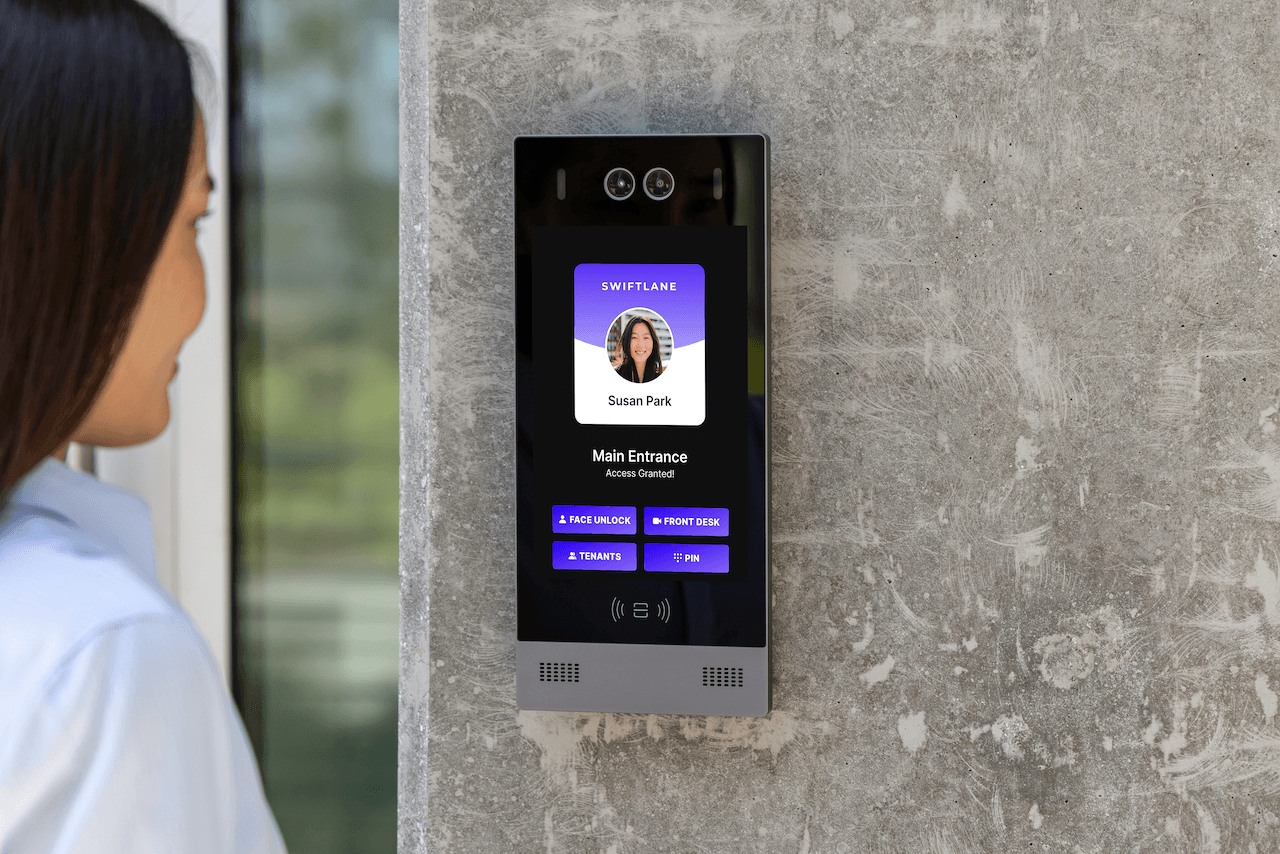
For properties without an existing PBX, or those that want a vendor to handle intercom management rather than in-house IT, a cloud-managed intercom is often a better fit than building a SIP deployment from scratch.
Swiftlane’s cloud-based intercom system runs on this model: video calling, remote unlock, and visitor management are handled through a mobile app rather than a desk phone or softphone, with no PBX to configure or maintain. Feature updates ship centrally to every deployed unit, so new capabilities reach a property without a firmware update cycle. For staff and residents, that generally means a more app-first, mobile-native experience than a SIP intercom can offer out of the box, since SIP’s answering side was built around phone hardware rather than smartphones.
This tradeoff runs in the other direction too: a property with real investment in existing VoIP infrastructure, and the IT capacity to administer it, may still get more long-term value from a standards-based SIP deployment than from taking on a recurring subscription. The right choice depends on what’s already in place and who can maintain it.
For a closer look at how a cloud-managed system compares in practice, see Swiftlane’s commercial building intercom and residential building intercom options.
FAQs
Why are some intercom systems subscription-based?
Cloud-based intercom platforms charge a subscription because the vendor hosts and maintains the call-routing infrastructure, storage, and app on its own servers. SIP intercoms avoid that fee: they run on a PBX platform the property already has, so the core calling function isn’t tied to a per-door vendor subscription.
Is SIP intercom secure?
Only if encryption is enabled. TLS-encrypted signaling (SIPS) protects call setup, while SRTP (RFC 3711) encrypts audio and video in transit. Because unencrypted SIP is vulnerable to eavesdropping and toll fraud, enforcing SIPS, SRTP, and VLAN segmentation matters far more than the protocol label alone.
Can a video door intercom integrate with an existing VoIP phone system?
Usually, yes for audio, since most PBX platforms handle standard SIP calls with little setup. Video adds a compatibility check: the answering endpoint (desk phone, softphone, or app) must also support video decoding, or the call will connect without picture.


