Motion Detection Video Clips: More than Just an Intercom
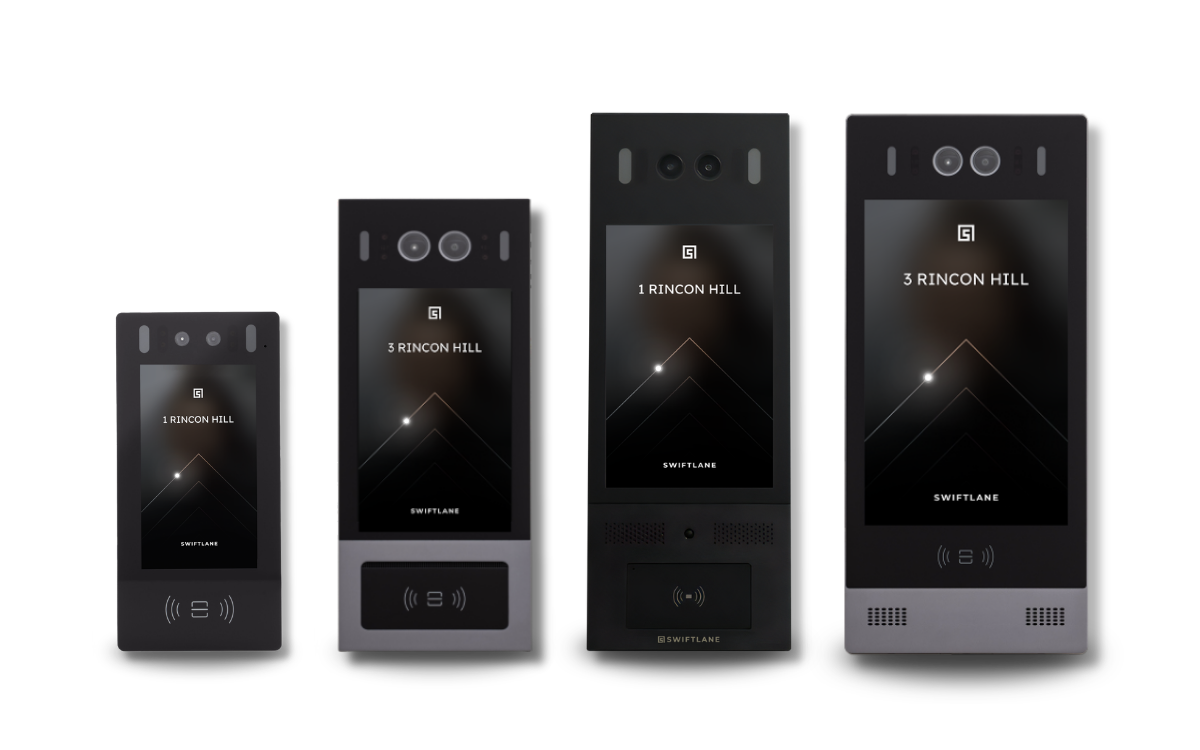
Swiftlane video intercoms handle visitor calls, face unlock, mobile access, and motion-triggered door video — all in one cloud-based device. Residents and property managers get a smarter way to handle visitors, deliveries, and entry, with a video record of every approach to the door, automatically. One system replaces your legacy callbox, your CCTV, and the patchwork of fragmented systems in between.


Securing Thousands of Properties Nationwide


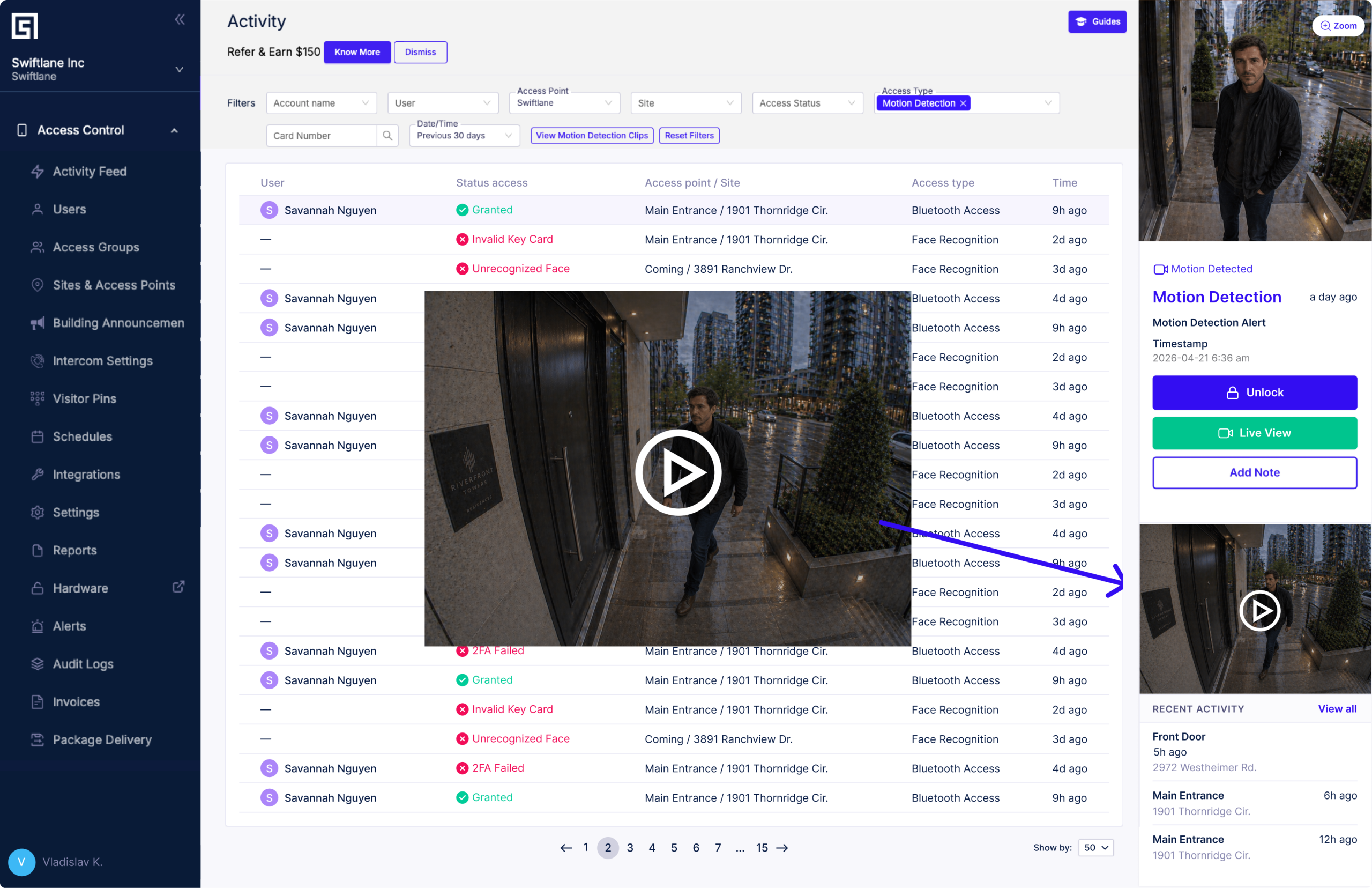
See Exactly What Happened at the Door and When
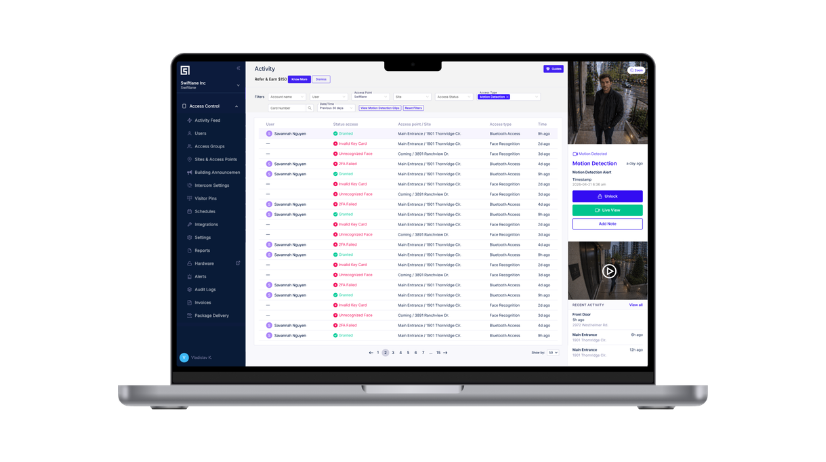
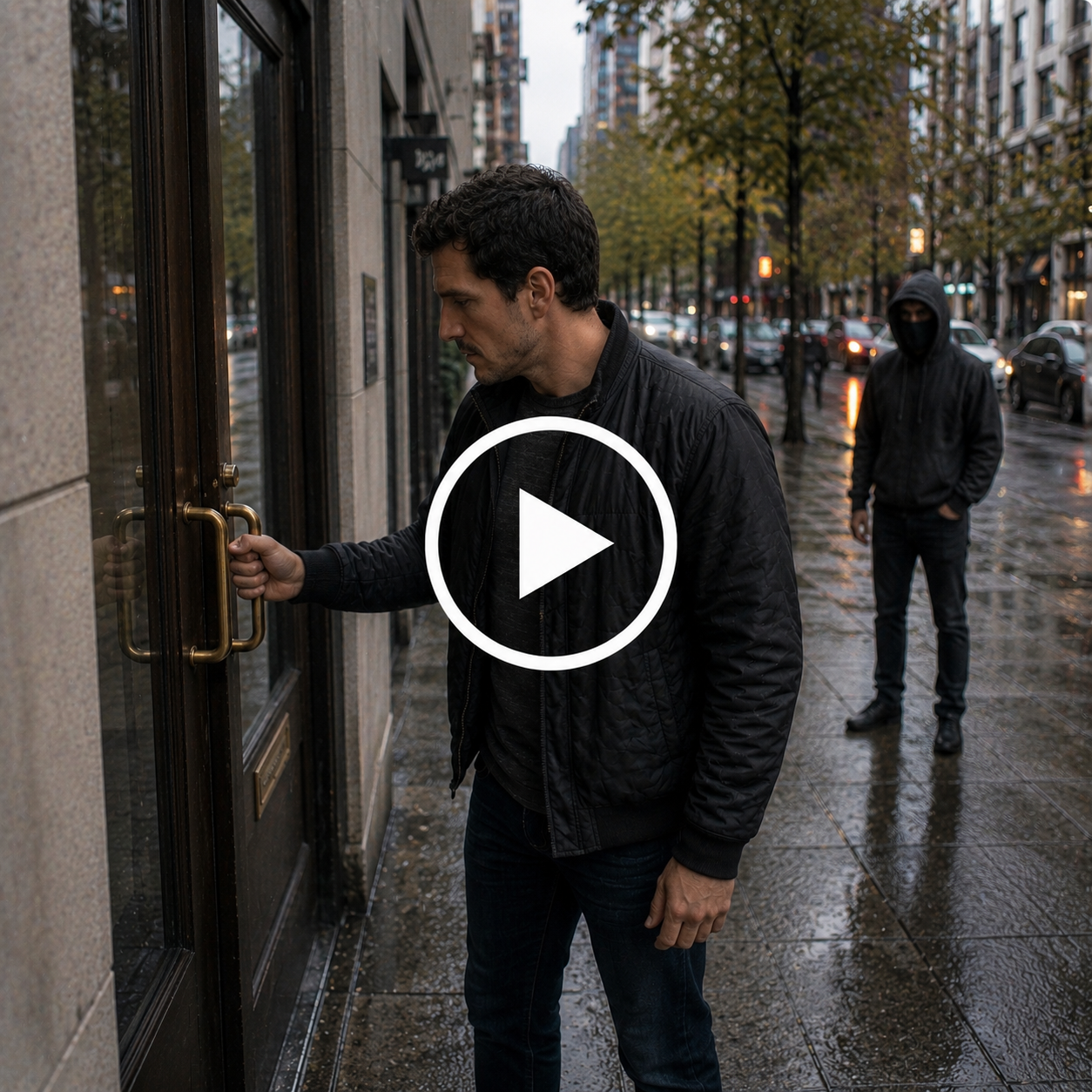
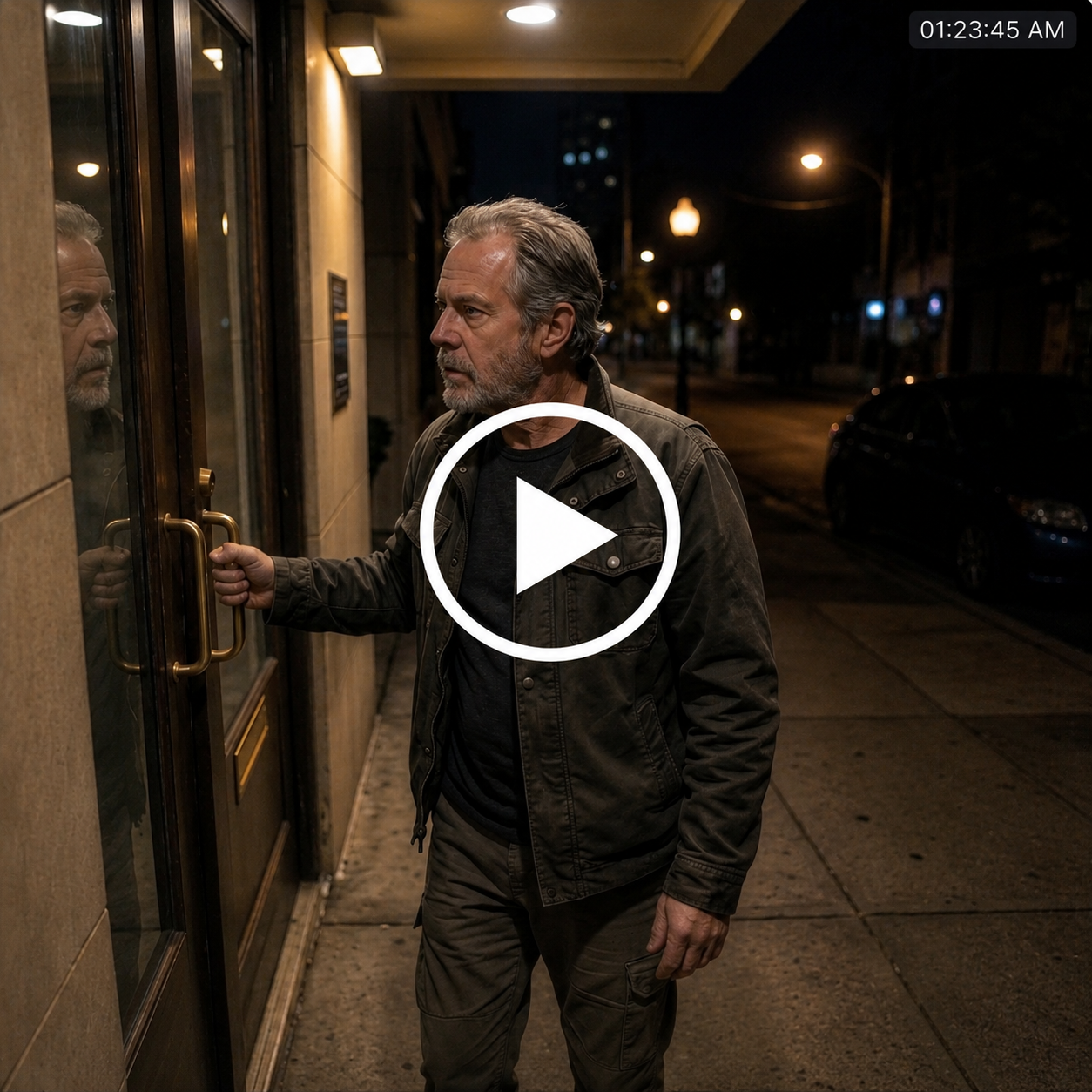
Your access log tells you whose credential opened the door, but not what happened in the thirty seconds before, after, or beside it. The package that disappeared. The visitor at 2 AM. The vendor who never showed.
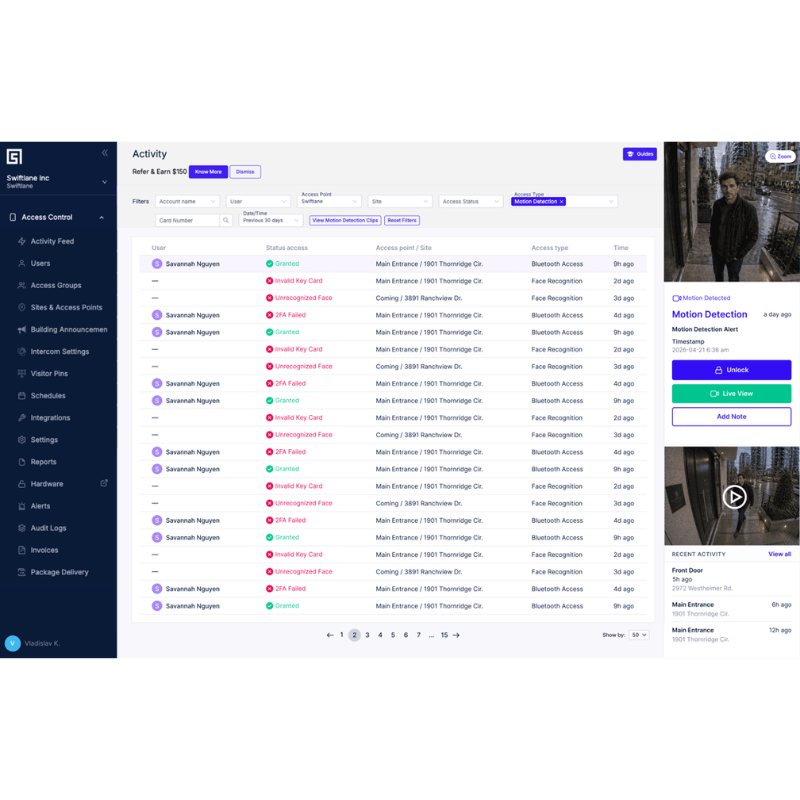
Swiftlane video intercoms automatically record when motion is detected at the door. So when someone asks who came through and when, you already have the footage.
Six Ways Swiftlane Makes Your Building Easier to Run
Two-Way HD Video Calls
Residents see, hear, and verify every visitor in 1080p from the app, a landline, or any phone. No more missed deliveries because the buzzer didn't work.
Visitor and Delivery Management
Residents pre-authorize guests, dog walkers, and recurring deliveries from the app. PINs and codes expire automatically — no leftover access from last month's vendor.
Face Unlock and Mobile Credentials
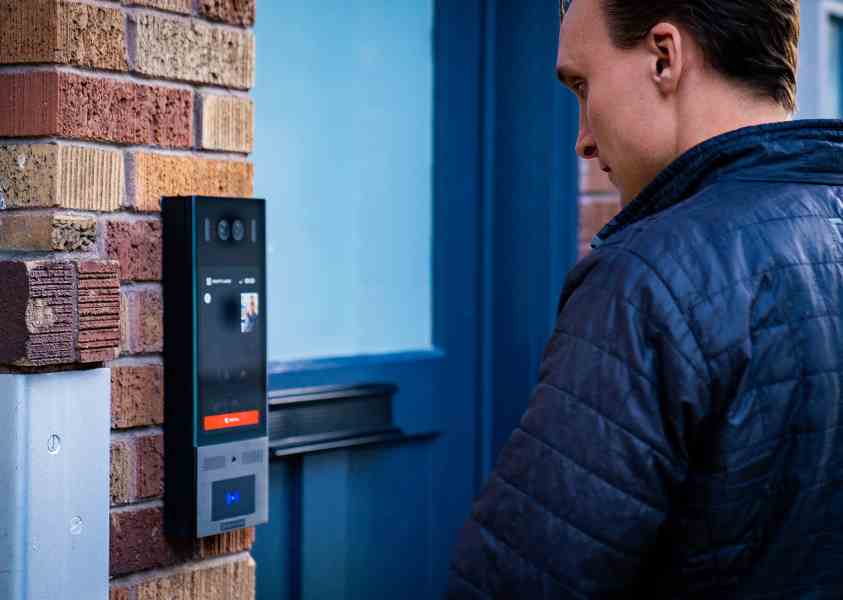
Walk up, glance at the intercom, and the door opens. Or unlock from a phone, PIN, or key card. Residents pick what works for them.
Motion-Triggered Video Monitoring
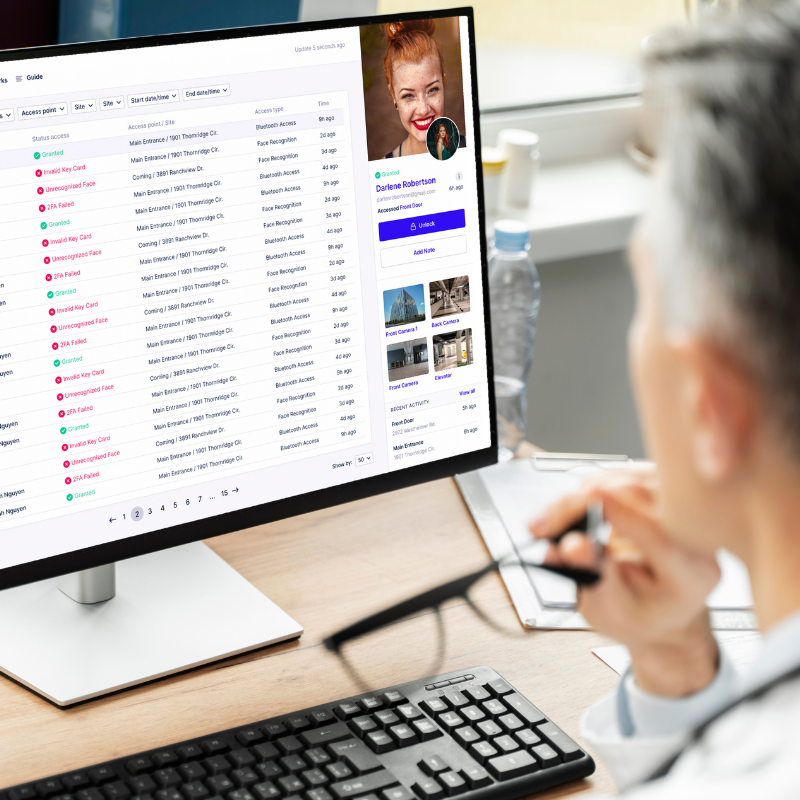
Every approach to the door is recorded automatically — not just events that triggered an unlock. The full picture of who came near the building, every day.
Manage Everything Remotely
One cloud dashboard for one building or fifty. Add residents, revoke access, pull video, all without a site visit.
Industry Leading Hardware Durability
IK10 vandal-rated hardware, cellular fallback, battery backup, SOC II-certified cloud. Engineered for the front door of any building size.
Get a Visual Video Log and Stop Worrying
When every approach to your building is on video, day-to-day operations and incident response both get easier.

Why Property Teams Choose Swiftlane
-
Manage Your Entire Property Without Ever Going On Site
Add residents, adjust permissions, pull video, and make system updates from anywhere. No site visits. No waiting. Everything handled from one cloud dashboard.
-
Residents Get the Most Advanced Access Experience on the Market
Face recognition, mobile unlock, video calling, PIN access — residents pick what works for them. Features that make coming home easier, every single day.
-
Cut the Cost of Keys, Fobs, and Everything That Comes With Them
Digital credentials don’t get lost, copied, or left behind at move-out. Reduce rekeying costs, eliminate lockouts, and stop managing physical access entirely.
The Real Difference
Swiftlane
Other Intercoms & Access Systems
Motion-triggered door video
Swiftlane:
Built in — records every approach automatically
Other Intercoms & Access Systems:
Not available or requires separate camera install
Visitor & delivery management
Swiftlane:
Residents pre-authorize guests and deliveries from the app
Other Intercoms & Access Systems:
Manual buzzer systems, no pre-authorization
Face recognition access
Swiftlane:
Walk up, get recognized, door opens
Other Intercoms & Access Systems:
Not available on most systems
Remote management
Swiftlane:
Full control from any device, anywhere, no site visit needed
Other Intercoms & Access Systems:
Often requires on-site access or local server
Credential costs
Swiftlane:
No fobs, no keys, no rekeying at turnover
Other Intercoms & Access Systems:
Ongoing costs for physical credentials and locksmith visits
Installation
Swiftlane:
One device, one install, one vendor
Other Intercoms & Access Systems:
Multiple contractors, multiple systems, multiple bills
Motion-Detection Video Available With Every Swiftlane Intercom
Base Subscription
- $0/ included with every Swiftlane system
- 15 viewable clips per device, per day
- 30-day cloud retention on every clip
- Cross-linked to access events automatically
- Viewable in the Activity Feed
Paid Subscription
- $30/ device / month
- View 300 daily clips per device per day
- Map custom recording schedules to specific time windows
- Recurring annual or monthly billing
- Recommended for high-traffic lobbies and busy entries
From Motion to Evidence in Seconds.
No buttons to press, no settings to configure. Motion detection runs on every Swiftlane intercom, automatically.
-
Motion is detected
The camera built into the Swiftlane intercom registers movement at the door.
-
A 15-second clip is recorded
Captured automatically with timestamp and door location.
-
Clip uploads to the cloud
Securely stored in the Swiftlane cloud and retained for 30 days, on every plan.
-
It appears in the Activity Feed
Cross-linked to any unlock, denied entry, or door-held event that occurred at the same time.
Two Jobs, One Device.


Ready to Elevate Building Security? Explore Our Essential Collection of PDF Resources

11 Tips for Upgrading from Wired to Video Intercoms
Elevate your building’s security with a wireless video intercom upgrade. Uncover challenges, benefits & expert advice in our guide.
Tips for Upgrading from Telephone Callbox to Video Intercoms
From telephone call box to video intercom. Elevate security and convenience. Explore the transformation today

Apartment Buzzer Replacement – 19 Important Tips
Upgrade your apartment buzzer system with confidence! Download our comprehensive PDF overview featuring 19 essential tips for a seamless and secure transformation.
Frequently Asked Questions
Motion detection records a 15-second clip whenever someone approaches a Swiftlane intercom — it's designed for entry monitoring, not full-property surveillance. For many buildings, it covers the entry-point use case that CCTV was previously installed for. Properties with broader interior or perimeter coverage needs may still use a separate camera system alongside it.
Additional clips are still recorded and stored. They appear locked in the Activity Feed until you upgrade. Once you activate the paid tier, all clips from the past 30 days become immediately viewable.
By default, motion detection is active 24/7, up to 300 clips per device per day. Custom recording schedules can be configured to record only during specific windows — nights, weekends, or shift changes.
In the Activity Feed, filtered by Access Type "Motion Detection," or via the dedicated "View Motion Detection Clips" button.
Up to 300 clips per device, per day.
30 days in the cloud, on every plan.
Ready to Upgrade Your Building's Front Door?
Tell us about your property — we'll show you exactly what it takes to switch.


