

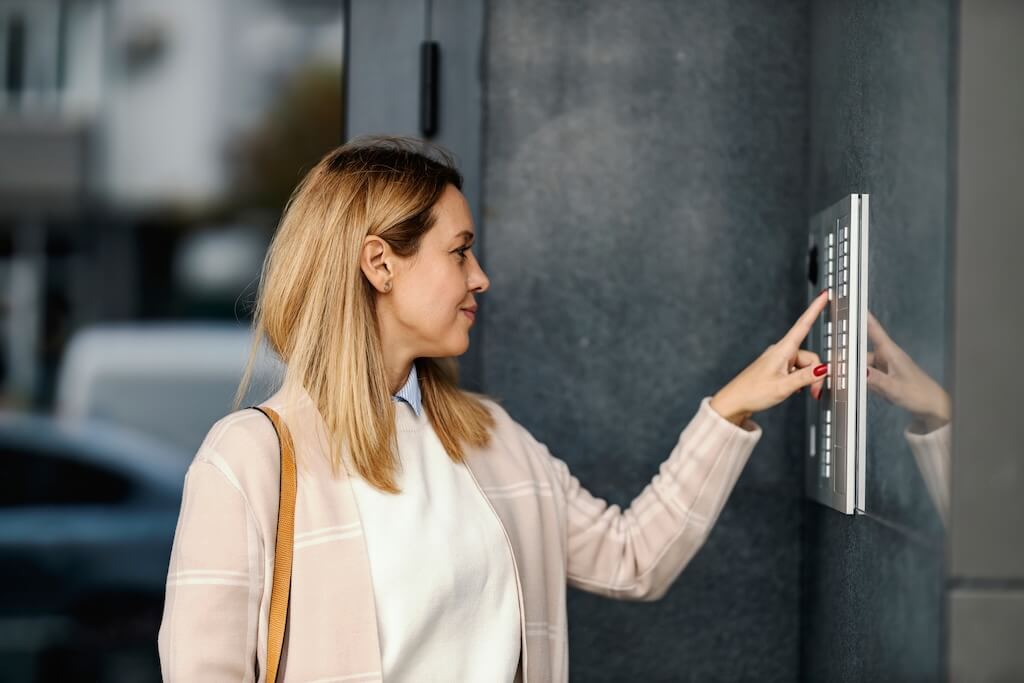
A building access control system is a networked security system that controls who can enter which doors, gates, and shared spaces, and when. It combines credentials, readers, controllers, electronic locks, and management software so properties can grant, revoke, and log access without physical keys.
Keys alone no longer match how multifamily and commercial buildings operate. Resident turnover, employee offboarding, package deliveries, vendor visits, and after-hours entry all create access decisions that a lock and key can’t track or reverse.
That’s why building access control systems have become a foundational layer of property security. But systems vary widely. Some suit a small property with a handful of doors. Others are cloud platforms managing thousands of users across multiple buildings.
This guide covers building-level selection for multifamily and commercial properties: how these systems work, the credential types available, how requirements differ by property type, what drives cost, and how to evaluate a system before requesting quotes.
How We Researched This
This guide draws on published industry research from HID Global, Genetec, and the Security Industry Association; cybersecurity guidance from NIST and BOMA International; the model fire and life-safety codes (IBC and NFPA 101); and state biometric privacy statutes. Cost guidance reflects the cost drivers documented across Swiftlane’s existing door access control and multi-door guides rather than a single price list.
Key Takeaways
- A building access control system manages entry across multiple doors and users with digital credentials instead of keys.
- Cloud-based systems let property teams grant, revoke, and monitor access remotely, without on-site servers or manual updates.
- Common credentials include key fobs and cards, PINs, mobile apps, face recognition, and intercom-based visitor entry. Most properties combine several.
- Multifamily buildings prioritize turnover, visitor, and delivery access. Commercial buildings prioritize role-based permissions, schedules, and visitor management.
- Cost depends on door count, wiring, credential mix, and software licensing more than on a flat per-door price.
- Egress codes, biometric privacy laws, and cybersecurity shape what you can install, so confirm plans with the local Authority Having Jurisdiction (AHJ).
Table of Contents
- What Is a Building Access Control System?
- How Building Access Control Systems Work
- Types of Building Access Control Systems
- Multifamily vs Commercial Access Control Requirements
- Security and Compliance Considerations
- How Much Does a Building Access Control System Cost?
- Buyer Checklist: How to Evaluate a Building Access Control System
- Swiftlane Building Access Control
- FAQs
- Sources and Citations
What Is a Building Access Control System?
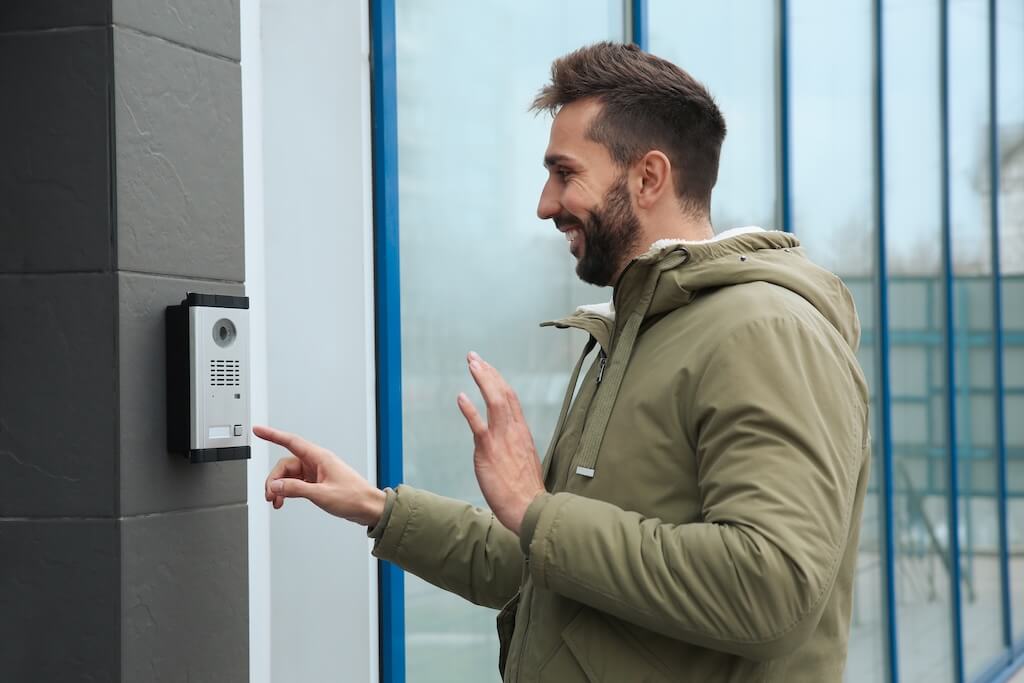
A building access control system is a centralized platform that manages who can enter specific doors, floors, or restricted areas within a property. A traditional lock secures one opening with one key. An access control system manages many doors, users, and permission levels across an entire building or portfolio.
Instead of distributing keys, administrators issue digital credentials and set permissions in software. When a resident taps a fob, a staff member unlocks a door from a phone, or a visitor is admitted through an intercom, the system checks the credential, grants or denies entry almost instantly, and logs the event.
The result is a security layer that scales with the building, adapts to turnover, and gives property teams visibility that keys can’t provide
Core Components of a Building Access Control System
- Credentials: Key fobs, access cards, mobile apps, PIN codes, or biometric identifiers used to request entry.
- Readers: Devices at each access point that capture and pass along the credential.
- Controllers: Hardware that checks the credential against stored permissions and decides whether to release the lock.
- Electronic locks: Electric strikes, magnetic locks, or electrified hardware that physically secure the opening. Lock and door hardware choices are covered in depth in the door access control guide.
- Management software: A cloud-based or on-premises platform for assigning permissions, monitoring activity, and managing users.
How Building Access Control Systems Work
Most modern systems run on cloud infrastructure, so administrators manage entry from a web dashboard or mobile app. Each entry attempt follows the same basic sequence:
- A user presents a credential at the door, such as a key fob, mobile app, PIN, or face.
- The reader captures the credential and sends it to the controller.
- The controller checks whether that credential has permission for that door at the time.
- If it does, the lock releases.
- The system logs the event with a timestamp, the credential used, and the access point.
Cloud-Based vs. On-Premise Access Control
Older systems rely on local servers installed on site. These on-premises systems need dedicated IT infrastructure, on-site management, and manual updates. Cloud-based access control moves management to hosted software, so credentials can be issued or revoked from anywhere, and updates install automatically.
| Feature | Cloud-Based Systems | On-Premise Systems |
| Management | Remote, from any device | Limited to on-site server access |
| Updates | Automatic | Manual |
| Scalability | Across multiple buildings | Typically one installation at a time |
| Integration | Usually simpler with other building systems | Often requires custom configuration |
| Best For | Most new multifamily and commercial installations | Legacy environments with existing infrastructure |
Because cloud systems depend on connectivity, confirm how a platform behaves during an internet outage. Some controllers store credentials locally, so authorized users can still enter while the connection is down.
Remote Unlock, Credential Management, and Audit Logging
For property teams overseeing multifamily or commercial buildings, two capabilities matter more than almost anything else: remote door management and a reliable record of who entered and when. These are operational necessities for any building with more than a handful of users, and they’re the core benefits of cloud-based access control.
Remote management covers the day-to-day tasks that once required a site visit:
- Unlocking a door for a delivery when no staff are on site
- Issuing a temporary PIN or mobile credential to a contractor arriving after hours
- Revoking a former tenant’s or employee’s access the moment a lease ends or employment is terminated.
- Granting a maintenance worker access to a specific floor or amenity space for a set time window
- Setting schedules that limit entry to certain hours or days
Audit logs record every attempt to use a door. A complete entry typically captures the credential and the person it’s assigned to, the door or access point, the date and time, and whether access was granted or denied. In multifamily buildings, logs help resolve disputes, support move-out documentation, and provide evidence after an incident. In commercial buildings, they support internal security reviews and can be exported for compliance reporting.
Alerts turn passive logs into a proactive view of building security. Common configurations include notifications when a door is held open too long, alerts when a revoked or unrecognized credential is used, and scheduled daily or weekly summary reports.
Types of Building Access Control Systems
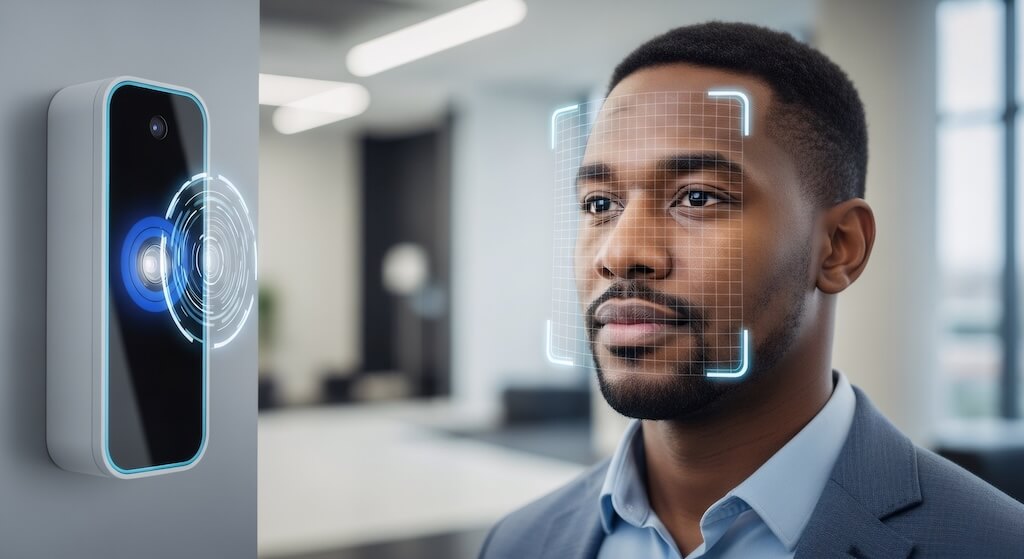
Building access control systems are usually grouped by how people prove they’re allowed in. Each credential type trades off convenience, security, and administrative effort differently, and most properties combine two or three.
| System Type | How It Works | Best For | Relative Cost | Cloud-Native |
| Key fob or card | RFID or NFC tap at a reader | Multifamily, offices, HOAs | Low to mid | Optional |
| PIN or keypad | Numeric code entry | Secondary doors, service areas | Low | Optional |
| Mobile app | Bluetooth or NFC via smartphone | Modern apartments, smart offices | Mid | Yes |
| Face recognition | Camera-based biometric verification | High-traffic multifamily, enterprise | Mid to high | Yes |
| Intercom-integrated | Visitor calls a resident or staff member for remote unlock | Multifamily, gated properties | Mid | Yes |
These are credential and system types. Security frameworks also use “types of access control” to describe permission models such as discretionary, mandatory, and role-based access control, which are explained in the access control models glossary of the door access control guide.
Key Fob and Card-Based Access Systems
Key fob and card systems use RFID or NFC credentials that unlock a door when tapped near a reader. They’re widely deployed and easy to implement, but physical credentials can be lost, shared, or copied. Older 125 kHz proximity credentials are the easiest to clone. Encrypted 13.56 MHz smart credentials reduce that risk, though how much depends on how the credentials and readers are configured. The card access systems guide covers credential media in more depth.
Best for: multifamily buildings, offices, and properties moving away from traditional keys.
Keypad and PIN-Based Access Systems
Keypad systems grant entry with a numeric code, so there’s no need to distribute anything physical. Codes can expire automatically, making PIN access practical for vendors and short-term visitors. The tradeoff is accountability: PINs are easy to share, so access policies need to be enforced actively.
Best for: secondary entrances, service areas, and short-term vendor access.
Mobile-Based Access Systems
Mobile access control lets users unlock doors through a secure smartphone app over Bluetooth or NFC. Credentials are issued and revoked digitally. Lost or stolen phones can be disabled remotely, and temporary access can be granted to guests or contractors without handing over anything physical.
Adoption is climbing. HID Global’s 2024 State of Physical Access Control report found that nearly two in five respondents (39%) actively use mobile identities, and expects 80% to 94% of organizations to deploy them within five years.
Best for: modern apartment buildings and properties prioritizing touchless, remotely managed access.
Biometric Access Control Systems
Biometric systems verify identity with facial recognition or fingerprints, tying entry to the person rather than a credential that can be passed along. Face recognition door access suits high-traffic entrances where hands-free entry improves the resident experience.
Three states regulate biometric data most strictly. Illinois’ Biometric Information Privacy Act (BIPA) requires written consent and a published retention schedule, and lets individuals sue directly. Texas’ Capture or Use of Biometric Identifier Act (CUBI) and Washington’s RCW 19.375 impose similar notice and consent requirements but are enforced by the state attorney general. Review consent, enrollment, and retention practices for the applicable state before deployment.
Best for: high-traffic multifamily entrances, enterprise facilities, and high-security commercial environments where state compliance has been reviewed.
Intercom-Integrated Access Systems
Intercom-integrated systems combine access control with two-way audio or video, so residents or staff can see visitors before granting remote entry. Most modern platforms pair video intercom calling with cloud-based access control in a single interface, simplifying delivery and guest access.
Best for: multifamily buildings, gated communities, and properties that regularly receive guests or deliveries.
For a closer look at how these credentials fit together without physical keys, see the keyless entry systems guide.
Multifamily vs Commercial Access Control Requirements
Building access control serves both residential and commercial properties, but the operational priorities differ. A system that matches how the building activity actually runs matters more than the one with the longest feature list.
| Priority | Multifamily Buildings | Commercial Buildings |
| Main access driver | Resident move-ins and move-outs | Employee onboarding and offboarding |
| Visitor handling | Guests, delivery carriers, and service vendors | Scheduled visitors, contractors, and clients |
| Permission structure | By unit, building, and amenity space | By role, department, schedule, and floor |
| Common add-ons | Video intercom, package room access, amenity scheduling | Visitor management, elevator control, identity provider sync |
| Reporting needs | Dispute resolution and move-out documentation | Security reviews and compliance exports |
Multifamily Building Needs
Multifamily access control centers on resident turnover, visitor management, and convenience. Property teams need to issue and revoke credentials quickly at move-in and move-out, give guests and delivery carriers temporary access, and let residents unlock the front door remotely through a video intercom or mobile app. High-turnover buildings benefit most from cloud-based systems, where credential changes take effect immediately across every connected door. The apartment access control system guide covers unit-level considerations, such as in-unit smart locks.
Commercial Office Building Needs
Commercial buildings need more structured policies tied to roles, schedules, and security clearances. Administrators control entry to restricted areas, manage time-limited visitor access, and review after-hours activity.
Multi-tenant buildings also need elevator access that limits each tenant to its own floors. For multi-building portfolios, a cloud platform that manages every location from one dashboard removes the overhead of maintaining separate systems at each site. Day-to-day operational workflows are covered in the property management access control guide.
Security and Compliance Considerations
Modern access control is networked infrastructure, so physical and digital security are no longer separate concerns. Strong door hardware paired with weak software protections creates vulnerabilities that lock-and-key setups never had.
Guidance published by BOMA International, the ASIS Foundation, and SIA found a significant gap between how building operators perceive the risks of connected building systems and their actual vulnerabilities. When evaluating building access control solutions, look for:
- Data encryption: Encrypt credential data and access records in transit and at rest.
- Secure reader communication: The older Wiegand protocol between readers and controllers is unencrypted. The Open Supervised Device Protocol (OSDP) supports two-way communication and an encrypted Secure Channel mode, though encryption depends on device configuration.
- Administrator authentication: Access to the management platform should require multi-factor authentication.
- Audit trails: Log every entry attempt with a timestamp, credential, and access point.
- Offline operation: Controllers designed to store credentials locally can keep doors working during internet outages.
- Standards alignment: NIST SP 800-82 provides security guidance for operational technology and explicitly includes physical access control systems.
For commercial buildings in regulated industries, access logs may also need to meet internal audit or industry-specific requirements. Platforms that store logs off-site and make them exportable simplify that work compared with on-premises systems that require manual retrieval.
Fire and Life-Safety Code Compliance
Fire and building codes, not only security standards, govern electrified locking hardware on egress doors. Most jurisdictions adopt the International Building Code (IBC) and NFPA 101, the Life Safety Code. In general, an access control system can restrict who enters, but it should not prevent people from leaving during an emergency.
Locks are described as fail-safe (unlocked when power is lost) or fail-secure (locked when power is lost), and which type a door can use depends on its location, occupancy, and fire alarm integration. Because code editions and local amendments vary, confirm egress hardware and locking arrangements with the local Authority Having Jurisdiction (AHJ) or fire marshal before installation.
How Much Does a Building Access Control System Cost?
Building access control costs depend on door count, existing wiring, lock hardware, credential mix, software licensing, and local labor rates, so a single per-door price rarely tells the full story. The more useful starting point is understanding which factors push a project toward the low or high end of a quote.
| Complexity | Typical Scope | What Drives the Quote |
| Low | A few doors, existing wiring and compatible door frames, one or two credential types | Reader and lock hardware, basic controller capacity, software setup |
| Moderate | Main entrances, amenity spaces, and a package room or garage, with intercom and mobile access | Multi-door controller and wiring runs, intercom integration, visitor access workflows |
| High | Multiple buildings or floors, elevator control, biometric entry, or older buildings with limited conduit | New wiring through finished walls, elevator and fire alarm tie-ins, compliance review, multi-site management |
Older buildings with limited conduit or outdated wiring usually land in a higher tier than a similar new installation. For a door-by-door breakdown of what changes a quote, see the cost per door section of the door access control guide. Buildings adding several doors at once can compare setups in the multi-door access control guide.
Software and Ongoing Costs
Cloud platforms charge a recurring software fee in addition to hardware and installation. Pricing models vary: some vendors charge per door, others per user or per building. Per-user pricing can scale unexpectedly in high-turnover multifamily buildings, so confirm the model before comparing quotes. Ongoing costs can also include support plans, firmware updates, replacement credentials, and integration fees.
Asking each installer to break out hardware, labor, and software separately makes quotes far easier to compare. For a property-specific starting point, the Swiftlane estimate generator lets property teams build an estimate by selecting the number of intercoms, card readers, and vehicle readers, plus elevator access and construction type.
Buyer Checklist: How to Evaluate a Building Access Control System
The market is changing quickly. The Security Industry Association’s 2026 Security Megatrends report names AI as the largest force reshaping the industry, alongside faster technology refresh cycles. And Genetec’s 2026 State of Physical Security report, based on a survey of more than 7,300 physical security professionals, found that 80% of end users plan to add biometrics to their access control systems in 2026, according to Biometric Update.
That pace makes it more important to evaluate systems on fundamentals than on feature lists.
Questions to Ask Before Choosing a System
- Can administrators manage doors and users remotely? Remote management lets property teams control access without being on site.
- Can access be granted or revoked instantly? Fast credential changes matter most at move-outs, terminations, and vendor access windows.
- Does it support mobile credentials alongside traditional options? Flexible credential types accommodate different users and reduce physical distribution.
- Does it scale across doors, floors, and properties? A scalable platform grows with the portfolio without a full replacement.
- Are audit logs available and exportable? Access records support security reviews, incident investigations, and compliance documentation.
- Does it keep working during internet outages? Look for controllers designed to store credentials locally.
- How is reader-to-controller communication secured? Ask whether readers use OSDP with Secure Channel enabled.
- Does it integrate with other building technology? Video intercoms, visitor management, elevator control, and identity providers reduce manual work.
- What is the total cost of ownership? Factor in hardware, installation, software licensing, credential replacement, and support, not just upfront equipment.
Matching the System to the Property
| Property Type | Typical Setup | Key Priority |
| Small multifamily (up to about 20 units) | Cloud system with mobile and fob credentials, video intercom at the main entrance | Resident convenience and fast turnover |
| Mid-size multifamily (about 20 to 100 units) | Cloud platform with mobile access, video intercom, and optional face recognition | Touchless entry, remote management, visitor access |
| Large multifamily (100+ units) | Multi-door cloud platform with mobile credentials, amenity access control, and optional face recognition | Scalability, audit logging, package and delivery access |
| Small commercial office | Cloud keypad or mobile access system with basic audit logging | Low overhead and easy credential management |
| Multi-tenant commercial building | Cloud platform with role-based permissions, visitor management, and floor-level control | Structured permissions and restricted areas |
| Enterprise or multi-site portfolio | Centralized cloud platform managing every building from one dashboard | Portfolio-wide visibility and integrated reporting |
If face recognition is part of the setup, review enrollment and consent practices against Illinois BIPA, Texas CUBI, and Washington RCW 19.375 where they apply. For help choosing an installer, see the guide to choosing an access control security company.
Swiftlane Building Access Control
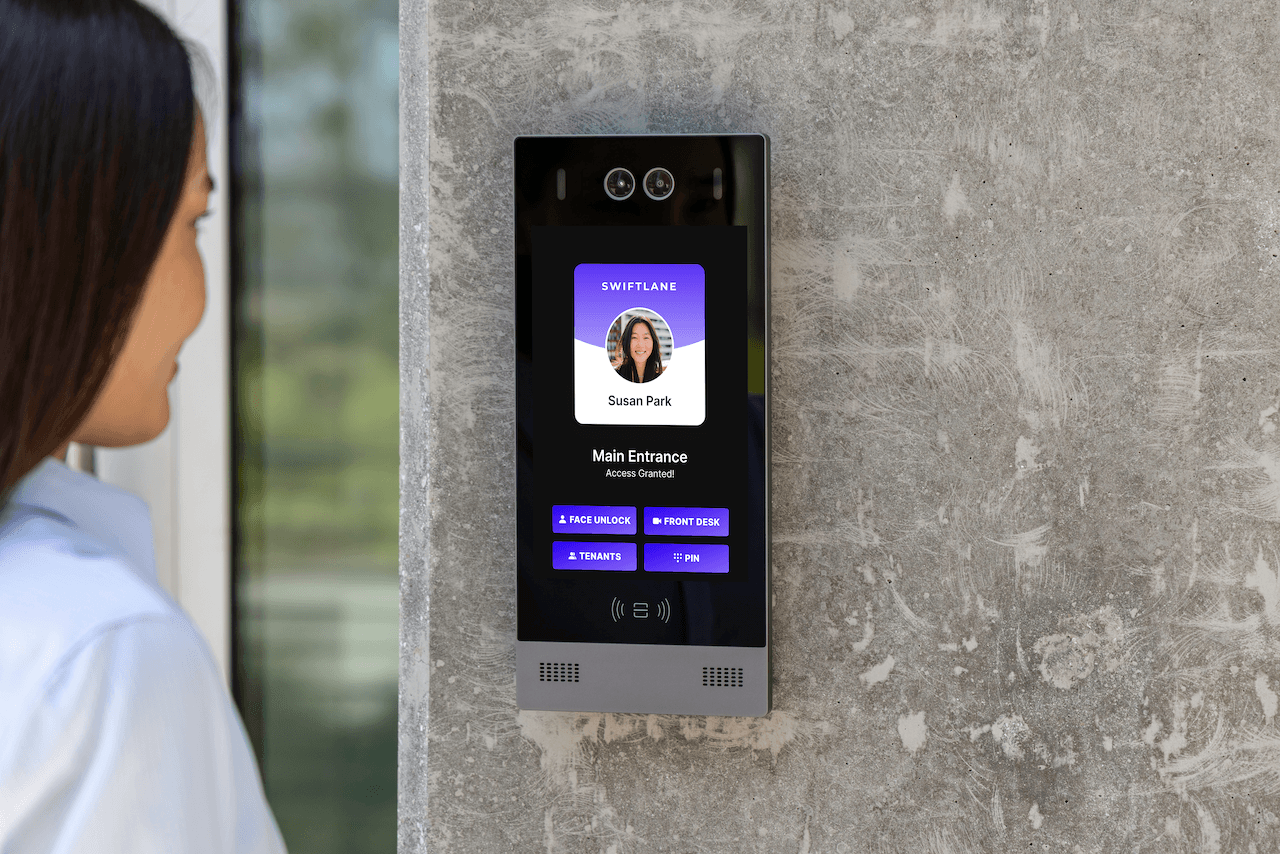
A building access control system should do three things well: secure every entry point, simplify daily management for property teams, and give residents and employees a consistent way in.
Swiftlane is a cloud-based access control platform deployed in more than 3,000 buildings across the U.S. It brings video intercom, mobile access, key fobs and cards, PINs, and optional face recognition into one dashboard, so teams can manage every door and building from a single place. Review face recognition deployments against Illinois BIPA, Texas CUBI, and Washington RCW 19.375 where they apply. The Swiftlane Access Control Unit stores credentials locally so doors keep working during network outages.
Talk to the Swiftlane team to find the right configuration for the property.
FAQs
Can I manage building entry permissions remotely?
Yes, with a cloud-based system. Administrators can grant, schedule, and revoke credentials, unlock doors, and review access logs from a web dashboard or mobile app. Changes take effect across connected doors without a site visit.
Can building access control systems operate without an internet connection?
Many can. Some controllers store credentials locally, so authorized users can still enter during an outage, and logs sync once connectivity returns. Behavior varies by system, so it’s worth confirming before buying.
What types of credentials can building access control systems support?
Most systems support key fobs and cards, PINs, mobile apps, and biometrics such as face recognition, plus intercom-based visitor entry. Face recognition is subject to state laws such as Illinois BIPA, Texas CUBI, and Washington RCW 19.375.
How much does a building access control system cost?
Cost depends on door count, wiring, lock hardware, credential mix, and software licensing. Retrofits in older buildings and projects with elevator or multi-site integration usually cost more. The cost section above breaks down the main drivers by complexity tier.
What is the difference between cloud-based and on-premise access control?
Cloud-based systems are managed remotely from any device, update automatically, and scale across multiple sites. On-premise systems store data on a local server and need on-site management and manual updates. Most new multifamily and commercial installations use cloud platforms.
How do I manage access for a high-turnover multifamily building?
A cloud-based system handles turnover best. Credentials can be issued before move-in and revoked at lease end without a key exchange or site visit. Some platforms also connect to property management software to automate those changes.
What access control features matter most for commercial office buildings?
Commercial buildings typically prioritize role-based permissions, time-based schedules, restricted-area control, and visitor management. Integration with an identity provider such as Okta lets credentials activate and deactivate automatically as employees join or leave.
How long does it take to install a building access control system?
Timelines depend on door count, wiring, and whether existing infrastructure can be reused. Small retrofits move faster than large buildings that need new wiring runs. Cloud systems skip local server setup, but an installer’s site survey gives the most reliable timeline.
What security standards apply to building access control systems?
NIST SP 800-82 covers cybersecurity for physical access control systems, and OSDP is the common standard for secure reader communication. Egress and locking hardware follow the IBC and NFPA 101 as adopted locally, confirmed with the AHJ.
Sources and Citations
- HID Global, 2024 State of Physical Access Control Report
- Genetec, 2026 State of Physical Security Report
- Biometric Update, Physical security a strategic enabler of business outcomes: Genetec report
- Security Industry Association, Security Megatrends
- National Institute of Standards and Technology, SP 800-82, Guide to Operational Technology Security
- BOMA International, Intelligent Building Management Systems: Guidance for Protecting Organizations
- HID Global, Why OSDP Has Become Access Control’s International Communication Standard
- International Code Council, International Building Code
- National Fire Protection Association, NFPA 101: Life Safety Code
- Illinois Biometric Information Privacy Act (740 ILCS 14)
- Texas Capture or Use of Biometric Identifier Act (Business and Commerce Code, Chapter 503)
- Washington Biometric Identifiers Law, RCW 19.375


