

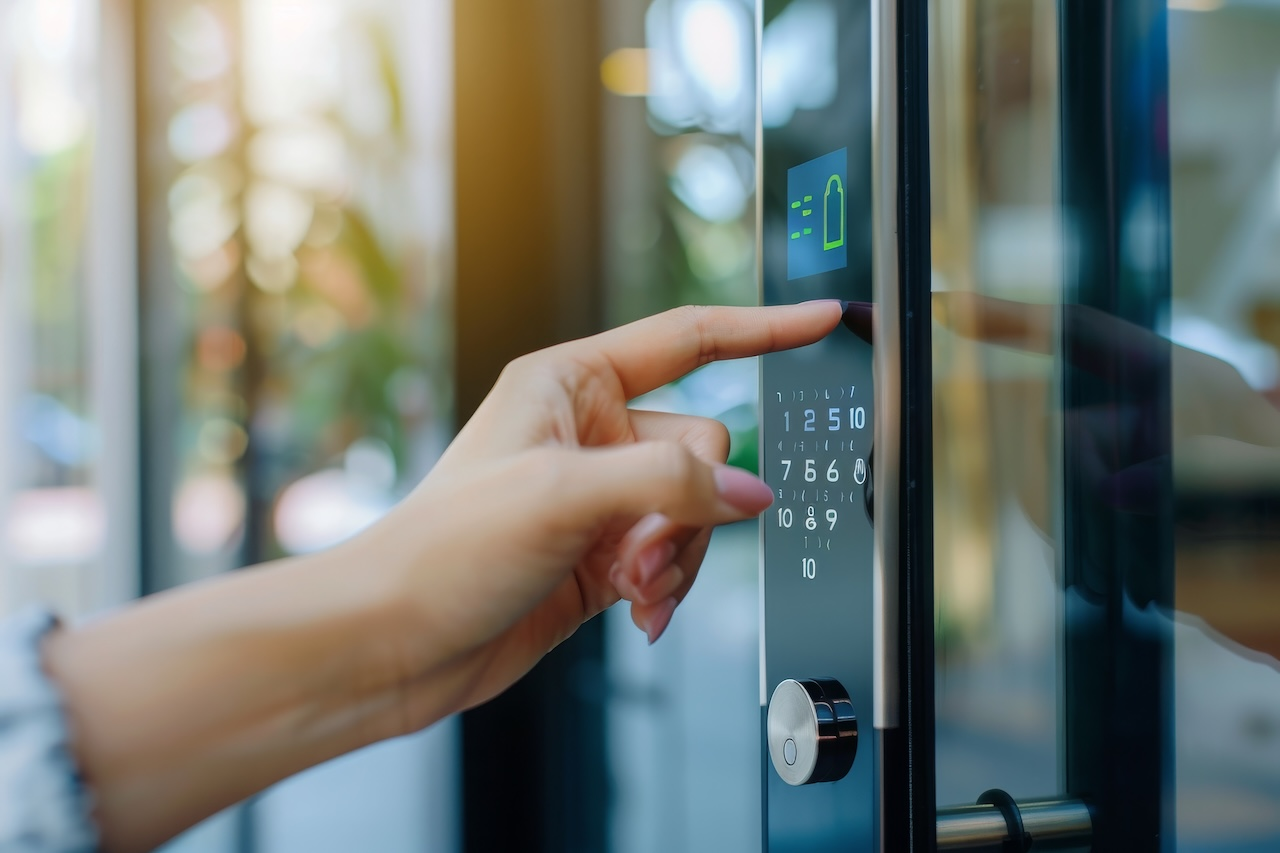
A touchscreen intercom system, also known as a touchscreen video intercom, is an IP-connected entry station that replaces mechanical buttons and dial plates with an interactive display, handling two-way video calls, searchable tenant directories, and access credentialing in a single unit.
For property managers, HOAs, and facilities teams evaluating a replacement, the real decision isn’t which model looks best in a demo video. It comes down to whether the hardware can survive years of exterior exposure and daily use, and whether the software behind it keeps pace with tenant turnover and multi-property management.
This guide evaluates touchscreen intercoms the way a facilities engineer would: by screen class, physical durability, and platform architecture, so the buying decision comes down to fit rather than a features list.
To ground this guide in real-world and up-to-date insight, we reviewed recent industry reports, product documentation, and customer deployments, and spoke with property managers actively implementing video intercom systems in multifamily and commercial buildings.
In 2026, the global video intercom market is expected to continue growing as demand increases for stronger security, remote management, and tighter integration with smart building and access control ecosystems. Grand View Research forecasts the market will expand at a compound annual growth rate (CAGR) of over 13.6% through 2030.
Key Takeaways
- Screen size should match entrance traffic and directory size, not just budget. A 5″ terminal at a large multi-tenant lobby creates the same friction as a 10″ display at a single-tenant side door.
- Outdoor durability is a measurable spec, not a marketing claim. IP65/IK10 ratings, sunlight-readable brightness, and tuned capacitive touch sensitivity determine whether a unit survives its first year outside.
- ADA accessibility for operable elements is fixed at 15″–48″ above finished floor under Section 308, with no general 54″ allowance for new installations.
- Cloud directory sync reduces the operational burden of tenant turnover, but native integrations vary by platform. Confirm what a system actually connects to before assuming compatibility.
- A procurement scorecard evaluates fit; a vendor comparison mostly evaluates marketing.
Table of Contents
- Quick Summary
- Screen Size and Hardware Class: Matching the Terminal to the Entrance
- Directory Sync, Privacy, and Call-Routing Workflows
- Buyer Evaluation Scorecard
- Swiftlane Touchscreen Video Intercom: A Future-Proof Selection
- Let’s Wrap Up
- FAQs
Quick Summary
| Best For | Recommended Hardware Class | Why |
| In-unit tenant engagement | Mid-Sized Multi-Tenant Terminal (7″–8″) with in-unit substation support | Multifamily buildings that want dedicated in-unit hardware alongside the lobby unit, not just app-based answering |
| Touchless, facial-recognition entry | Mid-Sized or large-format terminal with a credential module | Hands-free workflows at higher-traffic entrances |
| Biometric fallback access | Mid-Sized Terminal with a fingerprint reader add-on | Properties that want a physical biometric option alongside video calling |
| Compact or secondary entrances | Compact Entry Terminal (5″–7″) | Budget-conscious or space-constrained side doors and gates |
| High-traffic commercial lobbies | Large Format Digital Directory (10″+) | Class-A towers and office parks with large, searchable tenant rosters |
Screen Size and Hardware Class: Matching the Terminal to the Entrance
A touch screen intercom system generally falls into one of three practical hardware classes. The right one depends on visitor volume and directory size at that entrance, not the building’s overall size.
| Tier | Screen Size | Best Fit | Typical Mounting |
| Compact Entry Terminal | 5″–7″ | Single-tenant offices, secondary gates, pedestrian side doors | Surface mount, gooseneck/pedestal at gates |
| Mid-Sized Multi-Tenant Terminal | 7″–8″ | Multifamily lobbies and commercial suites with two-way video and a virtual directory | Flush or surface mount |
| Large Format Digital Directory | 10″+ | High-traffic commercial towers and Class-A office parks with large tenant rosters | Flush mount, often recessed |
A compact terminal in a busy multi-tenant intercom lobby forces visitors to scroll through a directory on a screen too small to read comfortably, pushing more calls to a front desk or property manager’s phone.
A large-format directory at a small side entrance is the opposite problem: unnecessary hardware cost and installation footprint for an entry point that rarely sees walk-up traffic. Matching tier to entrance volume is as much a mounting and budget decision as a feature decision.
Credential support (PIN, RFID, mobile app, and facial recognition where enabled) is available across all three tiers on most current systems, so choose screen size for visibility and directory usability, not credential capability.
Where facial recognition is offered, confirm how the platform handles state biometric privacy requirements, including Illinois’s Biometric Information Privacy Act (740 ILCS 14), Texas’s Capture or Use of Biometric Identifier Act (Bus. & Com. Code § 503.001), and Washington’s RCW 19.375.
Outdoor Physical Engineering: What Actually Fails in the Field
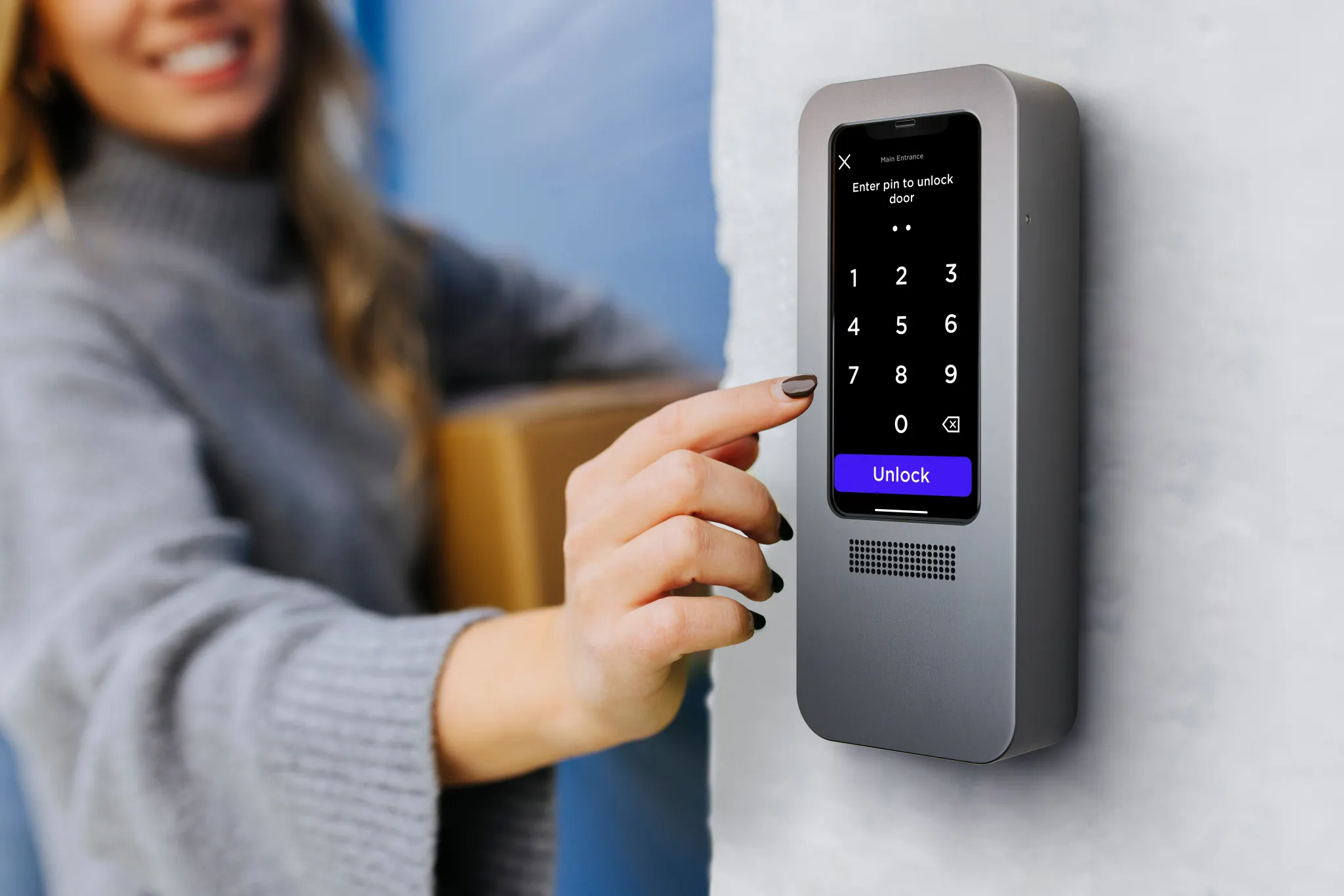
Most touchscreen intercom failures trace back to four physical stress points: sunlight, moisture, impact, and temperature swing. These are the specs worth checking closely, since they determine whether a unit lasts one winter or ten.
Sunlight readability and optical bonding
Standard displays have a thin air gap between the cover glass and the LCD panel. That gap traps moisture and creates internal reflections that wash out the screen in direct sun. Optical bonding fills the gap with an optical-grade resin, removing the internal reflective surface and preventing condensation from forming between the layers.
The practical result is a screen that stays legible outdoors and doesn’t fog internally in humid or cold conditions. As a general guideline, look for a brightness rating in the 800–1,000 nit range for unshaded, direct-sun installations; this isn’t a hard cutoff, but panels well below it tend to wash out at midday.
Capacitive touch in wet conditions
Standard capacitive touchscreens sense the small electrical change caused by a finger’s contact. Rain and condensation create the same kind of surface change across a wider, less localized area, which is why basic capacitive panels can register false touches or ignore real ones during a storm.
Commercial outdoor units address this with tuned sensor thresholds and firmware filtering that distinguish a concentrated, grounded fingertip press from a sheet of surface moisture. It’s a calibration problem, not a coating problem, so ask a vendor how their unit is tuned for rain rather than assuming any capacitive screen behaves the same way outdoors.
Impact and ingress ratings
Two separate rating systems matter here, and they measure different things:
- IK rating (IEC 62262) measures resistance to physical impact. IK10, the top of the scale, means the enclosure withstands 20 joules of impact energy, equivalent to a 5 kg mass dropped from 40 cm, without losing structural or functional integrity. For unsecured lobbies, public-facing entrances, or areas with a history of vandalism, IK10 is the standard target.
- IP rating (IEC 60529) measures protection against dust and water. IP65 covers protection from dust ingress and low-pressure water jets from any direction. IP66 steps up to powerful water jets, which matters more for units exposed to wind-driven rain or pressure washing during maintenance.
Operating temperature range
Commercial outdoor intercoms commonly spec an operating range around -40°F to 140°F, which covers everything from a Minnesota winter to a direct-sun summer wall mount. Hitting the low end of that range typically requires an internal heating element rather than passive insulation alone, since LCD panels can stop responding correctly below freezing without one.
If a system’s published range falls well short of that, ask whether it’s rated for exposed exterior mounting or only for a covered or vestibule installation.
Directory Sync, Privacy, and Call-Routing Workflows
The software behind the screen matters as much as the hardware in front of it. This is where most day-to-day operational gains over legacy call boxes come from.
Real-Time Directory Sync
Physical call boxes rely on engraved or printed name plates, which means every move-in, move-out, or suite change requires a service call or a hand-relabeled directory. Cloud-connected touchscreen intercoms sync tenant directories automatically, pulling from property management software or an enterprise identity provider instead of a physical plate.
Swiftlane’s own Okta integration is a documented example: it bulk-imports users and groups from Okta, maps them to access groups, and automatically revokes access when someone is removed on the identity provider side.
A similar sync pattern exists for Entrata through an API-access setup process. Beyond named integrations, look for the general capability to import property management software tenants and sync with an enterprise identity provider, rather than assuming any specific platform connects out of the box.
Privacy-Shielded Directories
A digital directory doesn’t have to expose full names or unit numbers to every visitor. Common approaches include searching by first name only, issuing direct-dial codes to residents instead of listed numbers, or displaying a name without a matching unit number. This is a configuration choice, not a universal default, so confirm with a vendor how directory privacy is handled before assuming a system protects resident information by default.
Multi-Modal Fallbacks
When a call goes unanswered, a well-designed system falls back to something other than a dead end. On-screen QR codes are a common fallback for delivery drivers and guests: a resident can generate a one-time or scheduled code that a visitor scans directly at the panel, without needing a live video call to succeed first. This matters more at high-traffic entrances, where held-up deliveries create a real operational cost.
Buyer Evaluation Scorecard
The 8 criteria below turn everything covered so far into criteria you can check against any system under consideration, rather than comparing feature-by-feature against a competitor’s spec sheet.
- Environmental sealing and impact resistance. Confirm an IP65 rating or higher for any exterior-mounted unit, and IK10 for entrances in unsecured or high-traffic areas. A rating on a spec sheet should reference the IEC standard it was tested to, not just the number alone.
- Display optics and outdoor brightness. Check for optical bonding on any unit mounted where it will get direct sun, and look for a brightness spec around 800–1,000 nits as a general guideline for legibility in unshaded exterior light.
- ADA reach range compliance. All operable elements (touchscreen, keypad, call button) should sit within 15″ to 48″ above finished floor per Section 308. Confirm this against the actual mounting plan, not just the manufacturer’s stated range, since improper installation can put a compliant unit out of range.
- In-unit tenant stations vs. mobile-only answering. Decide whether the property needs dedicated in-unit hardware for tenants to answer calls, or whether mobile app answering is sufficient. This affects both cost and cabling scope well beyond the entry panel itself.
- Credential and access methods. Common options include PIN, RFID, mobile credentials, and facial recognition. If you’re considering facial recognition, confirm how the vendor’s platform handles state biometric privacy requirements before enabling it.
- Power and cabling. Confirm whether the unit runs on PoE+ (802.3at) or requires a separate 12V/24V power supply, and whether existing cabling at the entrance supports it or requires a pull.
- Door egress and relay compliance. Any integration with a door strike or maglock needs to be reviewed against local fire and life-safety code by the authority having jurisdiction or a licensed fire marshal before installation, since egress requirements vary by jurisdiction and building type.
- Total cost of ownership and licensing model. Rather than comparing sticker price alone, ask whether the platform charges a recurring software or cloud fee, what that scales with (per door, per user, per property), and what’s included versus billed separately for support and updates.
Swiftlane Touchscreen Video Intercom: A Future-Proof Selection
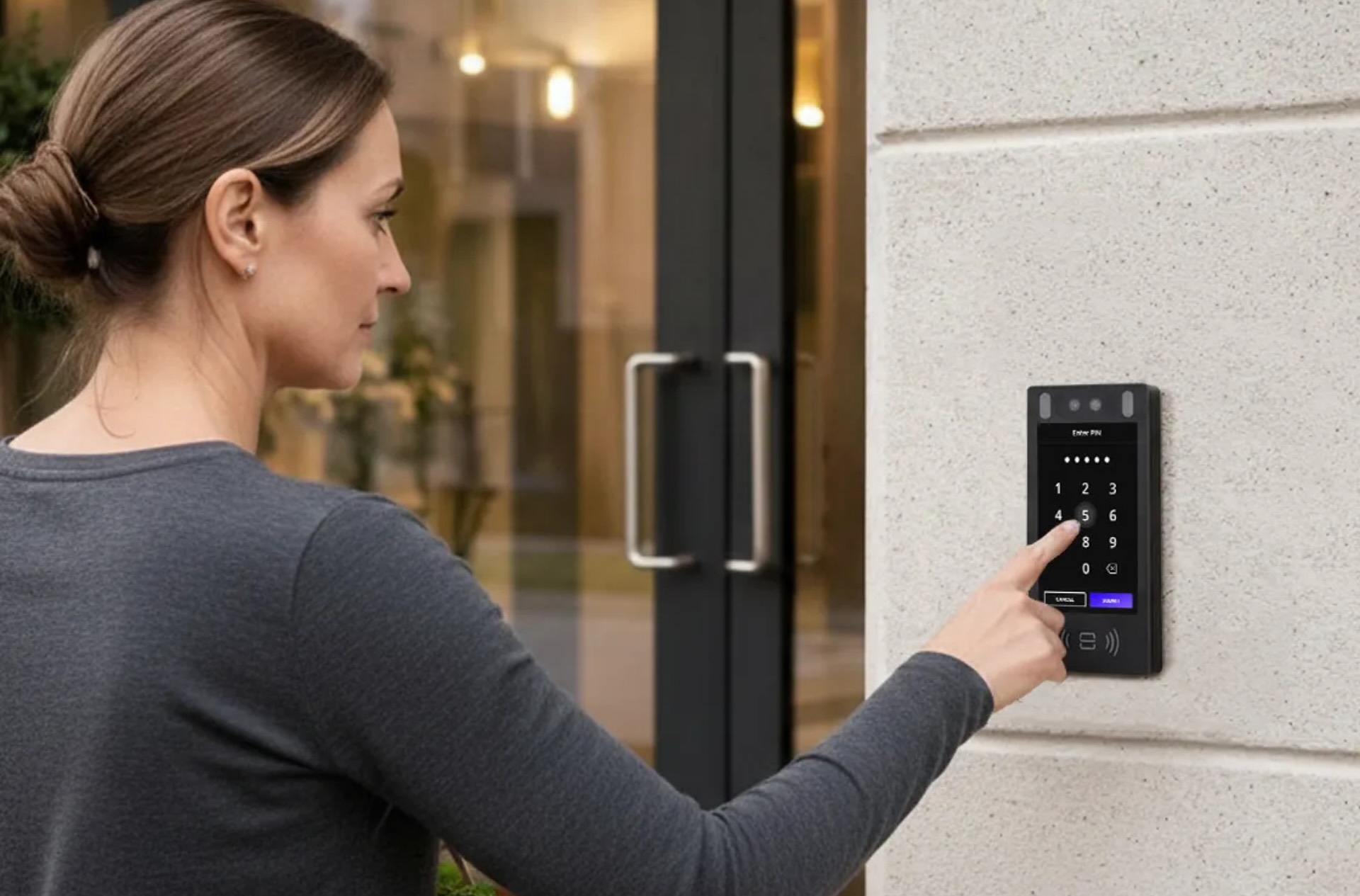
Swiftlane provides cloud-based touchscreen video intercoms and access management designed for multifamily and commercial buildings that need to adapt their access systems over time. The platform supports remote management, mobile credentials, and configurable features such as facial recognition, depending on building policies and applicable local regulations.
For property teams overseeing multiple entrances or properties, Swiftlane is built around centralized management and software-based updates rather than fixed, hardware-limited functionality. This approach can suit buildings planning phased access control upgrades or seeking flexibility as operational or technology requirements evolve.
Evaluating touchscreen video intercoms against a specific building type and operational needs is easiest with a direct comparison. A demo or quote can help clarify fit as part of a vendor evaluation process.
Let’s Wrap Up
Touchscreen video intercoms continue to evolve alongside how buildings manage access. While the core purpose remains the same- verifying visitors and granting entry- modern systems now play a larger role in operational efficiency, security, and resident experience.
For 2026 buyers, the most reliable way to choose a system is to run it against a structured evaluation rather than a features list. The scorecard above, covering environmental sealing, ADA compliance, credentials, power, egress, and total cost of ownership, gives a consistent way to compare any system under consideration and keeps the decision anchored to how the building actually operates.
FAQs
What makes a touchscreen video intercom different from standard video intercoms?
Touchscreen video intercoms use interactive displays instead of physical buttons or keypads. This supports dynamic, software-driven directories, clearer visitor instructions, and features like credential prompts or mobile integration, depending on the system.
Can touchscreen intercoms be installed outdoors in the rain?
Yes, when built for it. Look for an IP65 or higher rating for water and dust protection, plus a display tuned for capacitive touch in wet conditions, since standard touchscreens can misread rain and condensation as false taps.
What is the proper ADA mounting height for a touchscreen intercom?
Under ADA Section 308, operable elements like the touchscreen, keypad, or call button must sit between 15″ and 48″ above the finished floor for an unobstructed reach. This applies regardless of the unit’s overall screen size or mounting style.
How long do touchscreen video intercoms typically last?
Hardware lifespan varies by environment, usage, and installation quality. Cloud-based platforms can extend a system’s useful life by delivering software updates remotely, without requiring a full hardware replacement to add new features.


