

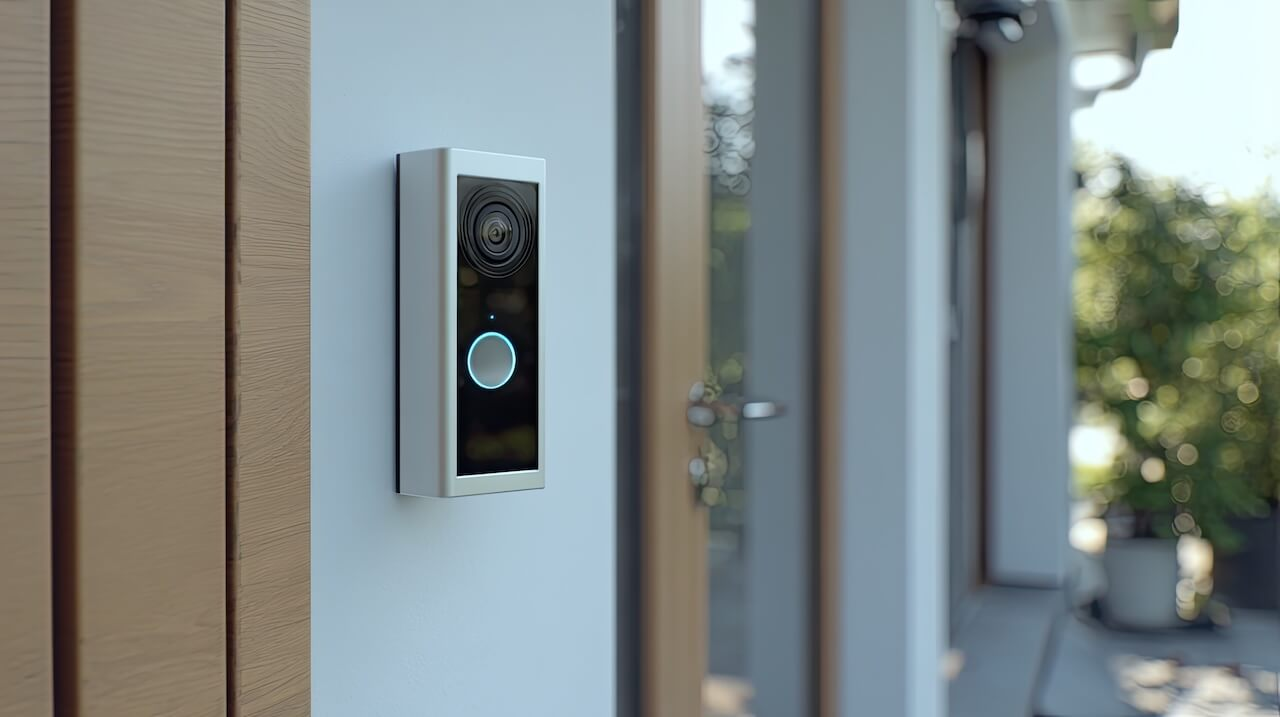
A video intercom with motion detection helps multifamily properties capture entrance activity, investigate incidents faster, and monitor front-door security from the same system used for visitor management and access control.
For many apartment buildings, condos, and mixed-use communities, traditional access logs only tell part of the story. A badge unlock or visitor call record cannot show what happened before or after someone entered. That gap is driving interest in video intercoms with motion detection.
This guide covers how motion detection with video clips works, why it matters, and how property managers use it to improve visibility and incident response.
Key Takeaways
- A video intercom with motion detection combines visitor management, access control, and entrance monitoring into a single system, reducing vendor sprawl and operational complexity.
- Traditional access logs only show part of the story. Motion-triggered clips provide visual context around tailgating, package theft, and after-hours activity that unlock records cannot capture.
- Clips are automatically time-stamped and linked to access events, helping property teams investigate incidents faster without switching between disconnected systems.
- Video intercoms with motion detection store footage in the cloud or on-premise, giving authorized teams flexible access to entry activity whether on-site or remote.
- A video intercom with motion detection is an entry-point monitoring layer, not a replacement for a full building-wide surveillance system.
Table of Contents
- What Is Motion Detection in an Intercom
- How Does Intercom Motion Detection Work
- Why Does It Matter for Multifamily Buildings
- Key Benefits for Property Managers
- Intercom Motion Detection vs. Security Cameras vs. Separate Motion Sensors
- How Swiftlane Handles Motion Detection
- Frequently Asked Questions
What Is Motion Detection in an Intercom


A video intercom with motion detection automatically captures and stores video clips when movement is detected near the entrance.
Unlike traditional intercoms that activate only during a visitor call or door unlock, a motion detection intercom continuously monitors entry points and creates a visual record of activity before, during, and after access events.
In multifamily buildings, this adds another layer of visibility to high-traffic areas such as:
- front entrances
- lobbies
- package rooms
- delivery access points
- gated entryways
Modern video intercoms with motion detection integrate visitor management, access control, and motion-triggered video monitoring into a single device. Property teams can review motion clips and access events from a single dashboard, eliminating the need for separate sensors or disconnected cameras.
For example, if someone tailgates, lingers near a package room, or approaches after hours, the intercom automatically captures a short video clip even if no unlock event occurs. If an access event coincides with the recording, the footage links directly to the activity timeline for faster review.
How Does Intercom Motion Detection Work
A video intercom with motion detection uses the built-in camera to detect movement near the entrance and automatically record a short video clip.
When motion is detected, the system captures a time-stamped video clip and stores it for later review, either in the cloud or on a local on-premise system, depending on your setup. Property managers can view footage from the same dashboard used for visitor management and access control.
A typical workflow looks like this:
| Step | What Happens |
| Motion detected | Movement occurs near the intercom device |
| Video clip recorded | The system automatically captures a short video clip |
| Cloud/on-premise storage | Footage is securely stored and organized in your system of choice |
| Activity Feed update | The clip appears in the building activity timeline |
| Event linking | If an unlock, denied entry, or visitor event overlaps with the recording, the clip is linked to that access activity |
Why Does It Matter for Multifamily Buildings
Motion detection matters for multifamily buildings because many security incidents occur at entrances, lobbies, and shared access areas, where traditional access logs alone do not provide enough context.
A door-unlock record can confirm that someone entered the building, but it cannot show whether another person followed them, how long they lingered near the entrance, or what happened during a package delivery. Property managers are often left piecing together information across access logs, resident reports, and separate security camera systems.
For apartment buildings, this operational gap is becoming more noticeable as delivery volume, resident turnover, and after-hours access activity continue to increase. According to Security.org’s 2025 Package Theft Report, 1 in 4 Americans has been a victim of package theft, with apartment dwellers hit hardest.
A video intercom with motion detection helps close that visibility gap by capturing activity that may not trigger a standard access event.
Key Benefits for Property Managers
A video intercom with motion detection largely helps reduce vendor sprawl by consolidating entrance visibility, incident investigation, and front-door management into a single system. This system significantly reduces costs by eliminating the need for separate cameras, motion sensors, and reporting dashboards. Here are a few other key advantages for property managers.
Cut Investigation Time From Hours to Minutes
Investigating security complaints often requires reviewing access logs, searching surveillance footage, and matching timestamps across multiple systems. A video intercom with motion detection links motion-triggered clips and access events inside the same activity feed, helping property teams review incidents faster without logging into a separate DVR system or manually scrubbing through hours of footage.
Monitor After-Hours and Low-Visibility Activity
Buildings with limited overnight staffing may not notice unusual activity near entrances until after an incident occurs. A video intercom with motion detection captures time-stamped clips during evenings, weekends, and other lower-visibility periods, giving property teams a record to review without relying on manual overnight monitoring.
Review Entrance Activity From a Single Dashboard
Video storage allows authorized teams to review motion clips without relying on additional hardware or manual on-site review. This is especially useful for multi-property portfolios, remotely managed buildings, after-hours investigations, and properties with limited on-site staff.
Intercom Motion Detection vs. Security Cameras vs. Separate Motion Sensors
Traditional security cameras and standalone motion sensors still play an important role in building security, but they often operate independently of the intercom and access control systems.
For multifamily properties, the difference usually comes down to operational visibility, investigation speed, and workflow efficiency.
| Feature | Swiftlane Intercom Motion Detection | Traditional Security Cameras | Separate Motion Sensors |
| Captures motion-triggered video clips | Yes | Yes | No |
| Linked to access events and entry activity | Yes | Usually no | No |
| Visitor management is built into the same device | Yes | No | No |
| Motion activity visible in the same operational dashboard | Yes | Usually separate | Separate system |
| Designed for entry-point monitoring | Yes | Broader surveillance coverage | Detection only |
| Provides visual context around tailgating or package activity | Yes | Yes | No |
| Requires separate monitoring workflows | No | Often yes | Yes |
| Supports remote review | Yes | Depends on the system | Limited |
| Helps reduce vendor and system sprawl | Yes | No | No |
Traditional security cameras are designed for broader surveillance across hallways, parking areas, elevators, and shared spaces, but footage often lives in a separate system from access control activity. Standalone motion sensors can detect movement and trigger alerts, but they do not provide visual context around what happened at the entrance.
A video intercom with motion detection serves a different purpose. It combines motion-triggered video clips, visitor activity, and access events into a single operational timeline, enabling property managers to investigate incidents faster without switching between disconnected systems.
How Swiftlane Handles Motion Detection
Swiftlane combines visitor management, access control, and motion-triggered video monitoring into a single intercom platform. For multifamily properties managing shared entrances, delivery traffic, and after-hours activity, this means property teams can investigate incidents and review entrance activity without switching between disconnected systems.
A real example: A 250-unit apartment community received a complaint about package theft on a Wednesday morning. Using Swiftlane’s Activity Feed, the property manager pulled up the motion clip from the previous evening, narrowed the exact timeframe in seconds, and cross-checked it against nearby access events, without logging into a separate DVR system or manually scrubbing through hours of footage. Within minutes, the team had the relevant clip ready to share internally or with local authorities if needed.
What Swiftlane offers:
- Motion-triggered video clips are captured automatically when movement is detected near the entrance
- Cloud-based storage with remote access from any authorized device
- Motion clips linked directly to access events, visitor activity, and credential activity in a single Activity Feed
- Configurable recording schedules around delivery hours, overnight activity, and staffing availability
- No separate DVR hardware or additional monitoring software required
- Visitor management, access control, and motion detection are managed from one operational dashboard
- Designed specifically for multifamily entry points, including front entrances, package rooms, and gated access areas
Frequently Asked Questions
How does motion detection work on a video intercom?
A video intercom with motion detection uses the built-in camera to detect movement near the entrance and automatically record a short video clip. Clips are stored and surfaced inside the same dashboard used for visitor management and access control events.
What is the difference between a video intercom with motion detection and a security camera?
A traditional security camera records broader surveillance footage across areas such as hallways, garages, and shared spaces, while a video intercom with motion detection focuses specifically on entry-point activity and links footage directly to access events and visitor activity.
Do all video intercoms have motion detection?
Not every video intercom includes motion detection capability. Some modern video intercom systems include built-in motion detection that automatically captures video near the entrance device.
Can property managers receive motion alerts from the intercom system?
Video intercoms with motion detection can surface motion activity through the property management dashboard and connected notifications, depending on system configuration and permissions.
What triggers a motion detection alert on a video intercom?
Motion detection alerts are typically triggered when movement occurs within the camera’s detection area near the entrance device. Some systems also allow buildings to configure recording schedules to meet operational needs, such as overnight monitoring, delivery windows, or after-hours activity.
How do buildings reduce false motion alerts?
Buildings can reduce unnecessary motion alerts by configuring recording schedules, limiting monitoring windows to high-priority hours, and focusing motion detection on key entry points. This helps property teams prioritize meaningful entrance activity without creating unnecessary operational noise.
Can a video intercom with motion detection replace a security camera system?
No. A video intercom with motion detection is best viewed as an entry-point monitoring layer rather than a replacement for a full building-wide surveillance system.


