

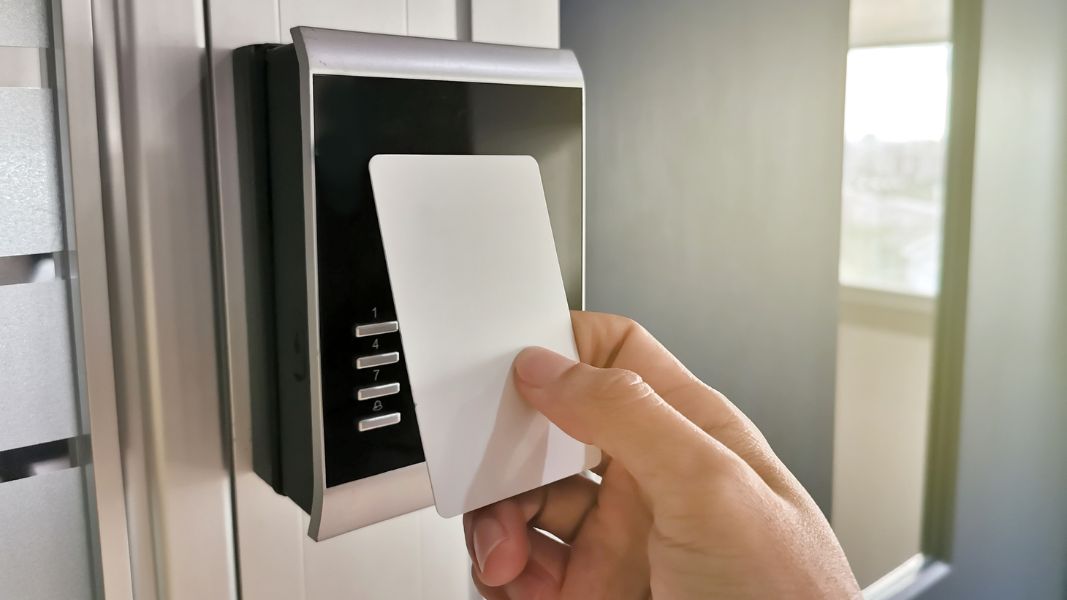
An RFID door access system replaces outdated locks and metal keys that often create more problems than they solve in multifamily and commercial buildings.
Lost keys and manual rekeying quickly add operational costs and ongoing friction for property teams. RFID access control replaces that friction with digital credentials that can be issued or revoked instantly.
Instead of managing physical keys, operators can control access centrally in real time with far less overhead.
These systems are widely used at building entrances, amenities like gyms, parking facilities, elevators, and restricted areas such as IT rooms or storage spaces. They’re also common in hospitality and education environments for temporary or role-based access control.
In this guide, we explain how RFID works and what to consider before installing a system, based on real-world deployments.
How we researched this
We based this guide on field experience from over 3,000 deployments across multifamily and commercial properties every year, combined with ongoing conversations with property managers, building operators, and onsite maintenance teams. We focused on real-world implementation challenges such as credential management, system reliability, retrofit constraints, and day-to-day operational workflows rather than vendor specifications alone.
Key Takeaways
- An RFID door access system lets you deactivate lost or stolen credentials instantly.
- You can assign entry permissions by role, unit, or schedule, while monitoring activity with audit logs.
- Integrating mobile credentials, biometrics, or multi-factor authentication helps your system scale with your property’s changing needs.
Table of Contents
- What Is RFID Access Control?
- How Does RFID Actually Work?
- Comparing RFID and NFC Locking Systems
- Benefits of RFID Door Access Systems
- What Property Managers Need to Know About Radio Frequency Ranges
- Secure RFID Options for Modern Buildings
- How to Evaluate an RFID Door Access System for Your Property
- What Are Modern Alternatives to RFID Access Control?
- How Swiftlane Can Help You Adopt RFID Access Control
- Frequently Asked Questions
Related Posts
What Is RFID Access Control?
RFID (Radio Frequency Identification) is a wireless system that uses credentials (key fobs, ID cards, or smartphones) to grant secure access to doors and gates.
Unlike traditional keys, RFID lets property teams issue and revoke access instantly from a central dashboard. Not only does this improve security, it also reduces administrative work and provides real-time visibility over who enters and when.
What Are the Use Cases of RFID?
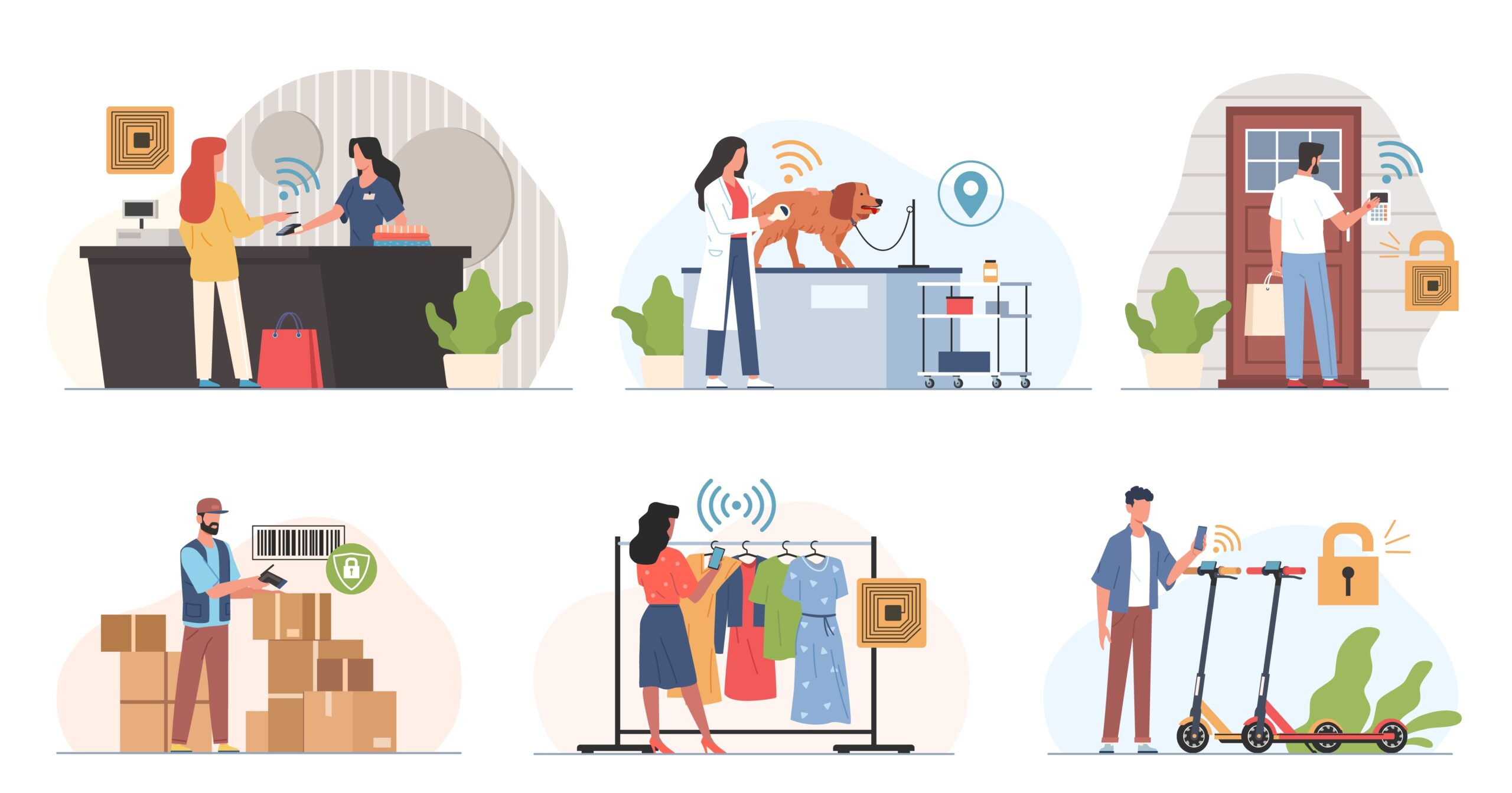
For Property Owners and Building Managers
RFID gives managers control without the hassle of physical keys. Credentials can be disabled instantly when tenants move out, and temporary access can be scheduled for vendors. Meanwhile, audit trails make it easy to track access events. Passive RFID cards and fobs require little maintenance and scale efficiently, even for large properties.
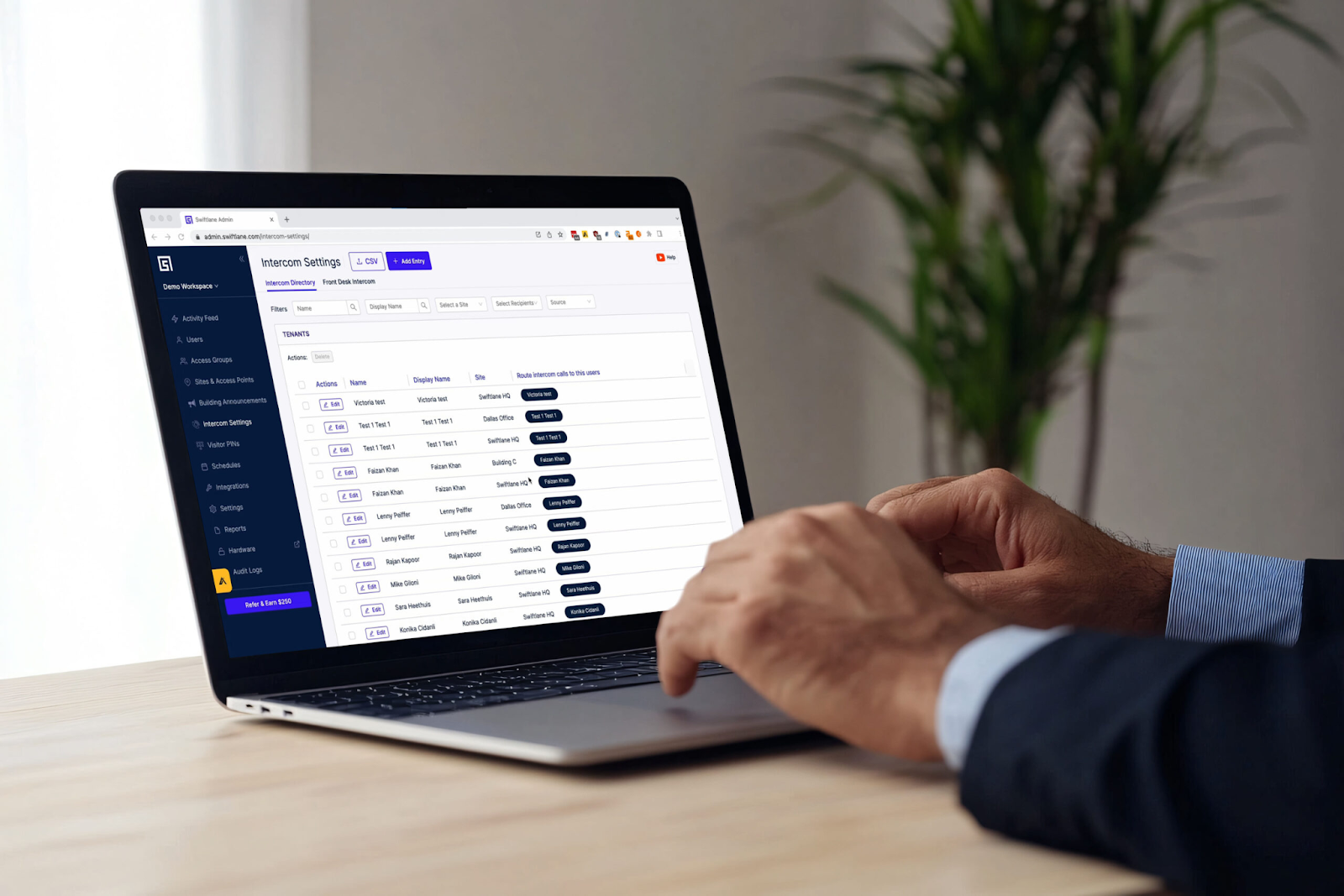
For Employees and Residents
Tenants enjoy the convenience of a single credential for doors, garages, and elevators. Lost cards or fobs can be deactivated immediately, and mobile credentials let residents access buildings without carrying extra items.
For Visitors and Contractors
Temporary access can be granted safely with time-limited credentials. Contractors or visitors can be restricted to specific hours or days. This reduces risks associated with unreturned keys while improving overall property security.
How Does RFID Actually Work
Every RFID access control system has two primary components:
- A credential (sometimes called a tag)
- A reader
The credential contains a small microchip and antenna. This chip stores a unique identification number. Credentials can take different physical forms. You can have key fobs, plastic ID cards, windshield stickers, or even a smartphone using NFC.
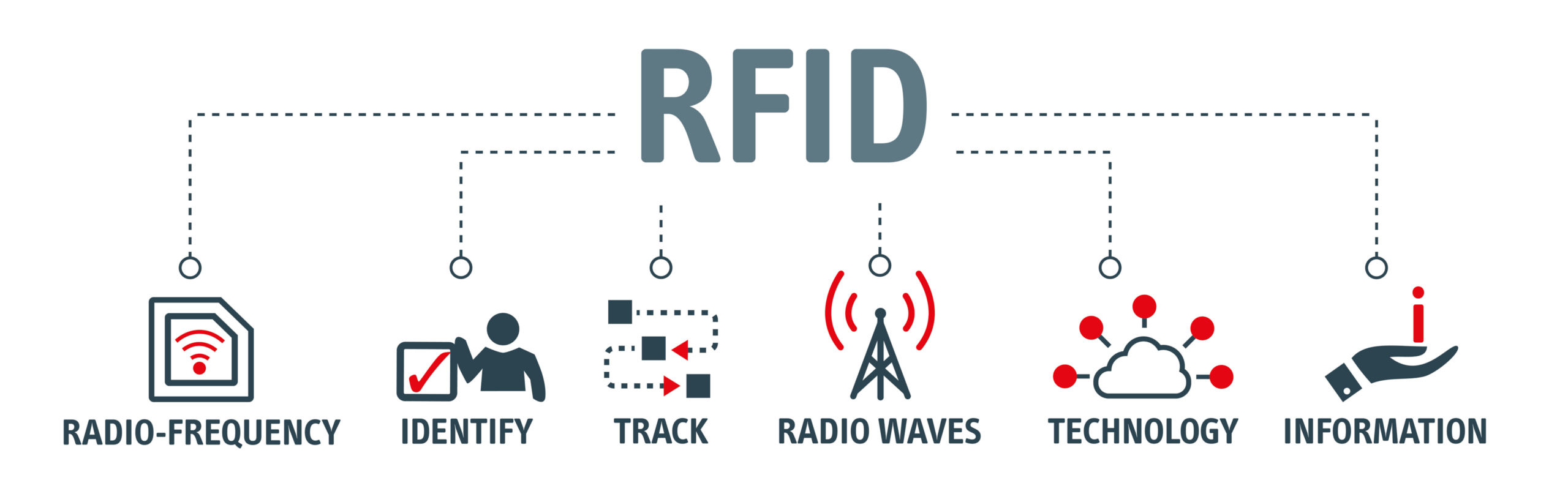
Credentials can take different physical forms. You can have key fobs, plastic ID cards, windshield stickers, or even a smartphone using NFC, which is based on the ISO/IEC 14443 contactless smart card standard.
In some access control environments, the ISO/IEC 15693 vicinity card standard is also used for longer-range card reading applications where an extended read distance is required.
The reader is installed near a door, gate, or elevator panel. When a credential comes within range, the reader detects it, verifies its ID, and sends a signal to unlock.
That’s the basic exchange. But not all RFID systems work the same way.
These are the three main types of RFID technology used today:
Passive RFID
Passive RFID is the most common type used in access control systems, including most key fobs and plastic access cards.
These credentials don’t contain a battery. Instead, the reader emits a radio signal that creates a small electromagnetic field. When the credential enters that field, it draws just enough energy to power the chip and transmit its ID back to the reader.
Because passive tags only respond when prompted, they’re simple and cheap. For most buildings, passive RFID is more than sufficient.
Active RFID
Active RFID credentials contain an internal battery. That battery powers both the chip and the signal transmission.
Unlike passive tags, active tags can broadcast their signal periodically without waiting for a reader to energize them. This allows for much longer read ranges.
You can see active RFID used in vehicle access control, toll collection, or large-site tracking where detecting a credential from a distance is necessary.
The trade-off is cost and maintenance. Remember that batteries eventually need replacement.
Semi-Passive RFID
Semi-passive RFID (aka battery-assisted passive) sits between the two.
These tags include a battery, but they don’t continuously broadcast a signal. Instead, the battery powers the chip and onboard sensors. The tag still has to wait for a reader’s signal before it can respond.
The chip is already powered, which means that the response times are faster and more data can be transmitted compared to passive systems.
Semi-passive tags are more common in industrial or sensor-based applications than in standard door access control.
Comparing RFID and NFC Locking Systems
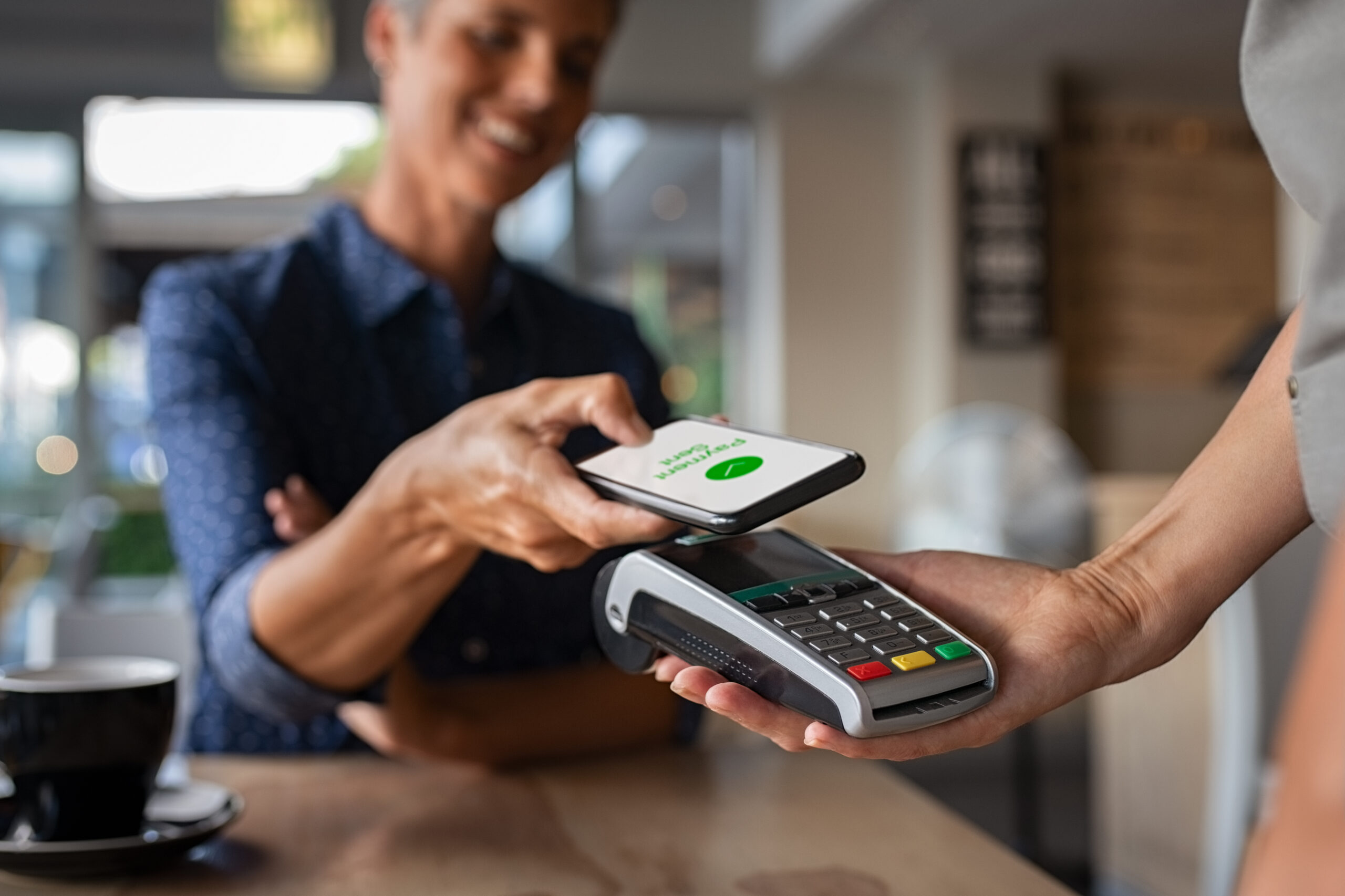
RFID and NFC are both contactless access technologies, but NFC operates at very short range and supports two-way communication.
NFC is often used for mobile credentials. For instance, it lets residents tap a smartphone or smartwatch to unlock doors with encryption and biometric verification.
Many buildings use NFC alongside traditional RFID, offering both key cards and mobile credentials seamlessly.
| Feature | RFID (Key Fobs / Cards) | NFC (Smartphones / Wearables) |
| Range | Short to medium; Tap or near-reader | Very short; deliberate tap required |
| Communication | One-way (credential to the reader) | Two-way (device to the reader and vice versa) |
| Security | Depends on card type; modern cards support encryption | Strong encryption and you can use device biometrics (Face ID, fingerprint) |
| Convenience | Works without a phone; simple for residents | Can be hands-free with compatible systems; no extra cards to carry |
| Use Cases | Doors, gates, elevators, parking | Mobile-first buildings and hybrid access systems |
| Upgrade Path | Can integrate with mobile later | Mobile-only; can complement RFID |
Benefits of RFID Door Access Systems
RFID access control can provide property teams with greater control and efficiency. Here’s how it helps in day-to-day operations:
Streamlined Access Management
RFID systems let property managers issue or revoke credentials instantly. When a tenant moves out or a vendor’s access expires, changes can be made from a central dashboard. This eliminates the need for rekeying or physical key collection.
Enhanced Security and Audit Trails
Every entry is logged automatically to provide a full audit trail. This visibility helps track who accessed which areas and when. You can investigate incidents more quickly and maintain compliance with safety or regulatory requirements.
Reduced Maintenance
Passive RFID cards and fobs require no batteries, and readers have less mechanical wear than traditional locks. This lowers maintenance costs and reduces the risk of system downtime.
Scalable and Flexible
Whether managing a small office or a 500-unit building, RFID scales easily. You can assign access by role or schedule, and integrate with elevators, parking gates, and intercoms. Hybrid systems also support both physical credentials and mobile access for residents or employees.
Temporary or Visitor Access
Time-limited credentials can be issued for contractors or guests, automatically expiring when access is no longer needed. This reduces the risk of lost keys or unauthorized entry without burdening staff with manual tracking.
What Property Managers Need to Know About Radio Frequency Ranges
RFID systems operate on different frequency ranges, which affect how far a credential can be read and where it works best.
But for most property managers, you don’t need to memorize the technical specs. You just need to understand how they apply in real-world use.
In our deployments across 3,000+ buildings, the most common retrofit challenge is matching RFID frequency to existing reader hardware.
Here’s a simplified breakdown:
Low Frequency (LF)
- What it is: Older RFID technology commonly used in basic key fobs
- Range: Very short (tap or close proximity)
- Where it’s used: Legacy access control systems
Pro tip: These systems are affordable but less secure. If you’re still using unencrypted 125 kHz cards, it may be time to consider upgrading.
High Frequency (HF)
- What it is: Modern RFID used in smart cards and mobile access (NFC)
- Range: Short to moderate (tap or near-reader)
- Where it’s used: Most commercial buildings and apartments today
Pro tip: This is the current standard for secure access control. It supports encryption and works well for both cards and smartphones.
Ultra High Frequency (UHF)
- What it is: Long-range RFID technology
- Range: Several feet to over 30 feet
- Where it’s used: Parking garages and vehicle gates
Pro tip: Ideal for vehicle access where you want gates to open automatically without stopping.
Microwave RFID
- What it is: Specialized, high-speed RFID
- Where it’s used: Toll roads and large-scale tracking systems
Pro tip: Rarely used in standard building access control.
What Actually Matters
You don’t need to choose a system based on frequency alone. Instead, focus on:
- Whether the system supports secure, encrypted credentials
- Whether it works with mobile access or future upgrades
- Whether it fits your specific use case (doors vs. parking vs. elevators)
In most cases, modern properties use high-frequency RFID for doors and UHF for vehicle access, often within the same system.
Secure RFID Options for Modern Buildings
Not all RFID credentials offer the same level of security. The difference comes down to encryption and how difficult it is to copy or misuse a credential.
Security isn’t just about preventing unauthorized entry. Modern access control systems also collect and store user information, access logs, and, in some cases, biometric data.
Industry groups such as the Security Industry Association (SIA) recommend encryption, role-based access controls, multi-factor authentication, and privacy-by-design principles to help protect sensitive data throughout the system lifecycle.
For many property teams, reducing credential cloning risk is one of the primary reasons for upgrading from older RFID technologies to encrypted credentials.
Here are the most secure options in simple terms:
Encrypted Smart Cards (e.g., MIFARE DESFire)
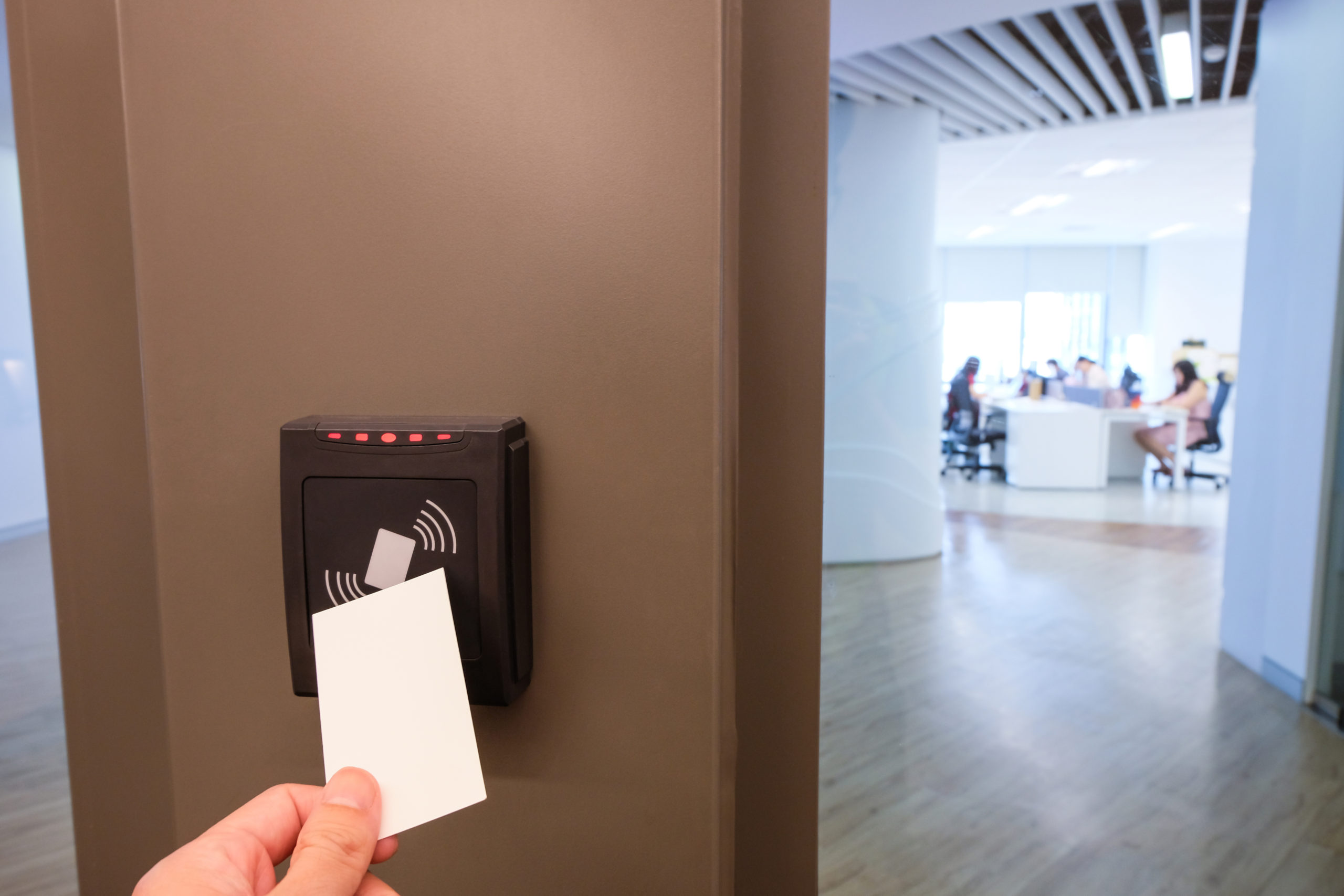
- What it is: Modern RFID cards, such as MIFARE DESFire EV3 (NXP), with built-in encryption designed to prevent cloning and unauthorized access
- Where it’s used: Offices, multifamily buildings, and secure facilities
Pro tip: These are the current standard for secure access control. They’re designed to prevent cloning and unauthorized access when properly configured.
Mobile Credentials (NFC)
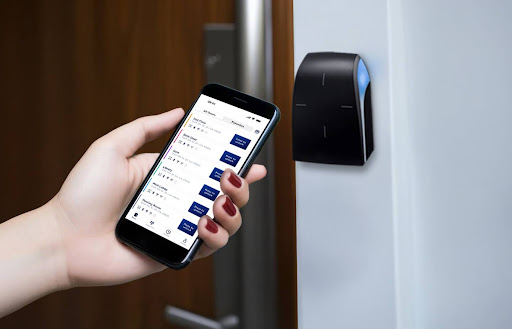
- What it is: Using a smartphone or smartwatch as your access credential
- Where it’s used: Mobile-first buildings and modern access systems
Pro tip: Mobile credentials are highly secure because they rely on your phone’s built-in security, such as encryption and biometric authentication (like Face ID or fingerprint). Even if a phone is lost, access can be remotely revoked. Explore more reasons to go for mobile access – read our guide now.
Enterprise-Grade Credentials (e.g., iCLASS SE, SEOS)
- What it is: Advanced RFID credentials, such as HID iCLASS SE credentials and SEOS, designed for high-security environments with stronger encryption and authentication layers
- Where it’s used: Government buildings, large enterprises, and sensitive facilities
Pro tip: These systems add extra layers of protection and are designed for environments with strict security requirements.
Multi-Factor Authentication (MFA)
- What it is: Combining RFID or mobile access with a second factor, such as a PIN or biometric scan
- Where it’s used: Server rooms, labs, executive offices, or restricted areas
Pro tip: Even if a credential is lost or copied, MFA adds another barrier that can reduce the risk of unauthorized entry.
Bottom Line
For most properties, you don’t need the most advanced system. You need the right level of security for your building.
- Avoid older, unencrypted 125 kHz cards when possible
- Use encrypted smart cards or mobile credentials for everyday access
- Add multi-factor authentication only where higher security is required
How to Evaluate an RFID Door Access System for Your Property
Choosing the right RFID access control system goes beyond selecting a reader or card. It’s about finding a solution that meets your property’s security needs and aligns with your budget. Property teams can take a structured approach to make the right choice.
Step 1: Define Your Property’s Needs
Begin by mapping out all access points and user types.
We’ve observed that many property teams start by comparing readers, cards, and software features. In practice, the bigger challenge is often identifying every access point, user group, and operational workflow the system needs to support. Missing these requirements early can lead to costly changes later.
Small offices with one or two entry points may only need a networked reader with basic cloud management. Multifamily buildings benefit from centralized credential management, audit logs, and simplified onboarding for residents and staff.
High-risk environments like mixed-use properties or sensitive facilities often require encrypted smart cards, mobile credentials, and multi-factor authentication to secure restricted areas.
Step 2: Use a Mini Checklist
When reviewing options, consider:
- Compatibility: Can the system integrate with intercoms, elevators, parking gates, or video surveillance?
- Scalability: Will it support 50, 500, or even 1,000-plus users as your property grows?
- Ease of Use: Is the admin dashboard intuitive? Can your staff manage credentials efficiently?
- Temporary Access: Can contractors or visitors receive time-limited credentials without manual tracking?
- Security: Are credentials encrypted? Does the system support multi-factor authentication where needed?
Step 3: Factor in Cost

Costs vary depending on system complexity. Factors to consider include hardware, installation, cloud management, number of doors, recurring subscription fees, and potential upgrades.
In our experience, installation, wiring, and infrastructure upgrades often have a bigger impact on project costs than the RFID readers themselves. Older buildings may also require additional work to support modern access control hardware and cloud connectivity.
Here’s a chart to help you get an idea of ballpark ranges according to system type:
| System Type | Cost per Door / System (ballpark ranges) | Includes | Notes |
| Basic RFID (Single Door / Entry Point) | $800 to $2,000 per door | RFID reader, electronic lock or strike, controller (if required), installation and wiring | No advanced software or cloud capabilities |
| Mid-Range RFID (Local or Cloud-Based Management) | $1,000 to $3,000 per door | Networked RFID readers, intercom integration, access control panel or edge device, local or cloud software, mobile app, audit logs, remote credential management | Monthly subscription may apply; installation and cabling costs significant |
| Full-Building RFID (Large Commercial / Mixed-Use) | $5,000 to $100,000+ per system | RFID access for main doors, unit doors, parking lots, elevators; hardware (controllers, readers, cabling); planning, installation, network infrastructure | Cost varies by number of access points, system complexity, integrations, and redundancy requirements |
Step 4: Prioritize Top Considerations
- Operational Efficiency. Will the system reduce the time spent managing keys, rekeying, or troubleshooting lost credentials?
- User Experience. Will residents or employees enjoy convenient and reliable access (tap-to-enter or hands-free unlocking)?
- Maintenance Needs. Are readers low-maintenance, durable, and able to withstand heavy daily use?
- Future Flexibility. Can you migrate from physical cards or fobs to mobile credentials without replacing hardware?
We’ve seen properties outgrow their original credential strategy faster than expected. Choosing hardware that can support both RFID and mobile credentials can make future upgrades much easier and less expensive.
Bottom line: Property managers should choose a system that balances security, cost, and convenience. The right solution doesn’t just unlock doors. It can streamline operations and improve resident and staff experience.
What Are Modern Alternatives to RFID Access Control?
RFID remains a core technology for building access control, but many modern properties also use complementary technologies to improve security, convenience, or operational efficiency. Rather than replacing RFID entirely, these solutions are often combined into a single access control platform.
Biometric Access Control
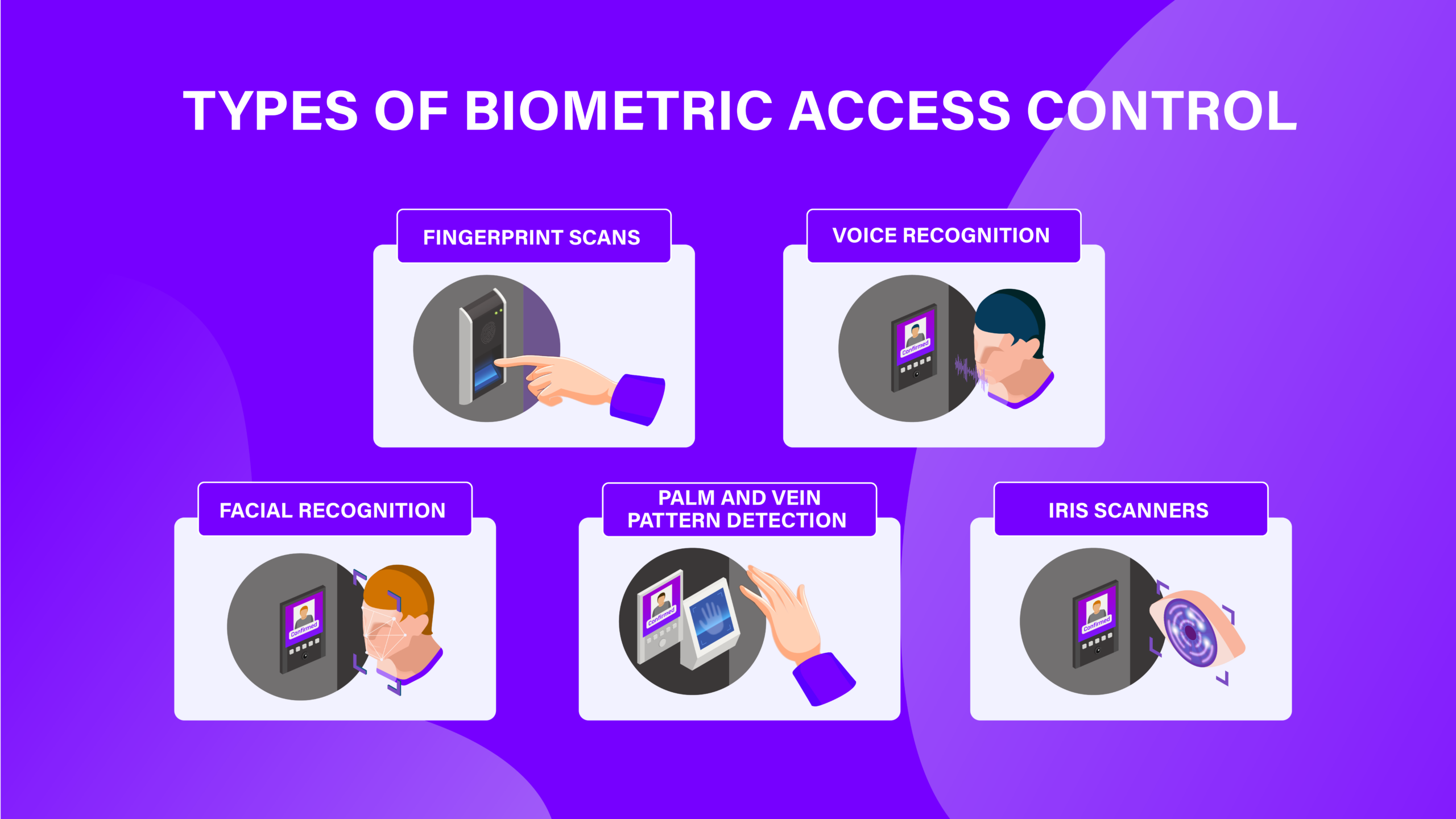
Biometrics use unique physical traits like fingerprints and facial recognition to grant access. Because these traits are difficult to duplicate, biometrics can provide a higher level of security than standard RFID.
Use case: High-security offices, executive suites, or labs where credential sharing is a concern.
Considerations:
- Requires user enrollment
- Biometric data must be stored securely
- Often used alongside RFID as part of a multi-factor system
Cloud-Based Access Control
Traditional RFID systems often rely on on-premises controllers and manual administration. Cloud-based access control lets property teams manage credentials, monitor activity, and update permissions remotely through a centralized dashboard.
Use case: Multifamily portfolios, commercial campuses, and organizations managing multiple buildings.
Considerations:
- Requires reliable network connectivity
- May include recurring software subscriptions
- Makes remote administration and software updates much easier
AI-Powered Video Intercoms and Identity Verification
Modern access systems increasingly combine RFID with video intercoms and AI-assisted identity verification. Residents can unlock doors remotely, while property teams can verify visitors through live video or facial recognition before granting access.
Use case: Multifamily communities, office buildings, gated properties
Considerations:
- Improves visitor management
- May require privacy policies for biometric data
- Often complements RFID rather than replacing it
Remote Visitor Management
Modern access control systems can do more than manage residents and employees. Many platforms also let property teams issue temporary access remotely for guests, contractors, deliveries, and service providers without handing out physical credentials.
Use case: Multifamily buildings, offices, gated communities, and mixed-use properties that regularly manage visitors or vendors.
Considerations:
- Temporary credentials or PINs should expire automatically after the scheduled visit
- Visitor activity should be logged to create an audit trail for security and accountability
- Systems that integrate visitor management with access control and video intercoms can simplify entry while reducing administrative work
How Swiftlane Can Help You Adopt RFID Access Control
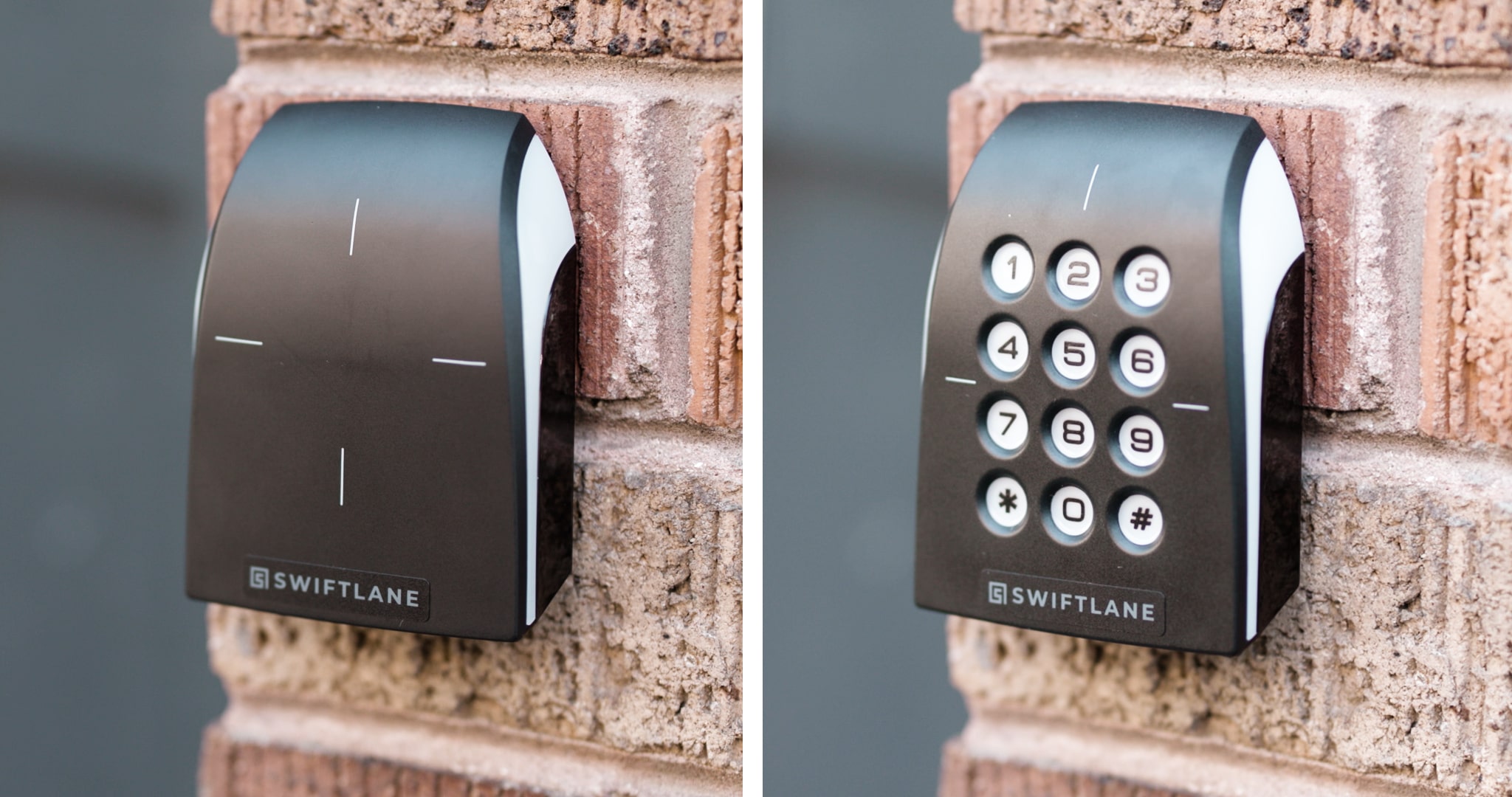
As a modern access control provider, San Francisco-based Swiftlane helps property teams deploy and manage integrated systems across multifamily and commercial buildings.
While we don’t manufacture RFID hardware, we bring together the right components into a unified solution managed through a central platform and user-friendly app.
We offer:
- Stand-alone RFID readers for doors and gates
- Video intercoms with built-in RFID and facial recognition
- Vehicle access solutions, including RFID windshield tags and clickers
- Solutions for gated communities, offices, gyms, and more
All credentials (RFID, mobile, or biometric) are managed through a cloud-based dashboard, making it easy to issue access, monitor activity, and scale as your property grows.
Our platform is built around a highly rated mobile app (5.0 on Google Play and 4.8 on the App Store), helping property teams modernize access control without adding operational complexity. Get a quote today.
FAQs
Can RFID Credentials Be Copied?
Some older, unencrypted RFID credentials (like 125 kHz cards) can be cloned. But modern encrypted credentials and mobile access can reduce this risk.
What RFID type is most secure?
Encrypted high-frequency (HF) smart cards like MIFARE DESFire and mobile credentials offer the highest level of security for most buildings.
How much does an RFID access control system cost?
Costs can range from a few hundred dollars per door for basic setups to tens of thousands for full-building systems, depending on scale and features.
Can RFID work with mobile access or smartphones?
Yes, many modern RFID systems integrate with smartphones using NFC or Bluetooth, letting you offer both physical and mobile credentials.
Is RFID access control better than traditional keys?
RFID can be more secure and easier to manage since credentials can be issued or revoked instantly without rekeying locks.
What happens if an RFID card or fob is lost?
You can deactivate the lost credential immediately and issue a replacement without needing to change locks or affect other users.
Can RFID systems be integrated with existing door hardware?
In many cases, yes. RFID readers can often be retrofitted to compatible electric strikes, magnetic locks, or existing access control wiring, depending on the building setup.
What happens if the system loses power or internet?
Most systems have fail-safe or fail-secure modes and local caching, allowing doors to continue operating with stored credentials even during outages, depending on configuration.
Do RFID systems keep track of entry activity?
Yes, most modern systems log access events, including user identity, time, and entry point, which helps with audits, investigations, and compliance.
Can RFID access control scale across multiple buildings?
Yes, cloud-based RFID systems can manage multiple properties from a single dashboard, making it easier for operators to oversee distributed portfolios.
Start Improving Your Building Security
Contact a Swiftlane specialist and find the best access and intercom solution for your building.


